
FilmLune · AI生成とギャラリー
厳選プロンプト | AI画像・動画を手軽に作成
FilmLuneについて
FilmLuneはAI画像生成と画像・動画の作例ギャラリーを組み合わせています。各詳細ページで、結果、利用可能なプロンプト、記載されたモデル、アレンジできる手法を確認できます。
すべてのプロンプトを見るわかりやすい手法
2つの入口
静止画の構図を学ぶなら画像の作例から、動き、入力、長さを学ぶなら動画の作例から始められます。どちらのライブラリも同じ正規の作例詳細につながります。
利用範囲を明確に
モデルと設定は表示中の版を示します。FilmLuneは引き継ぎ時にモデルを無断で置き換えません。外部作品の作者表示と出典リンクは詳細ページに保持されます。
その版の権利で許可されている場合に限ります。詳細にはプロンプトと出典を保持します。利用できない操作を架空の内容で置き換えることはありません。
いいえ。モデルのバージョン、入力、設定によって結果は変わります。手法を出発点として、生成前にパラメーターをご確認ください。
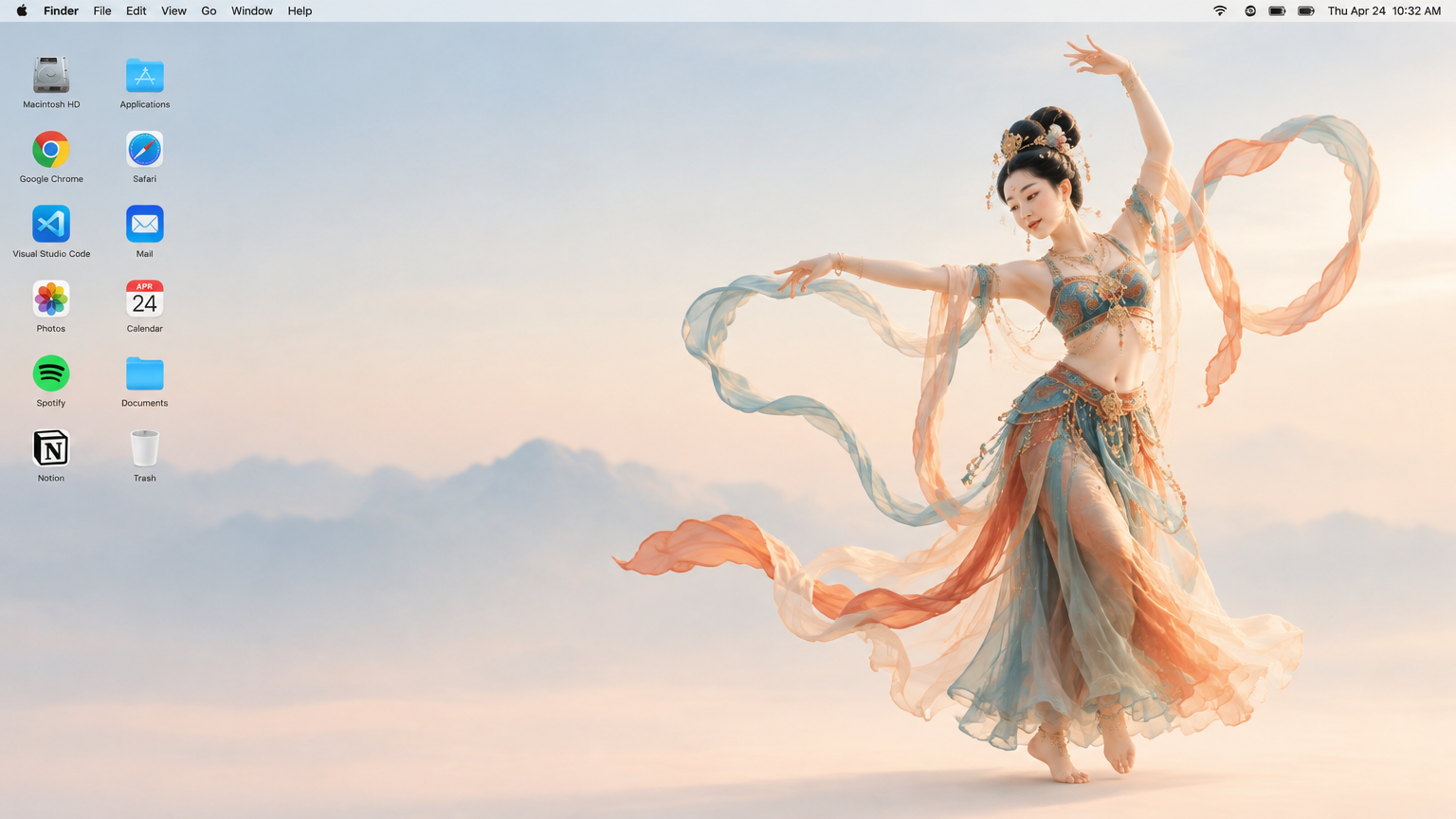
 SpringWangGPT Image 2.5
Generate a 16:9 Apple Mac desktop image.
It should look like a real Mac desktop screen, clean and simple, with a classic macOS-style soft gradient background. Keep the overall feeling minimal, bright, and elegant. Include the normal top menu bar and the small status icons in the top-right corner, so it feels like a proper Mac desktop.
On the left side, place two neat vertical columns of common app icons, like normal desktop icons, not too large. Keep them aligned and natural, with realistic spacing.
On the right side, show a full-body Dunhuang flying apsara dancer. She is elegant and beautiful, wearing flowing traditional Dunhuang-style costume with long ribbons and light silk scarves. She is in a dancing pose, graceful and lively. Her clothes and ribbons are floating slightly in the air.
The dancer should stand clearly on the right side, and the two columns of icons should remain on the left side. The whole image should feel like a genuine Mac desktop, not a poster, not a collage, and not an illustration board.