
FilmLune · AI 생성과 갤러리
엄선된 프롬프트 | AI 이미지와 동영상을 쉽게 만드세요
FilmLune 알아보기
FilmLune은 AI 이미지 생성기와 이미지·동영상 예시 갤러리를 함께 제공합니다. 각 상세 페이지에서 결과물, 제공되는 프롬프트, 명시된 모델, 응용할 수 있는 제작 방법을 확인할 수 있습니다.
모든 프롬프트 둘러보기알기 쉬운 제작 방법
두 가지 시작점
정적인 구성을 만들려면 이미지 예시에서 시작하세요. 움직임, 입력 자료, 길이를 알아보려면 동영상 예시에서 시작하세요. 두 라이브러리 모두 같은 정식 상세 페이지로 연결됩니다.
알아두면 좋은 기준
모델과 설정은 현재 표시된 리비전에 해당합니다. FilmLune은 Studio로 전달할 때 모델을 알리지 않고 바꾸지 않습니다. 외부 작품의 상세 페이지에는 저작자 표시와 출처 링크가 유지됩니다.
해당 리비전의 권한이 허용하는 경우에만 가능합니다. 상세 페이지에는 프롬프트와 출처가 유지됩니다. 이용할 수 없는 기능을 임의로 만든 콘텐츠로 대체하지 않습니다.
아닙니다. 모델 버전, 입력 자료, 설정에 따라 결과가 달라질 수 있습니다. 제작 방법을 시작점으로 삼고 생성 전에 매개변수를 확인하세요.
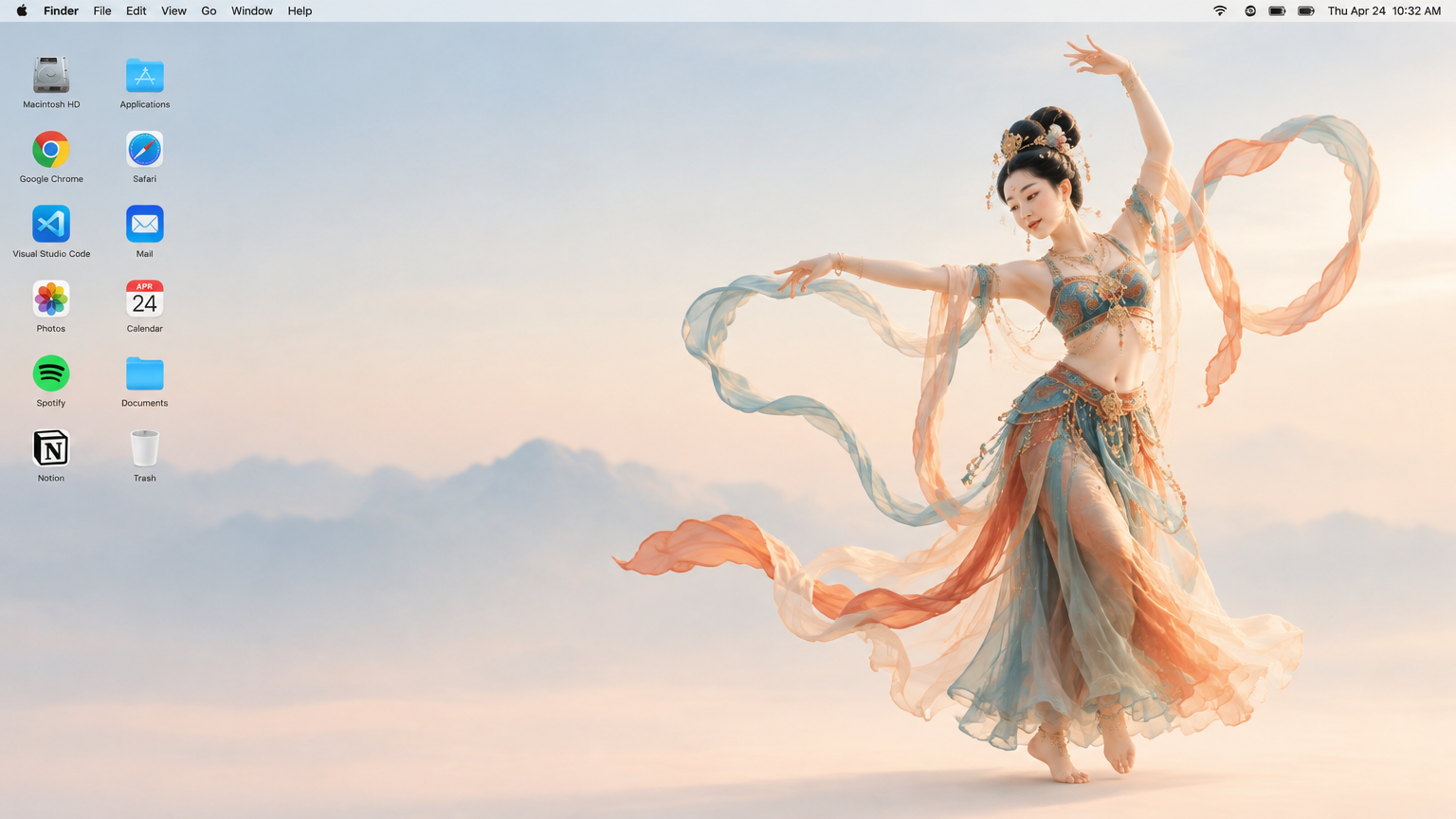
 SpringWangGPT Image 2.5
Generate a 16:9 Apple Mac desktop image.
It should look like a real Mac desktop screen, clean and simple, with a classic macOS-style soft gradient background. Keep the overall feeling minimal, bright, and elegant. Include the normal top menu bar and the small status icons in the top-right corner, so it feels like a proper Mac desktop.
On the left side, place two neat vertical columns of common app icons, like normal desktop icons, not too large. Keep them aligned and natural, with realistic spacing.
On the right side, show a full-body Dunhuang flying apsara dancer. She is elegant and beautiful, wearing flowing traditional Dunhuang-style costume with long ribbons and light silk scarves. She is in a dancing pose, graceful and lively. Her clothes and ribbons are floating slightly in the air.
The dancer should stand clearly on the right side, and the two columns of icons should remain on the left side. The whole image should feel like a genuine Mac desktop, not a poster, not a collage, and not an illustration board.