

 SpringWangGPT Image 2.5
PROMPT
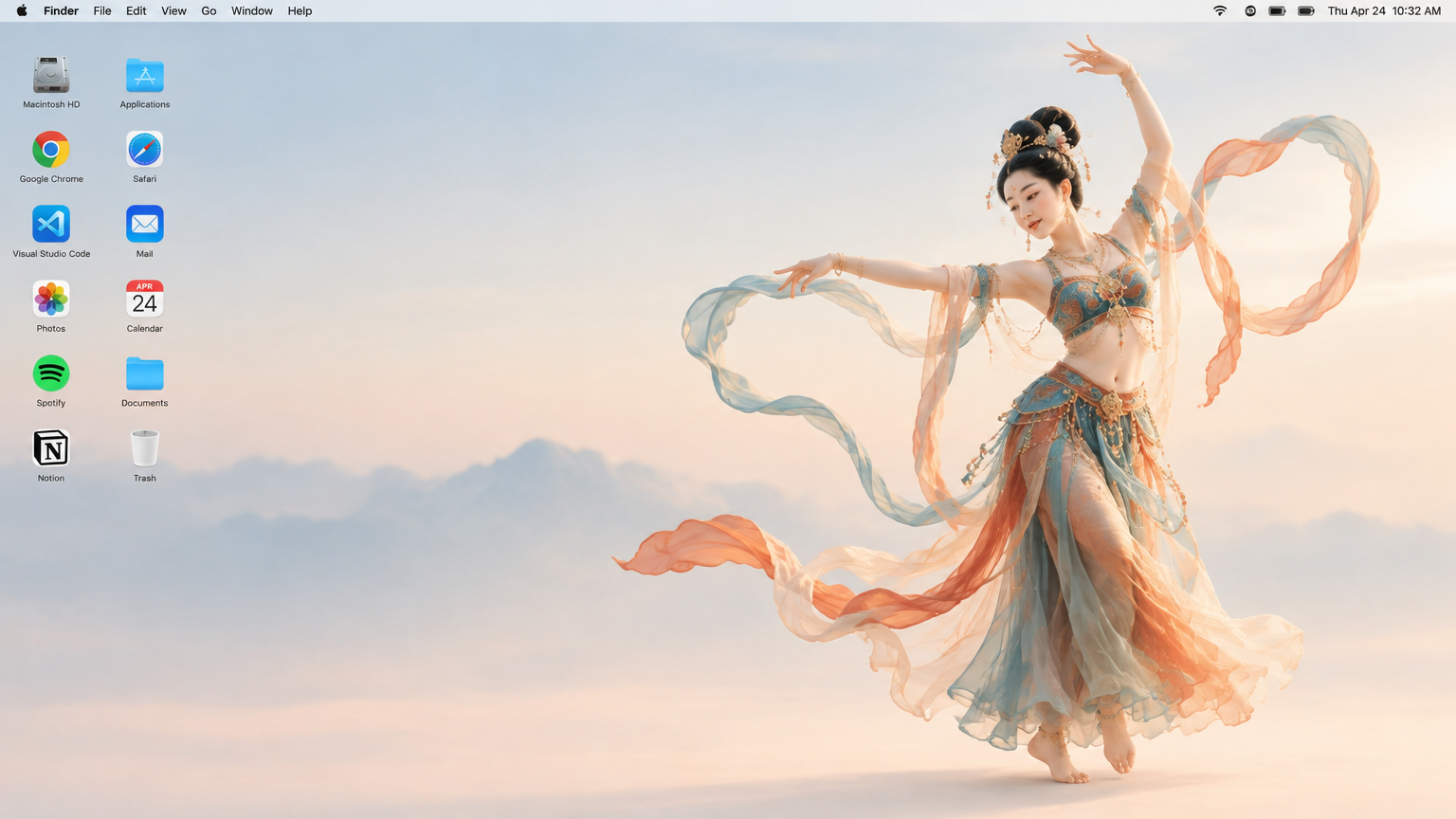
Generate a 16:9 Apple Mac desktop image.

It should look like a real Mac desktop screen, clean and simple, with a classic macOS-style soft gradient background. Keep the overall feeling minimal, bright, and elegant. Include the normal top menu bar and the small status icons in the top-right corner, so it feels like a proper Mac desktop.

On the left side, place two neat vertical columns of common app icons, like normal desktop icons, not too large. Keep them aligned and natural, with realistic spacing.

On the right side, show a full-body Dunhuang flying apsara dancer. She is elegant and beautiful, wearing flowing traditional Dunhuang-style costume with long ribbons and light silk scarves. She is in a dancing pose, graceful and lively. Her clothes and ribbons are floating slightly in the air.

The dancer should stand clearly on the right side, and the two columns of icons should remain on the left side. The whole image should feel like a genuine Mac desktop, not a poster, not a collage, and not an illustration board.