
FilmLune · AI generator and gallery
Create stunning AI images and videos with curated prompts.
Understand FilmLune
FilmLune combines an AI image generator with a gallery of image and video examples. Each detail shows the result, available prompt, declared model, and a method you can adapt.
Explore all promptsA readable method
Two ways in
Start with an image example for a still composition, or a video example to study motion, inputs, and duration. Both libraries lead to the same canonical case details.
Useful boundaries
Models and settings describe the visible revision: FilmLune does not silently replace a model during handoff. External work keeps its attribution and source link on the detail page.
Only when that revision’s rights permit it. The detail then preserves the prompt and its provenance; an unavailable action is never replaced with invented content.
No. Model versions, inputs, and settings can change the output. Use the method as a starting point and check the parameters before generating.
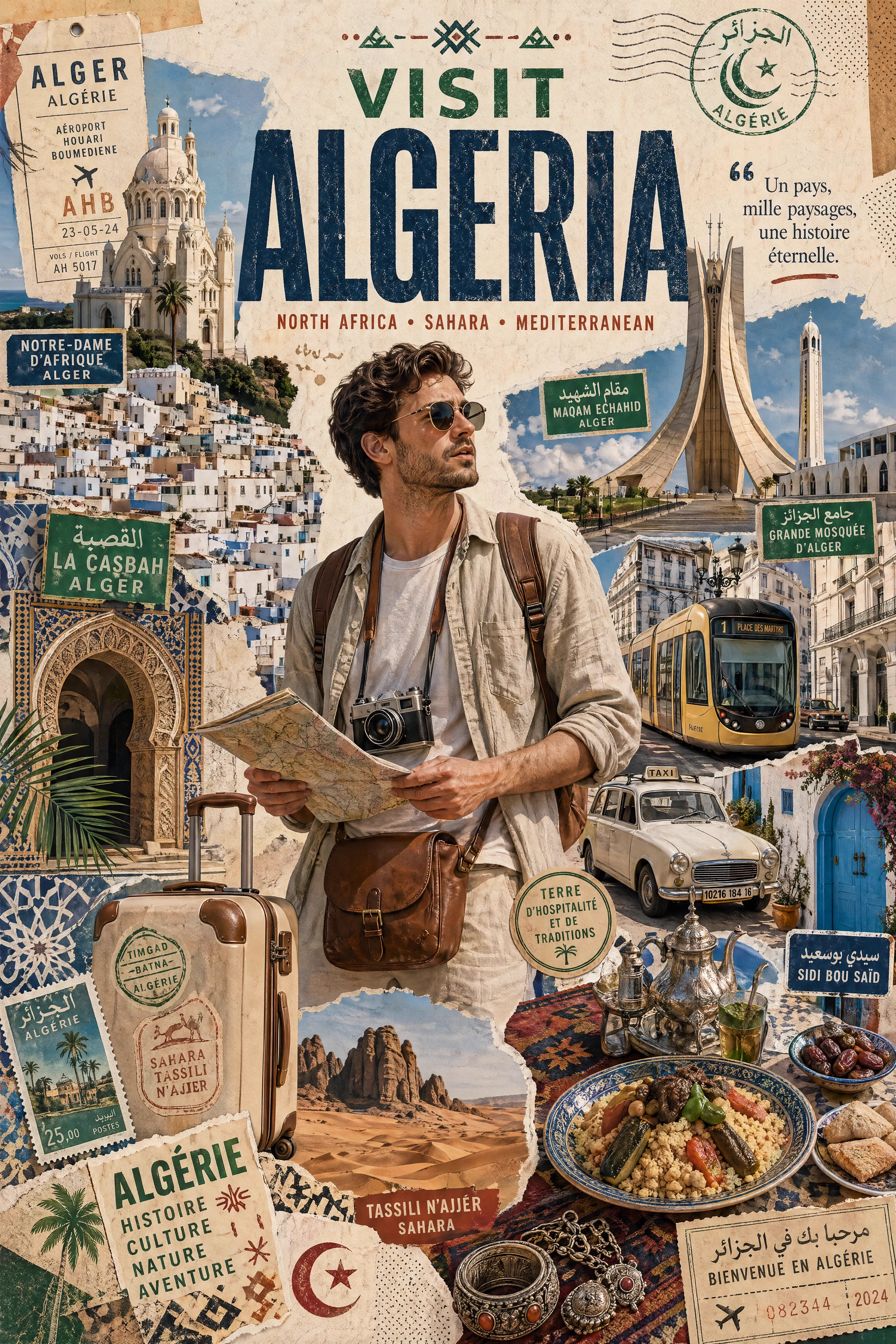
Prompt guide · AI image
A traveller, landmarks, streets, transport and cultural fragments form a layered vertical poster for Algeria.
Build a destination poster in which one traveller leads the eye through a dense but readable cultural collage.
Keep the hierarchy between portrait, headline and environmental fragments, then adapt the destination, landmarks, transport and food. Verify cultural details and generated lettering.
This example is attributed to Ayyoub Ai @MaAyyoub.
The work remains attributed to its public source; the link preserves access to its original context.
Review or copy the complete prompt shown on the first screen.
Open the Image Studio with the exact recipe already prepared.
Adapt the subject, style, or constraints you need, then start your creation.