FilmLune · AI generator and gallery
Curated prompts | Create AI images & videos with ease
Understand FilmLune
FilmLune combines an AI image generator with a gallery of image and video examples. Each detail shows the result, available prompt, declared model, and a method you can adapt.
Explore all promptsA readable method
Two ways in
Start with an image example for a still composition, or a video example to study motion, inputs, and duration. Both libraries lead to the same canonical case details.
Useful boundaries
Models and settings describe the visible revision: FilmLune does not silently replace a model during handoff. External work keeps its attribution and source link on the detail page.
Only when that revision’s rights permit it. The detail then preserves the prompt and its provenance; an unavailable action is never replaced with invented content.
No. Model versions, inputs, and settings can change the output. Use the method as a starting point and check the parameters before generating.
Prompt guide · AI image
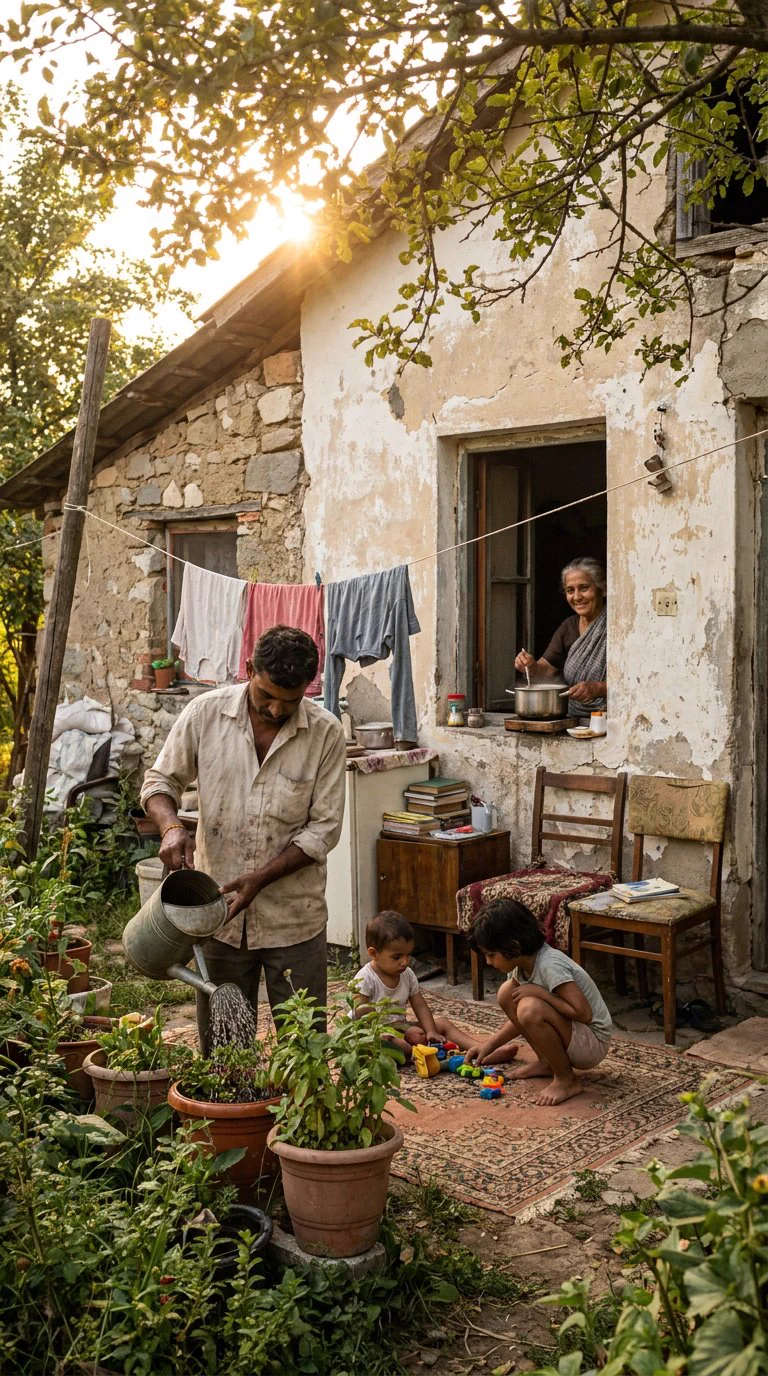
Watering plants, preparing a meal and children's play share one courtyard in warm morning light.
Build a readable family scene by connecting several ordinary activities within one shared space instead of arranging unrelated poses.
Use the complete prompt with Nano Banana Pro. Organize four figures around three actions: watering plants, preparing food at the window and playing together. Link foreground and background through pots, laundry and tree-filtered light while keeping each gesture clear. Vertical framing follows the example; the source does not attest a numerical ratio. Limitations: Family roles and social context are fictional prompt premises, not verified identities or documentary reporting. The rug and adults' apparent ages are rendering choices, not prescribed details. No seed or exact generation ratio is supplied. The archived X rendition is 768 × 1376 pixels; 35 mm is a requested photographic look, not camera metadata.
This example is attributed to WeWant Mars @Madhuribhai.
The work remains attributed to its public source; the link preserves access to its original context.
Review or copy the complete prompt shown on the first screen.
Open the Image Studio with the exact recipe already prepared.
Adapt the subject, style, or constraints you need, then start your creation.