

Grok Video AI Video Generator
Loading…
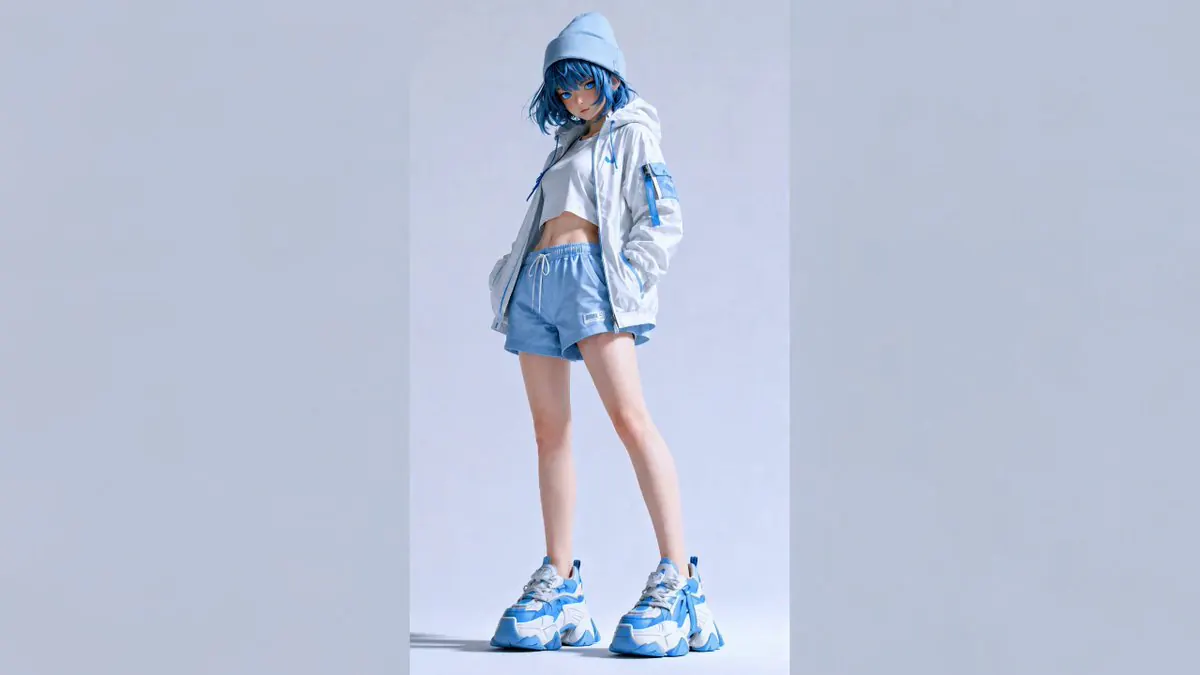
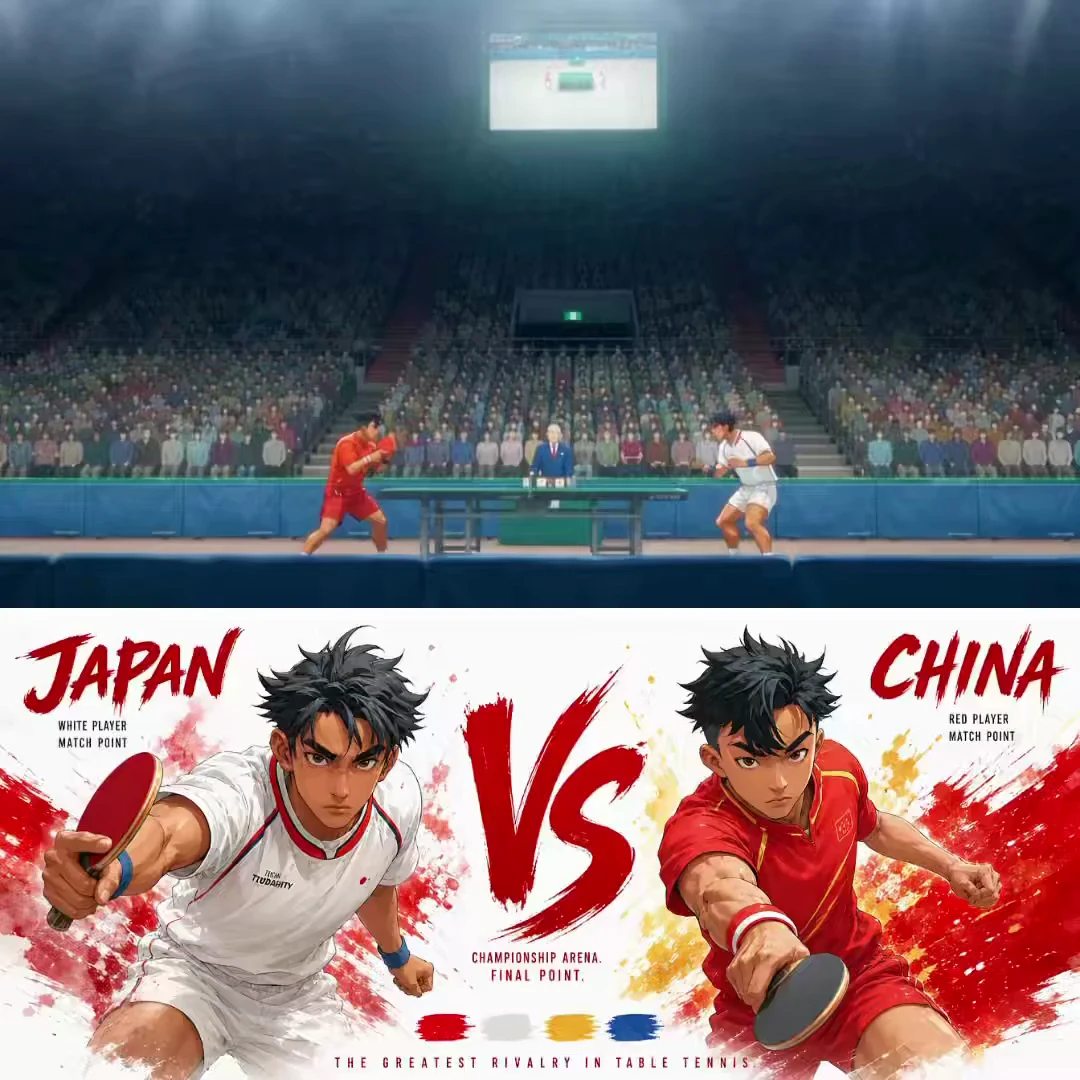
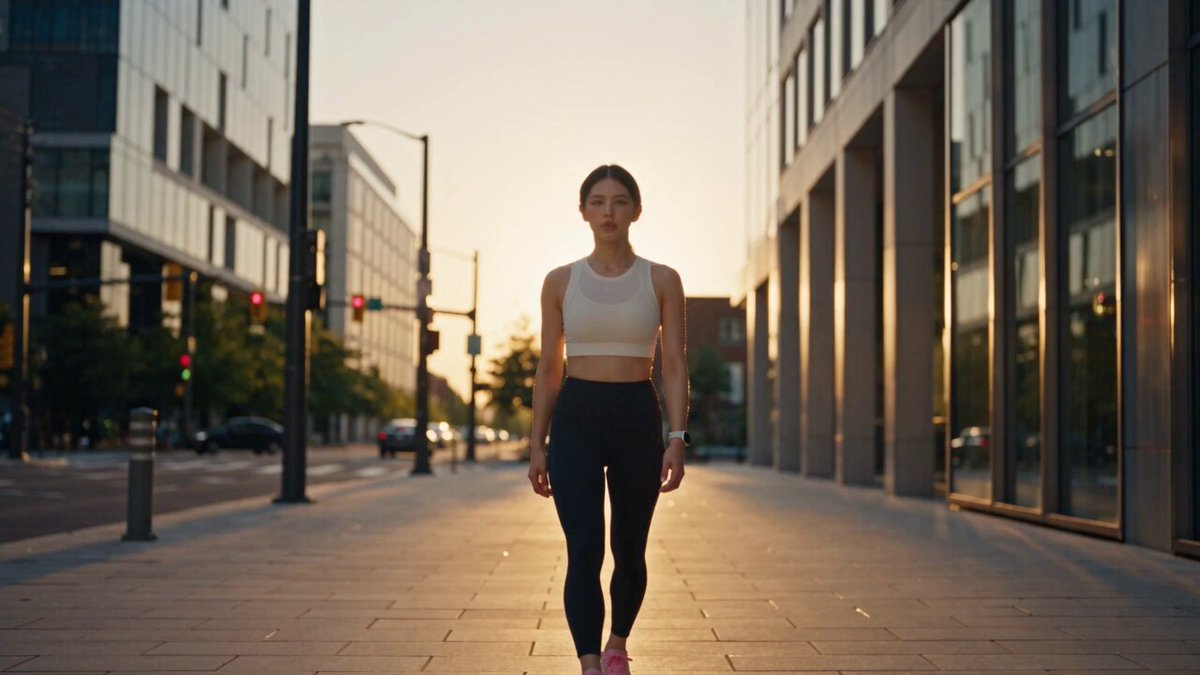
Turn one scene idea into a short moving clip with Grok Video on FilmLune. Describe the subject’s action and camera path, use the reference inputs offered by the selected option, and choose the current frame, duration and resolution before confirming the credit quote.
Grok Video: What you can create
A video prompt adds time to a visual idea. Instead of describing only how a scene looks, explain what changes: the subject turns, light moves across a product, or the camera approaches a doorway. State an opening and a finish so the action has a readable arc. Keep the number of moving elements small enough to inspect in the completed clip.
Grok Video is separate from Grok Imagine Image, which creates still images. FilmLune exposes the configured video inputs and output choices rather than the entire upstream product. A reference image can help communicate appearance or composition when supported, but it does not guarantee identity preservation or an exact action-transfer result. Review the whole clip and use the actual quote for the selected request.
Creative controls and practical strengths
Animate one visual idea
Choose a central change and remove details that compete with it. If the camera circles a product, keep the product still; if the subject performs an action, keep the camera path simple. Describe the end state as well as the movement so the clip has a finish. Review the middle frames for unwanted transformations or shifts in the background.
Keep appearance and movement instructions distinct
Use supported references to describe the subject or opening scene, then use text to describe motion. Specify what should stay recognizable and what may change. Avoid treating a reference as a promise of an identical face, object or trajectory. If exact replacement or motion transfer is essential, it needs a dedicated validated workflow beyond this general generator.
Use the current video controls
The connected Grok Video option has its own duration, format and resolution choices, listed below. Select them in the editor instead of assuming that a prompt can override the allowed range. The generation produces one bounded clip. Longer editing timelines, subtitles, voiceover and automatic publishing are separate tasks and are not implied by this page.
Creative references from FilmLune’s gallery
These references show ideas for a brief. Their cards name the actual source model; they are not verified outputs from the model on this page.
Compare the current versions
These options come from FilmLune’s connected catalog. Select an exact version in the generator to review the complete settings and quote.
| Version | Output | Duration | Supported references |
|---|---|---|---|
| Grok Video 1.5 | 480P / 720PMP4 | 6–15 s | Character images · Image references · Start / end frames |
Ways to use this model
Moving product concepts
Describe a stable product and one slow change in angle or light. Give the model a clear background and avoid unnecessary props. Check the product’s silhouette and surface details throughout the result, especially when it moves relative to the camera.
Character reaction clips
Choose one adult subject and one readable expression or gesture. Specify the starting pose and final look, with a stable camera distance. Review facial details, hand motion and continuity before using the clip as a reaction or visual insert.
Short atmospheric scenes
Use a clear environment with one subtle movement such as rain, reflected light or a gentle camera approach. Keep the visual focus steady. The generated clip can support your own later edit, but the generator does not automatically produce a complete multi-scene story.
How to generate
Write a focused brief
Start with one subject and a clear composition or action. Explain what must stay and what may change when using references. The templates below are starting briefs you can adapt.
Choose the version and output
Select the exact model version, frame and output settings in the shared generator above. Use only its available inputs. Review the complete credit quote before confirming the request.
Review the complete result
Check important details and, for a video, watch the entire clip. Refine one instruction at a time. Your completed private creations remain in History; public sharing is a separate action.
Prompt templates to try
Subtle product reveal
One continuous shot of a blue glass bottle on a dark stone surface. The camera moves slowly from front to a slight side angle while a soft highlight travels across the glass. Preserve the bottle shape and label position. No cuts, transformations or added text.Pair a stable subject with one clear camera movement.
Simple character reaction
An adult person sits in a quiet café, looks up from a book and smiles gently toward the camera. Steady waist-up framing, warm window light, no other people moving through the background. One natural action, no cuts.Keep expression, framing and background instructions compatible.
Before you generate
- Watch the complete clip for identity, motion, object contact and scene continuity; a good first frame is not enough.
- Each request creates one bounded clip. Automatic editing, captions, voiceover and long-video assembly are not included.
- Only use permitted references and current input combinations. Exact action transfer or person replacement is not guaranteed by a general video generator.
Your generations stay private in History by default. Publishing a case is a separate reviewed action.
Choose your credits
One FilmLune credit balance across connected models. Review the exact generation quote before confirming. Plan prices are listed on Pricing.
STARTER
$19.99 /month2,100 credits/month
View plans ↗PRO
$59.99 /month6,700 credits/month
View plans ↗ULTIMATE
$119.99 /month14,300 credits/month
View plans ↗Grok Video: Frequently asked questions
Is Grok Video the same as the Grok image generator?
No. Grok Video creates a bounded moving clip with separate duration and output controls. Grok Imagine Image creates still images. Choose the page that matches the result you need; the inputs and credit options are not interchangeable.
Can I start from a reference image?
Use the reference inputs enabled by the current video editor. Explain what appearance or composition the reference should preserve, then describe the action in text. The allowed combinations depend on the connected option, and a reference does not guarantee an exact reproduction.
How long can the clip be?
The current connected duration range is shown in the version table and the generator. Select an allowed value before submission. Asking for a longer video in the prompt does not expand the route’s capability or automatically join several generated clips.
Can Grok Video replace a person while preserving every action?
This general video generator does not promise exact person replacement or action transfer. Those tasks require a dedicated workflow, suitable references and verified results. Here, describe the intended scene and movement and inspect the output for consistency.
Are these reference clips generated by Grok Video?
Cards name their actual published source model. When this family has no published verified example, the references illustrate scene ideas rather than a Grok Video performance claim. Open a case to see its model, prompt and available media.
Where is the price shown and what happens after generation?
The editor shows the quote for the exact model, duration, resolution and inputs before you confirm. Completed private results are available in History. Public gallery publication is a separate process; creating a clip does not automatically make it public.