

Veo 3.1 AI Video Generator
Loading…
Plan a short cinematic shot with Veo 3.1 in FilmLune. Start with a text brief or a supported opening frame, define the camera movement and final state, and select Fast or Pro with the connected duration and resolution controls before confirming the quote.
Veo 3.1: What you can create
A Veo shot works best as a clear change over time. Describe where the scene begins, what happens and where the camera finishes. A slow move toward a café window, one person looking up from a book, or light moving across an architectural surface gives the clip a readable purpose. The selected duration should leave enough time for that action to settle.
Start and end frames are useful when the opening and finish matter. Keep the person, object and setting coherent between them, and describe a plausible transition. Two unrelated frames do not explain the motion between them. FilmLune’s connected Fast and Pro options offer the durations and outputs listed in the current table; upstream model capabilities or a competitor’s settings are not automatic additions to this editor.
Creative controls and practical strengths
Plan the opening and final composition
Use a start frame to establish the subject and camera view. Add an end frame when the final position matters, if the chosen option supports it. Leave a physically understandable path between the frames. Check the complete result for unwanted changes to the subject or environment; matching two attractive frames is not by itself proof that the intermediate motion is coherent.
Write a camera instruction that fits the scene
Choose one movement such as a slow push, a gentle tilt or a short sideward track. Explain what the movement reveals rather than adding camera terminology for its own sake. A crowded combination of pans, zooms, cuts and transformations can exceed what a short clip can communicate. Keep the subject action and camera movement compatible.
Choose Fast or Pro with current settings
Fast and Pro are separate options in FilmLune’s Veo 3.1 catalog. The configured durations include short 4-, 6- and 8-second choices; the table records the current combinations. Choose the output ratio and resolution in the editor. Do not infer an unconnected resolution or a fixed delivery time from the model family name.
Creative references from FilmLune’s gallery
These references show ideas for a brief. Their cards name the actual source model; they are not verified outputs from the model on this page.
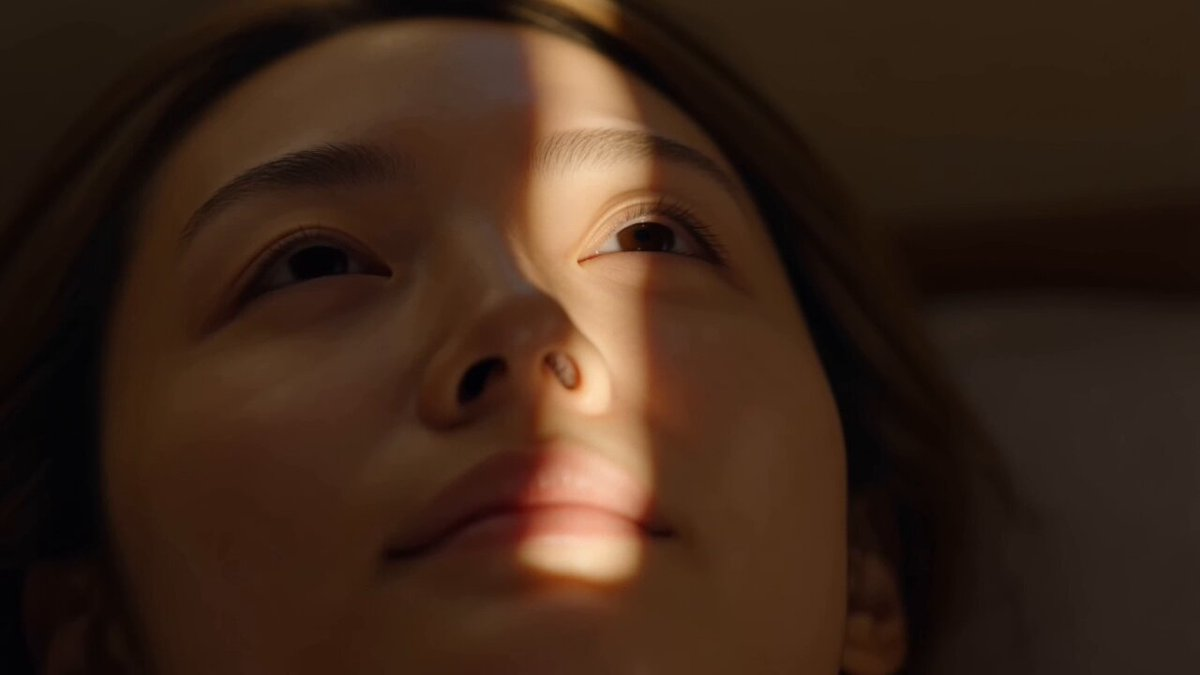 Seedance 2.0Cinematic Winter Cabin EscapeView the original case and prompt ↗
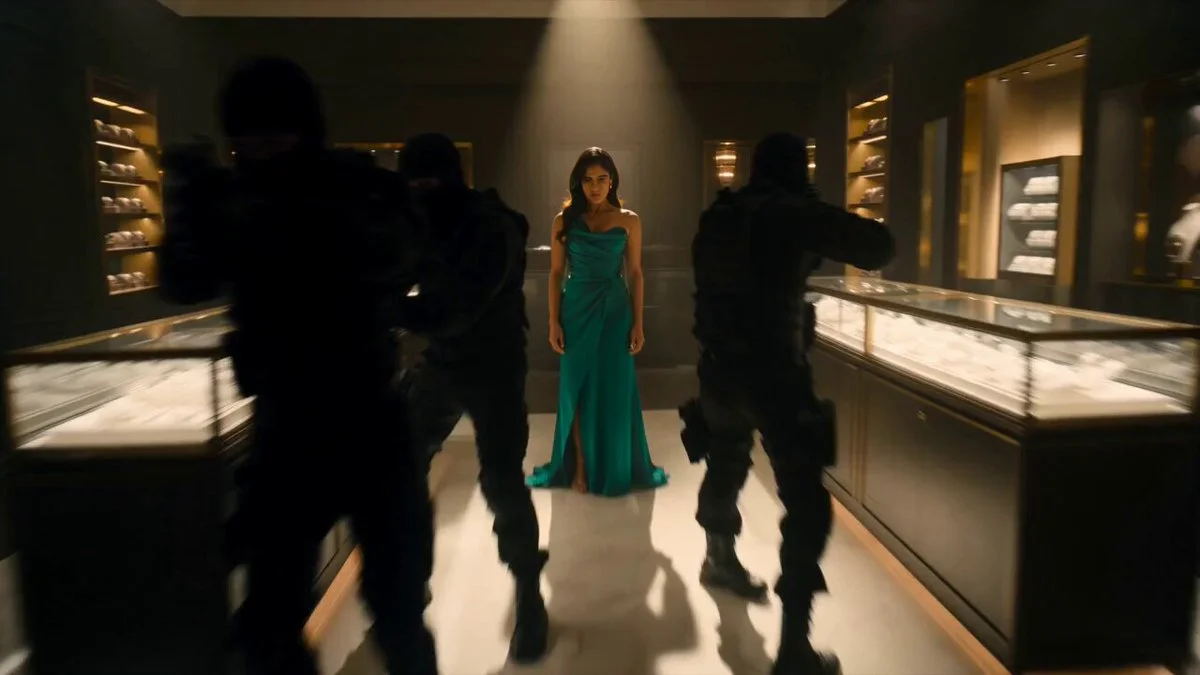 Seedance 2.0Action Choreography in a Jewelry BoutiqueView the original case and prompt ↗
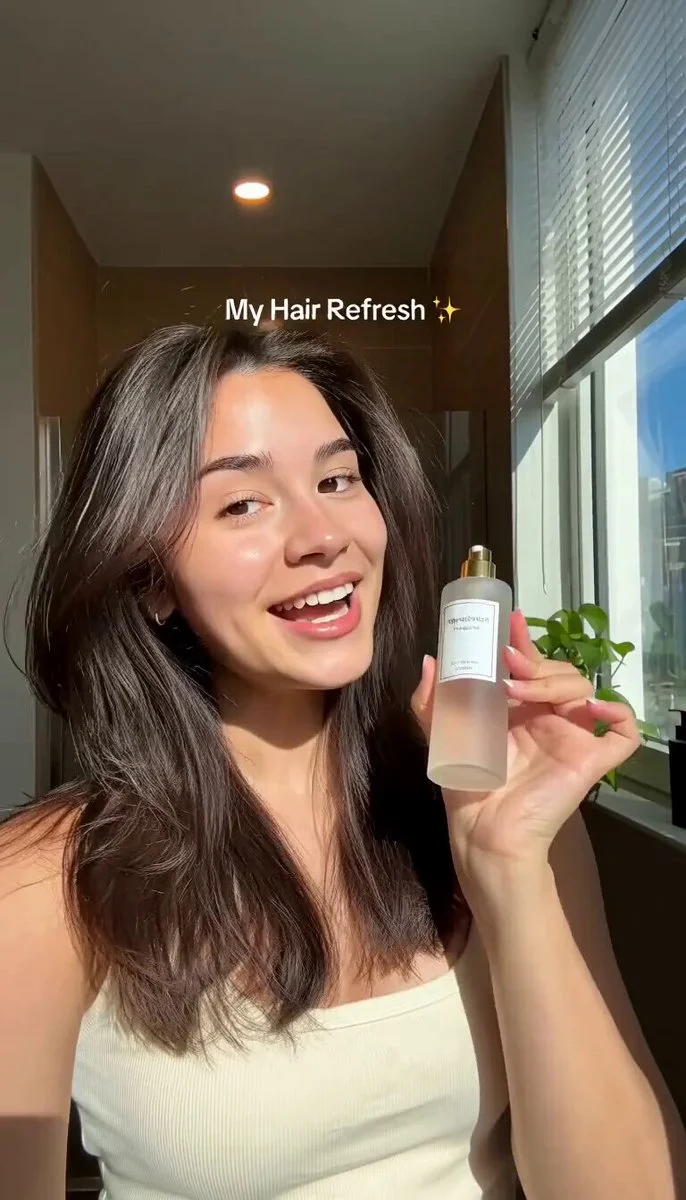 Seedance 2.0Morning Hair Serum RoutineView the original case and prompt ↗
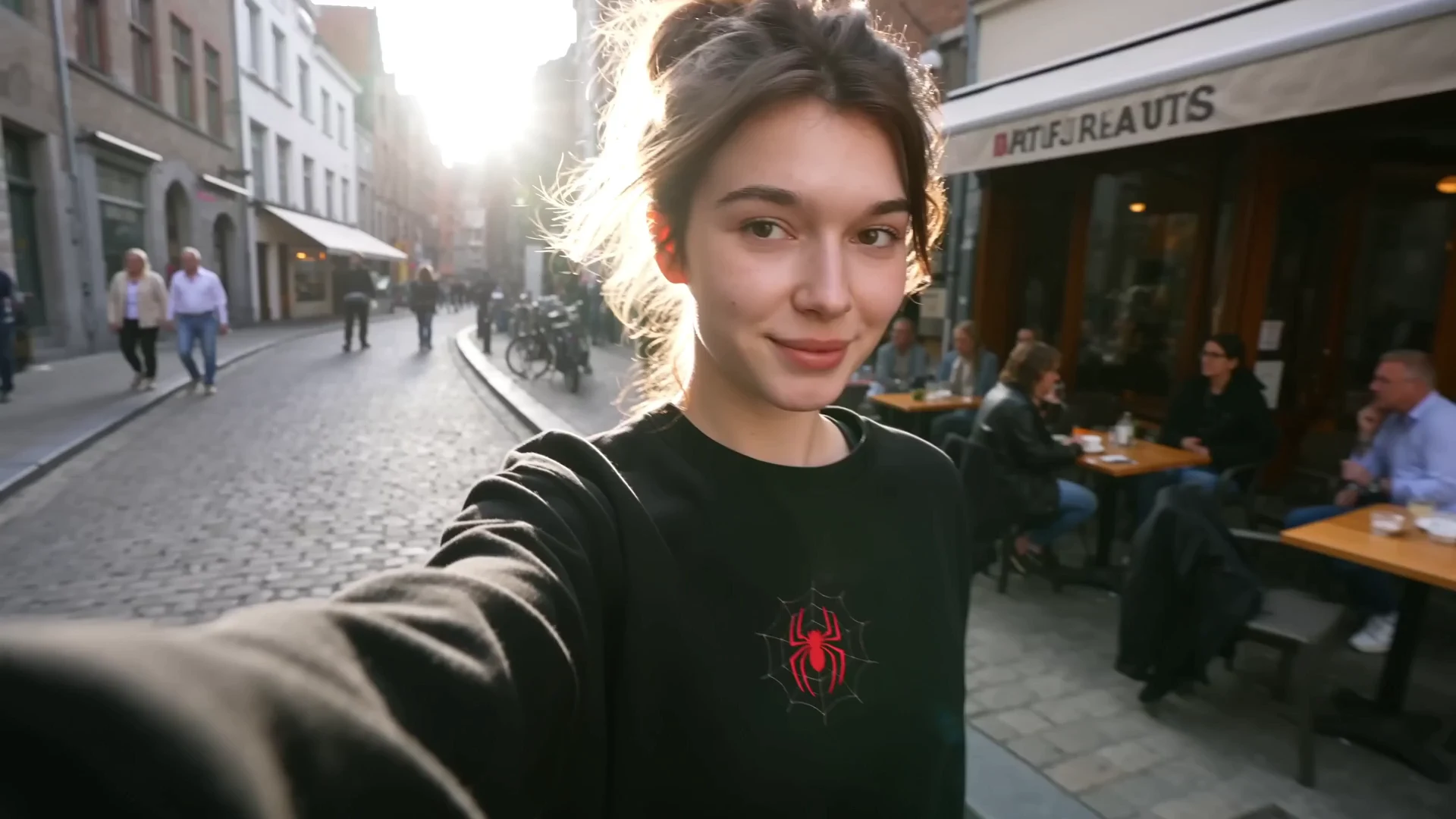 Seedance 2.5One-Take European Travel DiaryView the original case and prompt ↗
Compare the current versions
These options come from FilmLune’s connected catalog. Select an exact version in the generator to review the complete settings and quote.
| Version | Output | Duration | Supported references |
|---|---|---|---|
| Veo 3.1 · Fast | 720P / 1080P / 4KMP4 | 4–8 s | Character images · Start / end frames |
| Veo 3.1 · Pro | 720P / 1080P / 4KMP4 | 4–8 s | Character images · Start / end frames |
Ways to use this model
Cinematic establishing shots
Describe the location, viewpoint and one moving element such as rain, reflected light or a slow camera approach. Keep the scene readable at its chosen duration. Review horizon lines, architecture and reflections for continuity before using the shot as an opening visual.
Product reveal concepts
Establish the product in the opening view and let the camera reveal one new detail. Keep geometry and marks stable while changing the angle or light. A restrained reveal is easier to inspect than a complex transformation that changes the object itself.
Start-to-end frame transitions
Use two coherent frames to explain a beginning and finish. Describe the intended motion between them and choose an enabled input combination. Review intermediate frames as well as the endpoints: continuity errors may appear in the middle even when the opening looks correct.
How to generate
Write a focused brief
Start with one subject and a clear composition or action. Explain what must stay and what may change when using references. The templates below are starting briefs you can adapt.
Choose the version and output
Select the exact model version, frame and output settings in the shared generator above. Use only its available inputs. Review the complete credit quote before confirming the request.
Review the complete result
Check important details and, for a video, watch the entire clip. Refine one instruction at a time. Your completed private creations remain in History; public sharing is a separate action.
Prompt templates to try
Quiet cinematic approach
One continuous shot outside a small café on a rainy evening. Start with a wide view, then slowly move toward the lit window where an adult person reads a book. End in a steady medium view through the glass. Natural reflections, restrained motion, no cuts.Define a specific opening, camera path and finish.
Architectural atmosphere
A wide shot of a curved stone pavilion beside a still pool at sunrise. The camera tracks gently to the right as warm light touches the columns. Preserve the architecture and reflection. One continuous movement, no people or added text.Keep the environment stable and let one movement carry the clip.
Before you generate
- Watch the complete clip for identity, motion, object contact and scene continuity; a good first frame is not enough.
- Each request creates one bounded clip. Automatic editing, captions, voiceover and long-video assembly are not included.
- Only use permitted references and current input combinations. Exact action transfer or person replacement is not guaranteed by a general video generator.
Your generations stay private in History by default. Publishing a case is a separate reviewed action.
Choose your credits
One FilmLune credit balance across connected models. Review the exact generation quote before confirming. Plan prices are listed on Pricing.
STARTER
$19.99 /month2,100 credits/month
View plans ↗PRO
$59.99 /month6,700 credits/month
View plans ↗ULTIMATE
$119.99 /month14,300 credits/month
View plans ↗Veo 3.1: Frequently asked questions
Which Veo version is connected to FilmLune?
This page covers the configured Veo 3.1 Fast and Pro options. The version table summarizes the connected outputs and durations. It does not advertise every upstream Veo mode or imply that features from another product are available in FilmLune.
How long can a Veo clip be here?
The connected options use the short durations listed in the table, including 4, 6 and 8 seconds. Select the exact setting in the editor. A prompt asking for a longer clip does not expand the allowed duration, and this generator does not automatically join several clips.
Can I use only a start frame?
Use the input combinations enabled by the selected editor. A start frame can establish the opening, while an end frame helps describe a specific finish when supported. Keep the subject and scene consistent and make the desired motion clear in the brief.
What is the difference between Fast and Pro?
They are distinct connected selections with their own output settings and credit quotes. Compare them using the same scene and references for your actual task. This page does not promise a fixed rendering speed or claim a measured quality advantage without corresponding evidence.
Are the reference clips below verified Veo outputs?
Every card names its actual published source model. If this family has no published verified example, the clips are creative references rather than a Veo quality demonstration. Open the original case for its model and prompt details.
How do I choose resolution and check the price?
Use the generator’s format and resolution controls, then read the credit total before confirming. The exact configured output is determined by those controls, not by a resolution phrase inside your prompt. Completed private videos can be reviewed in History.