

Seedream AI Image Generator
Image Studio
Reference images(optional)
Model
Seedream 5.0 Pro1K · Standard · 11
1
Auto · 1:1
Develop polished product scenes, editorial portraits and visual concepts with Seedream. Describe composition, materials and lighting, add supported references when needed, and choose between the currently configured Seedream versions in FilmLune’s shared image workspace.
Seedream: What you can create
A Seedream prompt becomes easier to evaluate when it describes a complete visual arrangement rather than a list of style adjectives. Name the subject, camera position, supporting objects and the part of the image that should remain empty. Then specify material and light: brushed metal under a soft overhead source is a different request from glossy plastic under a hard flash.
For reference-led work, separate subject preservation from artistic changes. Keep the product shape or person description explicit while changing the backdrop, palette or framing. Seedream 5.0 Pro and 4.5 are distinct selections on FilmLune, and the output controls and quote follow the chosen version. The illustrated briefs on this page identify their source model and are not substitutes for a measured Seedream comparison.
Creative controls and practical strengths
Shape light around the subject
Describe where the light comes from and how it meets the material. Glass needs reflections and transparency; fabric needs readable texture; metal needs highlights that reveal its shape. Choose one main lighting direction before adding secondary effects. A controlled setup gives you specific things to inspect in the output instead of judging only whether the image feels “premium.”
Plan an editorial composition
Specify the placement of the subject and the relationship between foreground and background. An editorial cover often needs negative space and a clear focal point. State the intended ratio in the generator, then describe the layout inside that frame. For a text-heavy design, quote essential words and review their spelling rather than assuming the generated layout is final artwork.
Compare 5.0 Pro and 4.5 using one brief
Start with the same scene and references when exploring the configured Seedream versions. Change one output setting at a time so the comparison remains readable. Use the version table for the options actually available on FilmLune, and inspect the quote after switching. Claims about faster rendering or superior quality need measured results for that exact task.
Creative references from FilmLune’s gallery
These references show ideas for a brief. Their cards name the actual source model; they are not verified outputs from the model on this page.
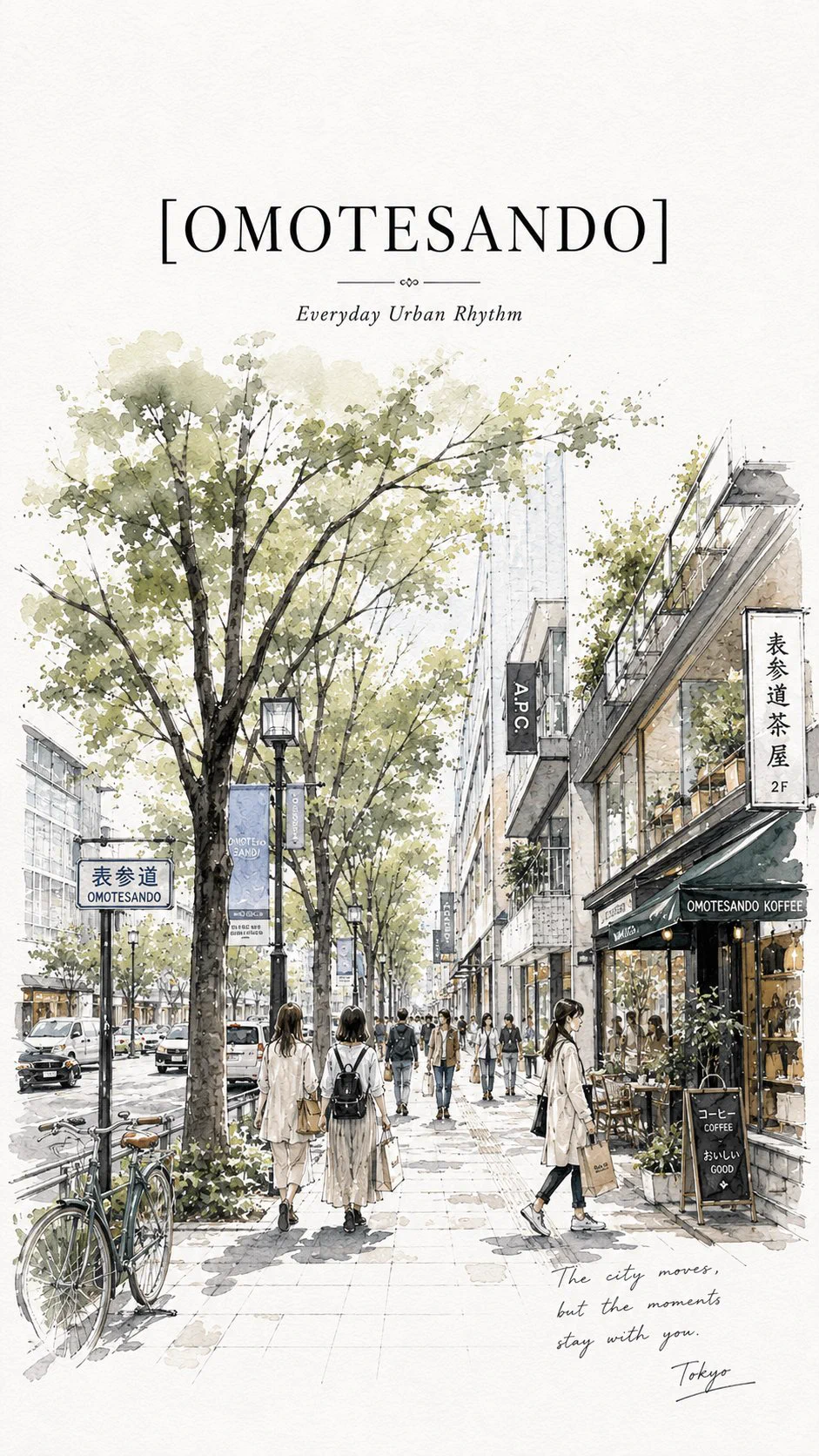 GPT Image 2Omotesando Tokyo Ink and Watercolor Travel PosterView the original case and prompt ↗
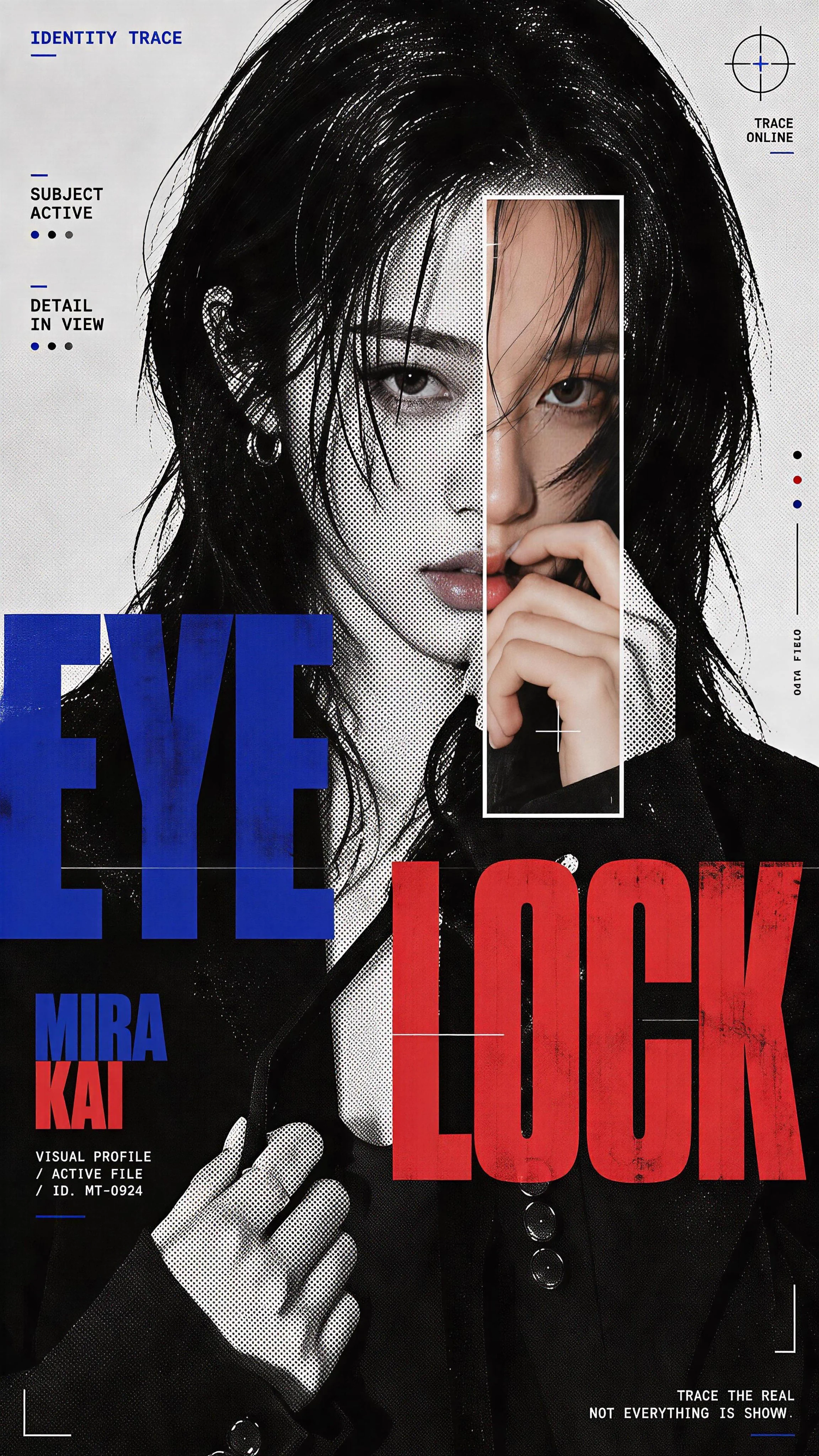 GPT Image 2Halftone Portrait Poster with a Colour Scan WindowView the original case and prompt ↗
 GPT Image 2Neon New York Portrait CollageView the original case and prompt ↗
 GPT Image 2Night Portrait through Curved GlassView the original case and prompt ↗
Compare the current versions
These options come from FilmLune’s connected catalog. Select an exact version in the generator to review the complete settings and quote.
| Version | Output | Duration | Supported references |
|---|---|---|---|
| Seedream 5.0 Pro | 1K / 2KPNG | — | Character images · Image references |
| Seedream 4.5 | 2K / 4KPNG | — | Character images · Image references |
Ways to use this model
Product launch visuals
Set the product on a specific surface with a controlled backdrop and one lighting direction. Describe its real materials rather than piling on effects. Leave an intentional area for the launch message and inspect packaging details before building the final advertisement.
Editorial portrait concepts
Describe the pose, clothing, background and camera distance as one coherent scene. A restrained color palette helps connect the portrait to an article or cover direction. Use supported references for recognizable details and evaluate the result against them.
Architecture and atmosphere
Describe the spatial relationships in a room or exterior: where the viewer stands, what sits in front, and what lies in the distance. Name the time of day and light source. Check perspective, repeating structures and reflections before using the scene as a design reference.
How to generate
Write a focused brief
Start with one subject and a clear composition or action. Explain what must stay and what may change when using references. The templates below are starting briefs you can adapt.
Choose the version and output
Select the exact model version, frame and output settings in the shared generator above. Use only its available inputs. Review the complete credit quote before confirming the request.
Review the complete result
Check important details and, for a video, watch the entire clip. Refine one instruction at a time. Your completed private creations remain in History; public sharing is a separate action.
Prompt templates to try
Editorial product scene
A matte ivory skincare jar on a dark green stone shelf, photographed at eye level. One soft overhead light reveals the jar’s smooth surface. A small leaf sits behind it, out of focus. Vertical layout with clear space above the product; no added text.Describe a small number of objects and their exact relationship.
Architectural concept
A quiet courtyard with curved terracotta walls and one shallow reflecting pool at sunset. Wide architectural view, a small doorway on the left, warm light touching the wall edges. Balanced geometry, realistic materials, no people or text.Use spatial instructions to create a composition that can be evaluated.
Before you generate
- Review rendered wording, faces, hands, product marks and geometry before using an image.
- Only use references you have permission to process. Describe the preservation boundary clearly.
- Available settings and quotes are shown for the exact connected version. A prompt cannot enable an unsupported input or output.
Your generations stay private in History by default. Publishing a case is a separate reviewed action.
Choose your credits
One FilmLune credit balance across connected models. Review the exact generation quote before confirming. Plan prices are listed on Pricing.
STARTER
$19.99 /month2,100 credits/month
View plans ↗PRO
$59.99 /month6,700 credits/month
View plans ↗ULTIMATE
$119.99 /month14,300 credits/month
View plans ↗Seedream: Frequently asked questions
Which Seedream versions are available here?
The current table lists the configured Seedream 5.0 Pro and 4.5 options. Select the exact version in the editor to see its inputs, output sizes and quote. This page does not imply that every Seedream release or every upstream option is connected to FilmLune.
Can Seedream use a reference product photo?
Use the reference inputs offered by the selected editor and state what should be preserved. Identify shape, packaging and labels separately from the new setting or light. Review all product details afterward; reference guidance does not guarantee exact reproduction.
What should I put in a Seedream prompt?
Describe subject, composition, material and light in that order. Add exact wording only when it belongs in the image. Keep the request coherent: contradictory camera positions or competing main subjects make it harder to judge which instruction the output followed.
Does a resolution tier guarantee a precise pixel size?
The actual dimensions depend on the selected aspect ratio and output option. The generator’s format control determines the configured dimensions; writing a resolution in the prompt does not select that option. Review both the frame and the displayed quote before generating.
Are the creative references below Seedream test results?
Cards identify their actual published source model. Where FilmLune has no published, verified example for this family, references illustrate a creative direction rather than a Seedream quality claim. Open the original case to see its model, prompt and available media.
How do I refine an image without changing everything?
Keep the successful parts of the brief and change one concrete instruction: object placement, camera distance, light direction or background. Compare the next result with the previous one. Each new generation has its own credit quote, so review the cost before confirming.