

Seedance AI Video Generator
Loading…
Turn a scene description or supported reference inputs into a short video clip with Seedance. FilmLune connects Seedance 2.5 and the configured 2.0 tiers in one video workspace, with precise version, frame, duration and resolution choices before you confirm the credit quote.
Seedance: What you can create
A Seedance video brief needs a sequence that fits its selected duration. Establish the opening composition, describe one main action and give the camera a clear path. For two people, name their positions and the order of their actions. Avoid asking for several conversations, location changes and dramatic transitions inside a single short clip.
Seedance versions do not share every duration or reference setting. The configured 2.5 options reach up to 30 seconds, while the connected 2.0 Mini, Fast and Pro options have shorter limits. The live table and selected editor determine the exact combinations. This generator creates one bounded clip; it does not assemble a long film or automatically edit multiple clips into a finished timeline.
Creative controls and practical strengths
Keep the action and camera readable
Choose the main event before adding visual effects. A person picks up an object, a product rotates under a light, or two performers take turns facing the camera. Give the camera one clear movement and leave time for the final pose. Review motion, hand contact and object continuity across the entire clip rather than judging only its first frame.
Use references with a preservation brief
When the selected version offers image, character or video references, explain the role of each input. Identify the person or object that should remain recognizable and describe the action or setting you want to change. A reference input does not guarantee an exact motion copy or a person-replacement workflow; those are separate tasks with their own acceptance requirements.
Match duration to the exact tier
Use the configured 2.5 option when your brief needs a supported duration above the 2.0 limit. Select Mini, Fast or Pro explicitly when exploring the 2.0 family. Resolution, duration and references can change the quote. A 30-second selection on one tier should never be assumed to apply to all Seedance models or all input combinations.
Published examples from this model
Open a published case for its prompt, exact model and source information. Results from one version do not demonstrate every version in the family.
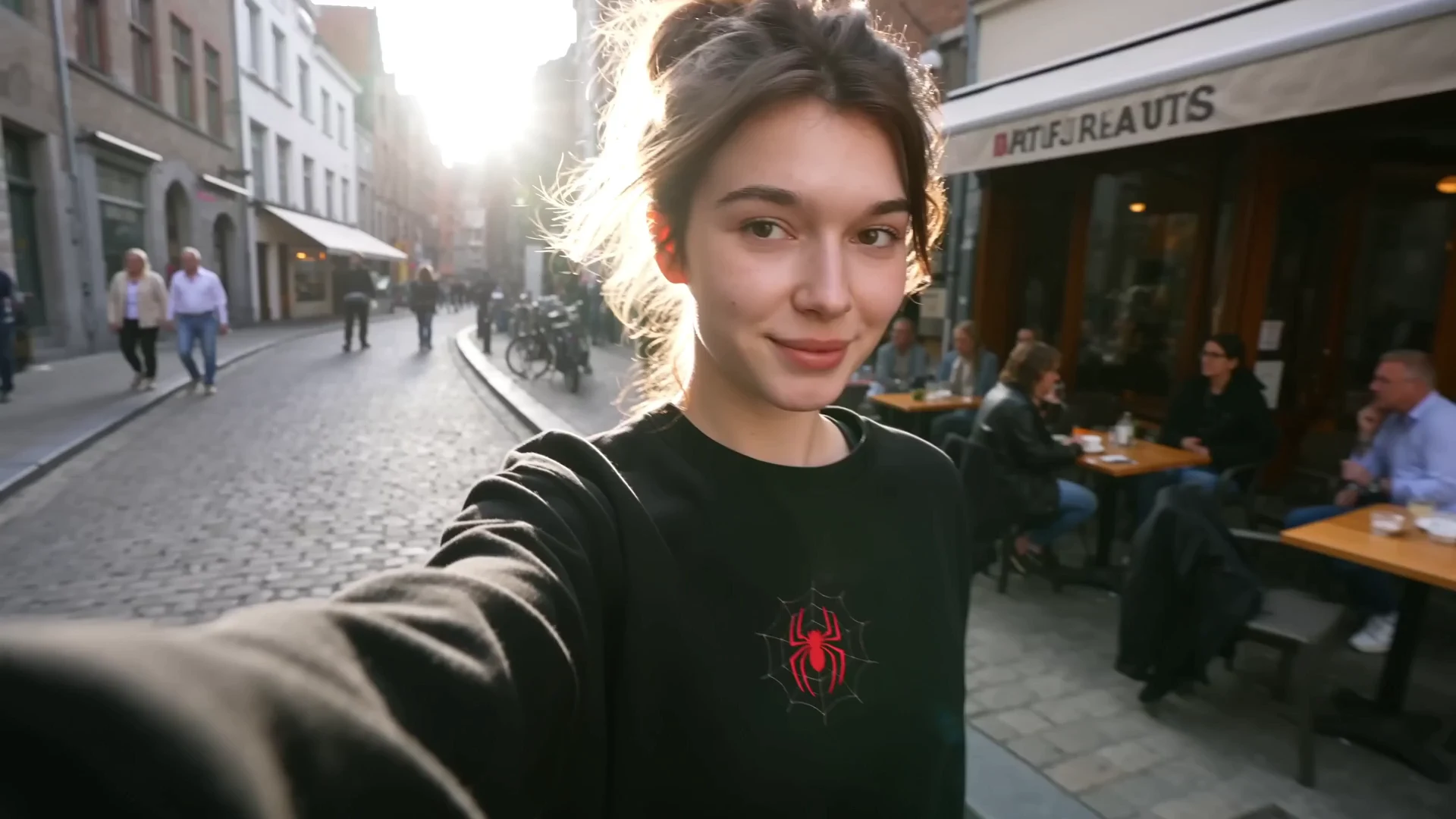 Seedance 2.5One-Take European Travel DiaryView the original case and prompt ↗
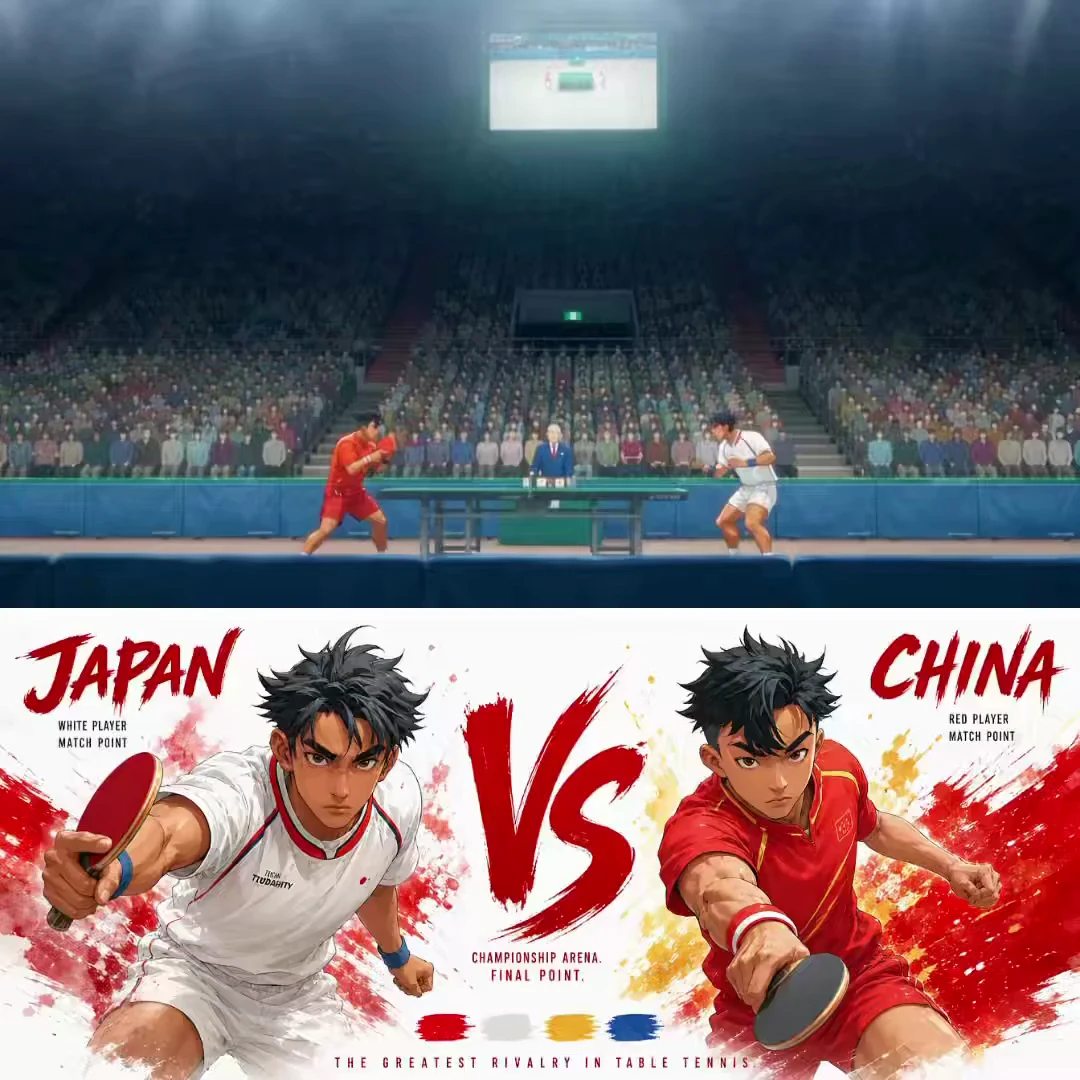 Seedance 2.5Animated Table Tennis FinalView the original case and prompt ↗
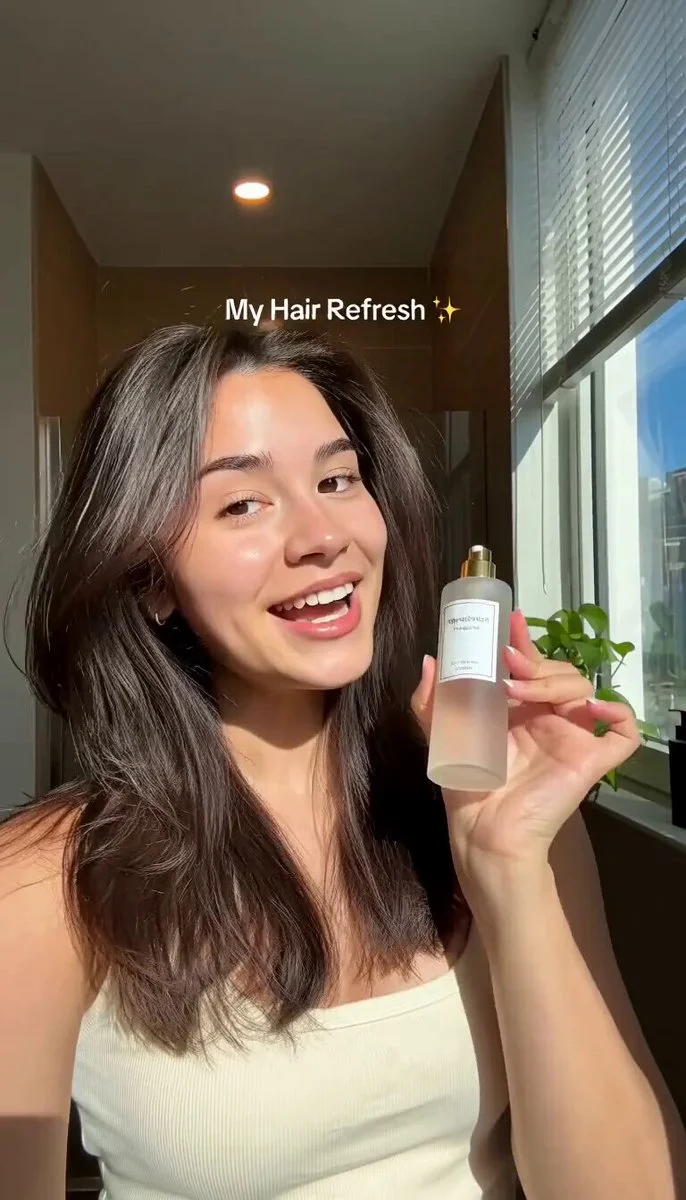 Seedance 2.0Morning Hair Serum RoutineView the original case and prompt ↗
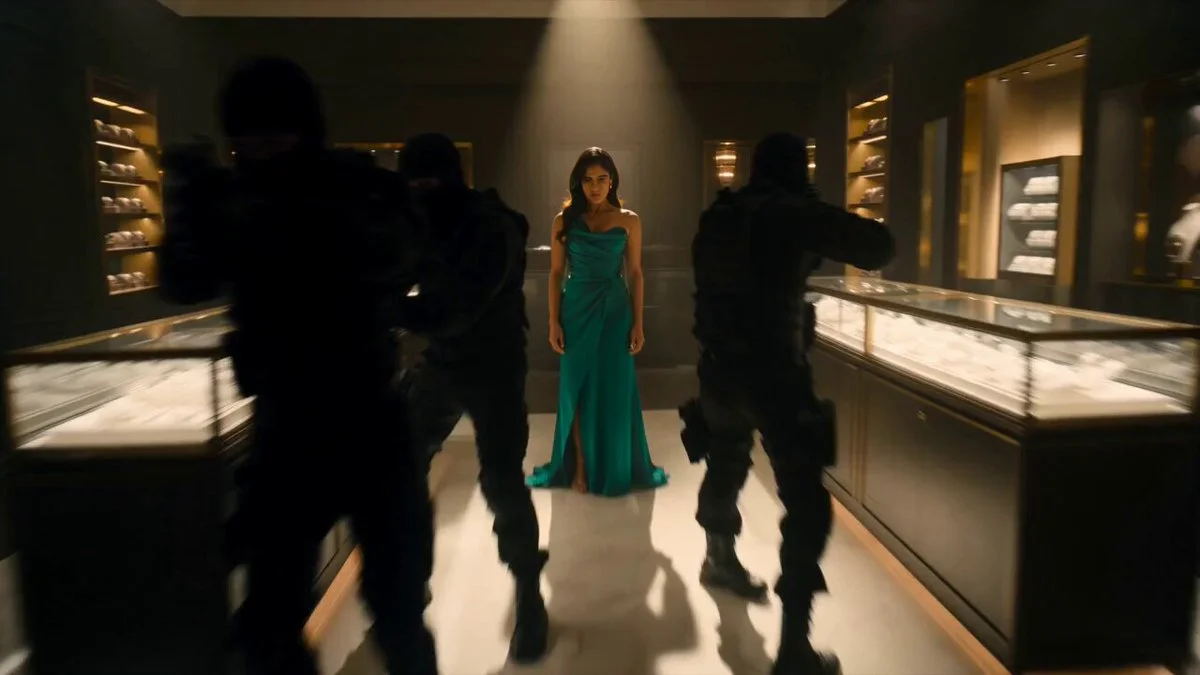 Seedance 2.0Action Choreography in a Jewelry BoutiqueView the original case and prompt ↗
Compare the current versions
These options come from FilmLune’s connected catalog. Select an exact version in the generator to review the complete settings and quote.
| Version | Output | Duration | Supported references |
|---|---|---|---|
| Seedance 2.5 | 480P / 720PMP4 | 4–30 s | Character images · Video references · Image references · Start / end frames |
| Seedance 2.0 · Mini | 480P / 720PMP4 | 4–15 s | Character images · Video references · Image references · Start / end frames |
| Seedance 2.0 · Fast | 480P / 720PMP4 | 4–15 s | Character images · Video references · Image references · Start / end frames |
| Seedance 2.0 · Pro | 480P / 720PMP4 | 4–15 s | Character images · Video references · Image references · Start / end frames |
Ways to use this model
Performance and interaction clips
Give each performer a position and a simple action sequence. Describe turn-taking rather than simultaneous complicated gestures. If sound is part of the selected option, keep spoken lines short enough for the scene. Review identity, lip movement and interaction before using the clip.
Product motion shots
Keep the product appearance stable and animate one element: camera position, lighting or a small movement of the object. Describe the opening and final view. Check that labels, shape and material remain coherent throughout the clip, especially while the camera moves.
Social video concepts
Build one clear visual moment that makes sense in the chosen landscape or portrait frame. Allow the action to finish before the clip ends. A focused shot can be used as one element in a later edit; this generator does not automatically add captions, transitions or a complete social-video timeline.
How to generate
Write a focused brief
Start with one subject and a clear composition or action. Explain what must stay and what may change when using references. The templates below are starting briefs you can adapt.
Choose the version and output
Select the exact model version, frame and output settings in the shared generator above. Use only its available inputs. Review the complete credit quote before confirming the request.
Review the complete result
Check important details and, for a video, watch the entire clip. Refine one instruction at a time. Your completed private creations remain in History; public sharing is a separate action.
Prompt templates to try
Duo interaction
One continuous shot in a small recording booth. An adult performer on the left nods to the rhythm; the adult performer on the right takes one step forward and gestures toward the camera. The camera slowly pushes in, then both settle into a relaxed final pose. No cuts.Define each person’s position and action order.
Product movement
One shot of a ceramic cup on a wooden table beside a window. The camera moves slowly from a front view to a slight three-quarter angle while warm light shifts across the glaze. Keep the cup’s shape and handle stable. No cuts or added text.Animate one simple change and keep product continuity explicit.
Before you generate
- Watch the complete clip for identity, motion, object contact and scene continuity; a good first frame is not enough.
- Each request creates one bounded clip. Automatic editing, captions, voiceover and long-video assembly are not included.
- Only use permitted references and current input combinations. Exact action transfer or person replacement is not guaranteed by a general video generator.
Your generations stay private in History by default. Publishing a case is a separate reviewed action.
Choose your credits
One FilmLune credit balance across connected models. Review the exact generation quote before confirming. Plan prices are listed on Pricing.
STARTER
$19.99 /month2,100 credits/month
View plans ↗PRO
$59.99 /month6,700 credits/month
View plans ↗ULTIMATE
$119.99 /month14,300 credits/month
View plans ↗Seedance: Frequently asked questions
Can every Seedance version generate 30 seconds?
No. FilmLune’s configured 2.5 options reach up to 30 seconds, while the connected 2.0 tiers have shorter limits. The table lists the current choices, and the selected generator validates the exact duration and reference combination before submission.
Which Seedance 2.0 tiers can I choose?
The connected catalog lists Mini, Fast and Pro separately. Choose the exact tier and review its resolution, duration and quote. They share a creative guide, but their options and pricing should not be treated as interchangeable.
Does a reference video automatically copy every action?
No. A supported reference can guide the request, but exact motion preservation and person replacement are not promised by this general video generator. Describe the intended movement and inspect the output. A dedicated replacement workflow requires separate implementation and verified results.
Will dialogue and lip movement always match?
No guarantee. Keep dialogue, action and selected duration consistent, and review sound and lip movement across the result. Available audio behavior follows the chosen model option; a sound instruction in the prompt does not enable an unsupported output setting.
Can this generate a complete long-form video?
Each job produces one bounded clip within the selected option’s capability. FilmLune does not imply automatic editing, subtitles, voiceover or long-video orchestration from a Seedance prompt. You can develop individual shots and use them in your own later editing workflow.
How are Seedance credits calculated?
The quote depends on the exact version, duration, resolution and supported references. Review the total in the editor before confirming. Completed private clips remain in History. Pricing explains subscription credits and one-time packs, but the generator’s quote is the cost of the specific request.