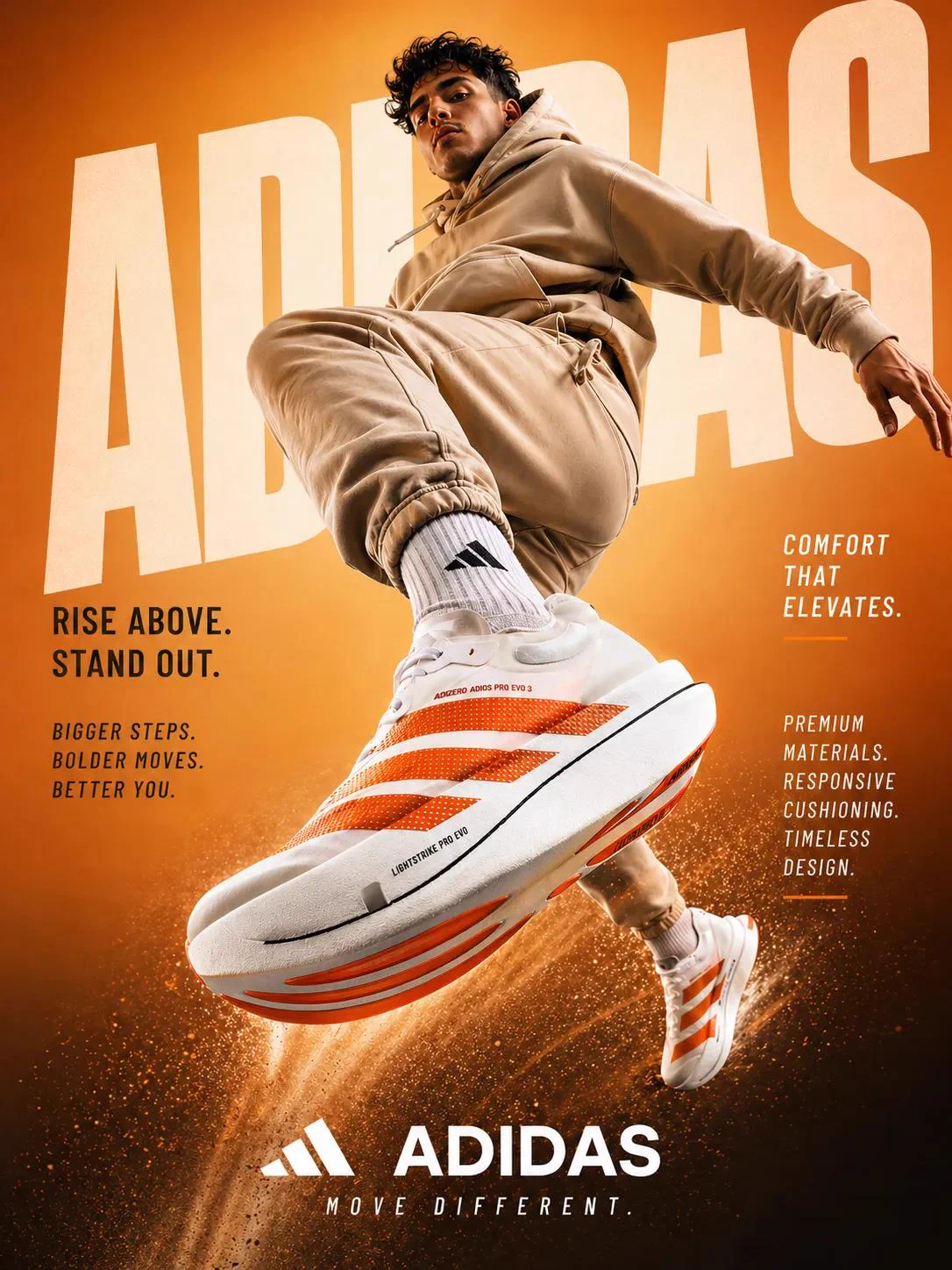
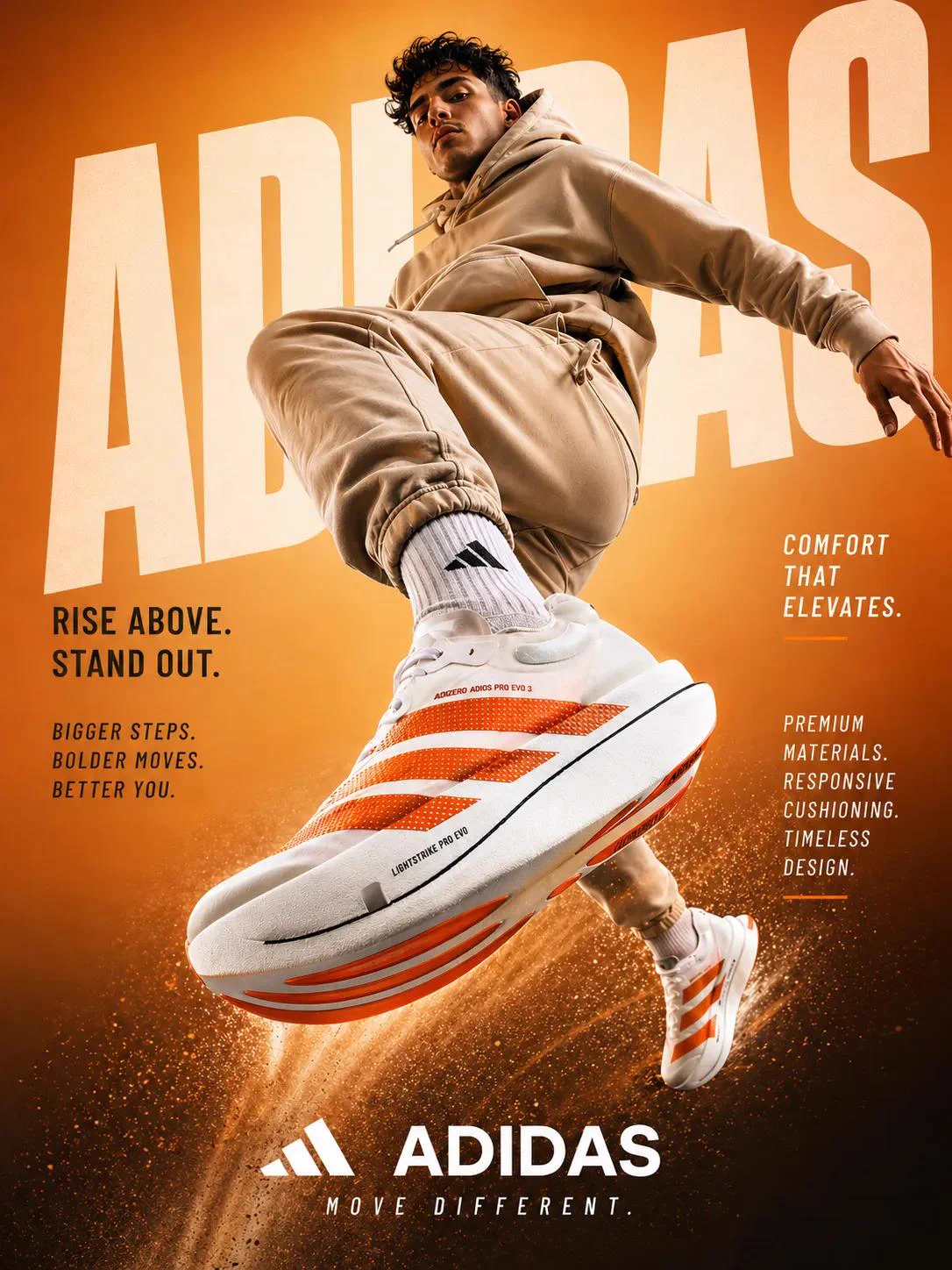
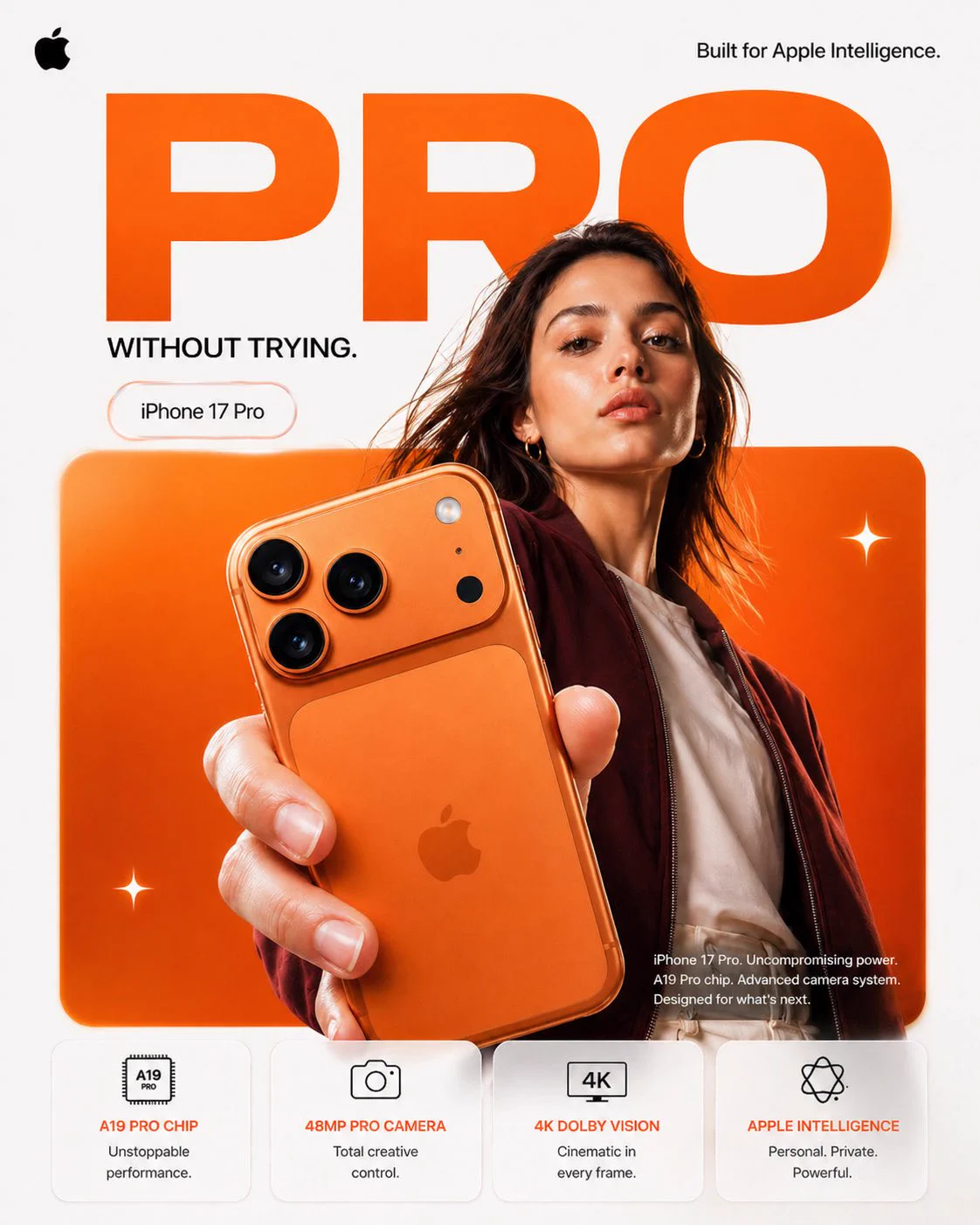
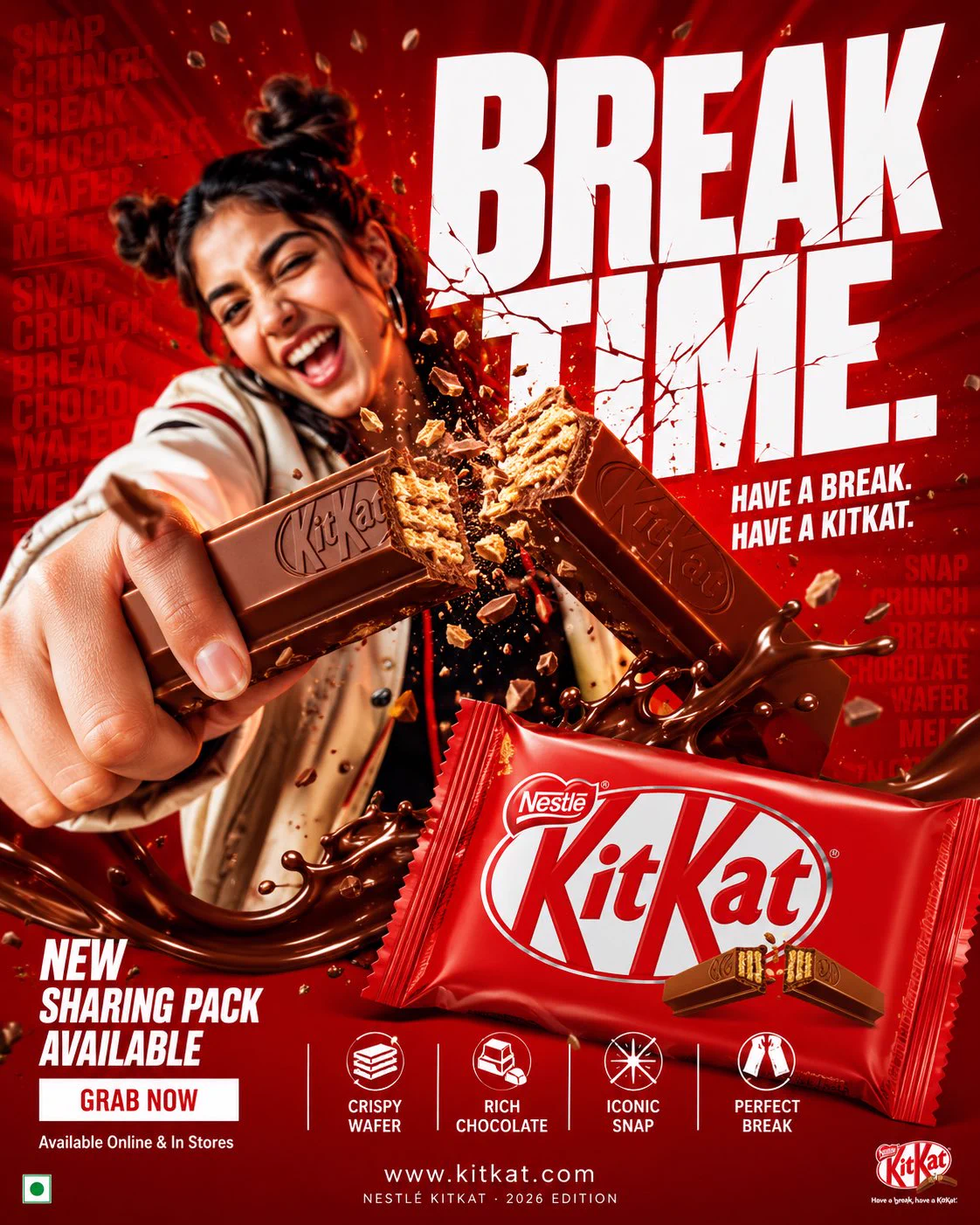
The jump is less important than the perspective: the source uses a low camera angle and strong foreshortening to make the shoe larger than the athlete. White mesh and orange accents connect the product to the simple orange background. The beige tracksuit gives the shoe contrast, while dust below the feet suggests motion without filling the entire scene. Faint background lettering remains behind the subject.
Change the shoe without losing the perspective
Replace the shoe’s design, material and accent colour together, then align the background palette and outfit. Preserve the near-camera foot and a clear silhouette; adding a busy location would compete with the product. Check that both feet belong to the same pose, the sole has a plausible shape and the mesh stays consistent. An 8K phrase in the source is a visual brief, not a promised export resolution.
How to use this prompt
1
Read the complete prompt alongside the result. Identify the subject, framing, lighting and visual style before changing the brief.
2
Open the selected recipe in Studio with its model and starting settings. Check the available version, frame and resolution before generating; a size written in the source prompt is not an output setting or a guarantee.
3
Use the customization fields below to rewrite the brief: product / outfit / background. Keep the composition and other constraints that make this example useful. Check the current credit quote before submitting.
What to check in your result
Compare the result with the chosen example: subject position, light direction and the balance between foreground and background. Inspect hands, faces, product shapes and any text at full size. Change one variable at a time so you can judge what improved.