

Kling AI Video Generator
Loading…
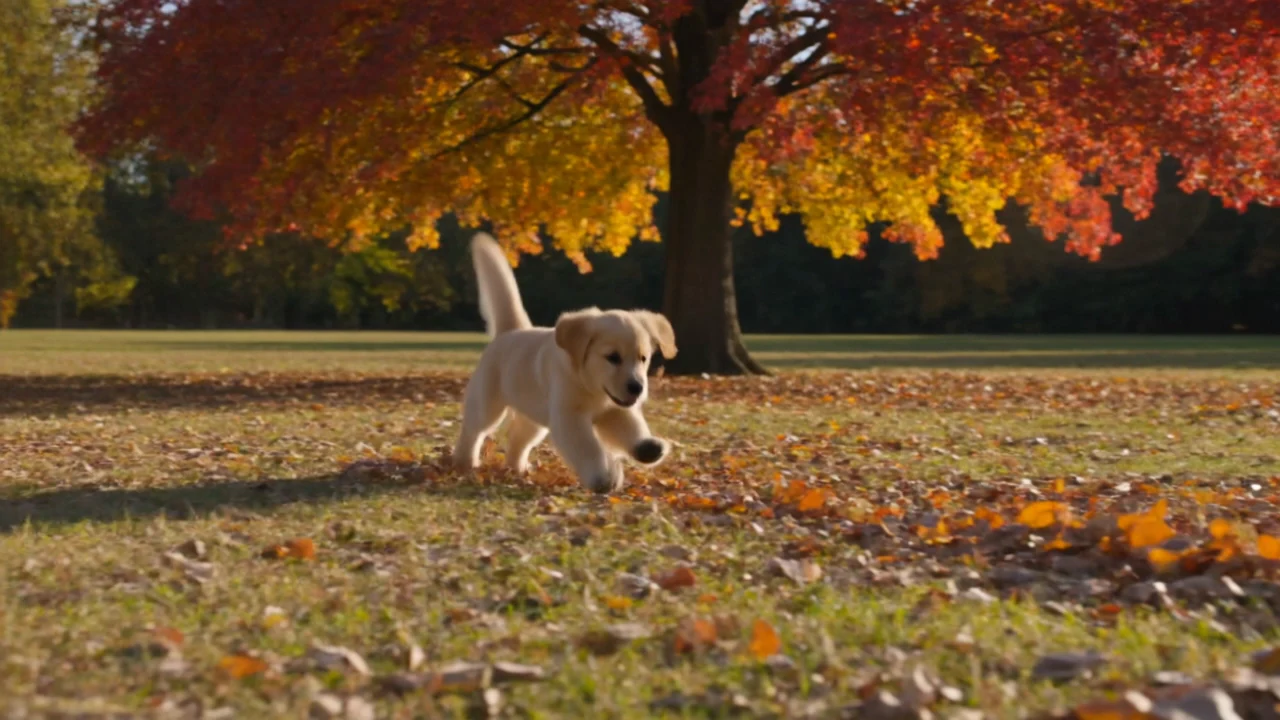
Kling 4.0 is available in FilmLune Create. Choose the exact model, supported inputs and credit quote before submitting a generation.
Available versionsKling 4.0Kling 4.0 · Flash
The exact credits depend on the selected version and settings and are shown before generation.
How to create with Kling
Write your brief
Plan one short clip: name the subject, its action and the camera movement. For image-to-video, explain what should move and what should stay consistent with the starting image.
Choose the exact settings
Select a model version and its supported input mode, duration, aspect ratio and resolution. Required references and available settings depend on that version.
Generate and review
Sign in and check the credit quote before generating. Watch the full clip for continuity, hands and unintended camera changes. Adjust the motion brief and find saved clips in History.
01 / FILMLUNE
Find a visual direction
Choose a creative brief and refine it in the workspace above.
 Original concept art for direction only, not a tested output or published case from this model.
One continuous shot of a ceramic lamp on a walnut desk at dusk. A hand turns it on; warm light spreads across the desk while the camera slowly moves closer. Keep the lamp's shape and the room layout stable. Natural room ambience, no spoken words, no on-screen text.
Original concept art for direction only, not a tested output or published case from this model.
Kling 4.0 strengths and limits
Kling 4.0 is strongest on one continuous action with clear camera movement, and every clip comes with generated sound. On FilmLune it makes 720p or 1080p clips of 3–15 seconds from a text prompt or one starting image.
Kuaishou also documents keyframes, mixed references and clips up to 30 seconds on its own platform; FilmLune does not offer those modes yet. Check hands touching objects, lettering and whether the sound matches the action, and keep identity, camera direction and light consistent with any starting image.
Use cases
Each case is a planning brief for one clip; review the result before you reuse it.
- Product reveal: start with the object in a stable position, then show a hand lifting it. Check the product silhouette and the hand's contact through the whole shot.
- Character entrance: describe the person's starting point, path and stopping place. Check identity, clothing and background continuity.
- Animate a still: add a product photo or illustration as the starting image and describe only the motion.
How to prompt and image-to-video examples
Write one subject, one ordered action, a camera path, lighting and a sound cue. With a starting image, say which features must stay and what may move; the clip keeps the image's aspect ratio. The text below is an original illustrative prompt.
Illustrative single-shot prompt
One continuous shot of a ceramic lamp on a walnut desk at dusk. A hand turns it on; warm light spreads across the desk while the camera slowly moves closer. Keep the lamp's shape and the room layout stable. Natural room ambience, no spoken words, no on-screen text.Illustrative English prompt, not a tested output from this model.
Kling 4.0 vs Seedance 2.5 and MiniMax H3
The table compares what each model offers on FilmLune. There is no shared FilmLune test set for ranking visual quality or prompt adherence.
| Model | Resolution on FilmLune | Clip length | Credits per second |
|---|---|---|---|
| Kling 4.0 | 720p, 1080p | 3–15 seconds | 60 (720p), 90 (1080p) |
| Kling 4.0 Flash | 720p | 3–20 seconds | 30 |
| Seedance 2.5 | 480p, 720p | 4–30 seconds | 37 (480p), 83 (720p) |
| MiniMax H3 | 768P, 2K | 4–15 seconds | 25 (768P), 40 (2K) |
Versions, API, pricing and availability
FilmLune offers two Kling 4.0 tiers in the same model: Kling 4.0 at 720p or 1080p for 3–15 seconds, and Kling 4.0 Flash, which Kuaishou opened to everyone on November 4, 2026, at 720p for 3–20 seconds and 30 credits per second. Both take text or one starting image, support 16:9, 1:1, 9:16 and 21:9, and always include sound.
Kuaishou offers Kling through its developer API, and FilmLune connects to kling-v4 and kling-v4-flash through APIMart, so you need no API key. The composer shows the exact credits for the chosen length before you generate.
| Version | Resolution | Clip length | Credits per second |
|---|---|---|---|
| Kling 4.0 | 720p, 1080p | 3–15 seconds | 60 (720p), 90 (1080p) |
| Kling 4.0 Flash | 720p | 3–20 seconds | 30 |
FAQ
What resolutions and lengths does Kling 4.0 offer on FilmLune?
Kling 4.0 makes 720p or 1080p clips of 3–15 seconds; Kling 4.0 Flash makes 720p clips of 3–20 seconds. Both always include generated sound.
How many credits does Kling 4.0 cost?
Kling 4.0 costs 60 credits per second at 720p and 90 at 1080p; Kling 4.0 Flash costs 30 credits per second. A 5-second 720p clip costs 300 credits on Kling 4.0 and 150 on Flash.
Can I start a Kling 4.0 video from an image?
Yes. Add one starting image and the clip begins from it at 720p or 1080p, keeping its aspect ratio. Keyframes and reference videos are not offered on FilmLune yet.
Does Kling 4.0 produce 4K video on FilmLune?
No. FilmLune offers 720p and 1080p for Kling 4.0, and 720p for Kling 4.0 Flash.
Which aspect ratios does Kling 4.0 support?
16:9, 1:1, 9:16 and 21:9 for text-to-video. With a starting image, the clip follows the image's ratio.
Related models
04 / FILMLUNE
Choose your credits
FilmLune credits work across models. Your exact settings and quote appear before generation.
1,850 credits/month
8% less per credit vs. credit packs6,700 credits/month
23% less per credit vs. credit packs14,300 credits/month
28% less per credit vs. credit packsKling 4.0 · The exact credits depend on the selected version and settings and are shown before generation.
05 / FILMLUNE
Explore more models
Keep your idea and switch models in the same workspace.
Original concept art for direction only, not a tested output or published case from this model.
