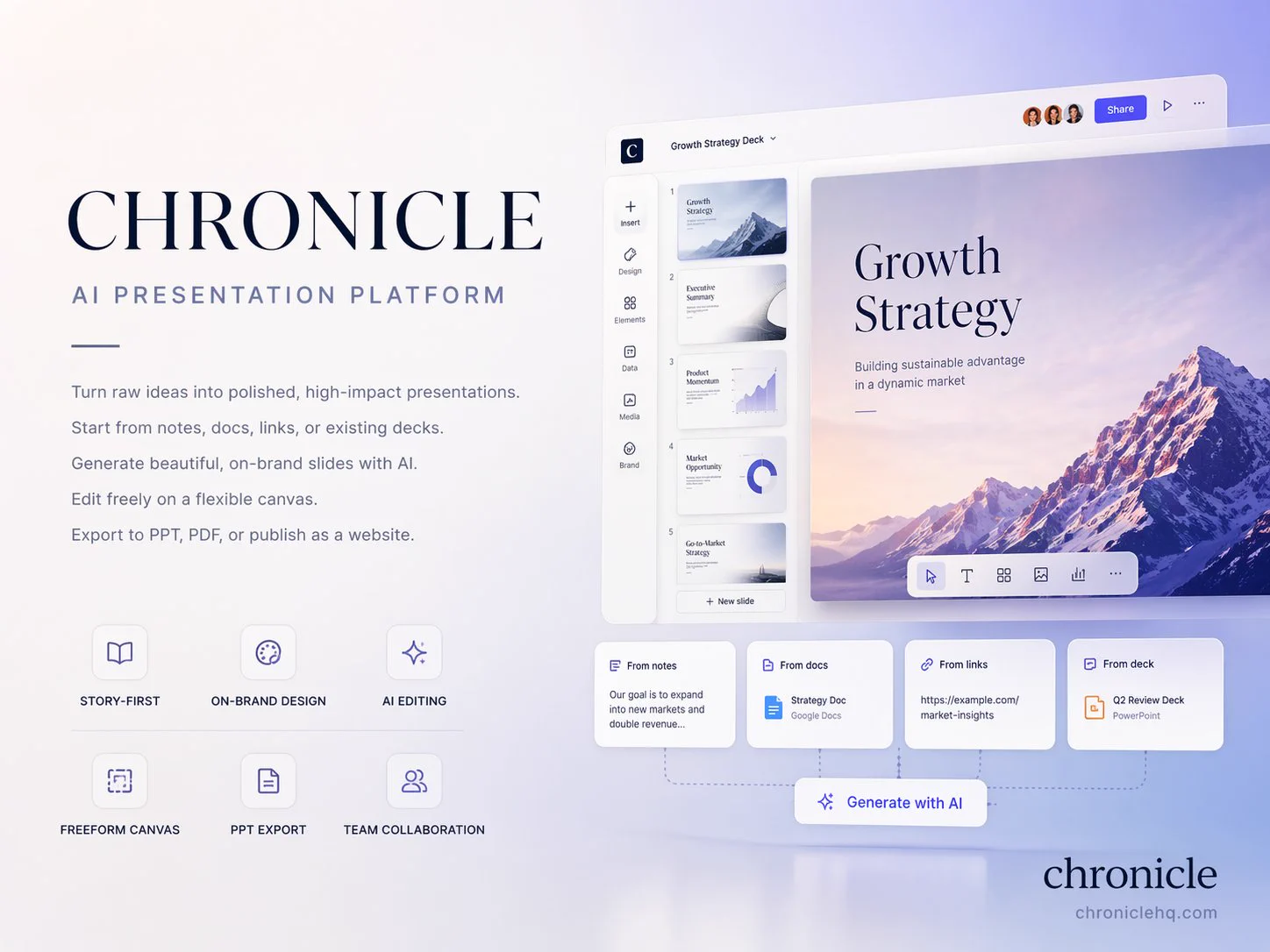
A 4:3 cover introduces an AI product through a dark-blue editorial layout, oversized type, an interface mockup, and compact feature labels. The product name, subtitle, interface visual and small capability labels have different levels of emphasis. Whitespace and the landscape frame leave room for a business presentation cover without turning every feature into an equally large heading.
How to adapt the method
Keep the asymmetrical layout, generous whitespace, and protected source text; replace the brand, interface, and claims with authorized and verified material in any new work. Check all product claims and interface labels against the actual product being presented. This is an image-based cover concept; references to PPT, PDF or editing features describe the pictured product, not the output format of this recipe.
How to use this prompt
1
Read the complete prompt alongside the result. Identify the subject, framing, lighting and visual style before changing the brief.
2
Open the selected recipe in Studio with its model and starting settings. Check the available version, frame and resolution before generating; a size written in the source prompt is not an output setting or a guarantee.
3
Use the customization fields below to rewrite the brief: product / layout / palette. Keep the composition and other constraints that make this example useful. Check the current credit quote before submitting.
What to check in your result
Compare the result with the chosen example: subject position, light direction and the balance between foreground and background. Inspect hands, faces, product shapes and any text at full size. Change one variable at a time so you can judge what improved.