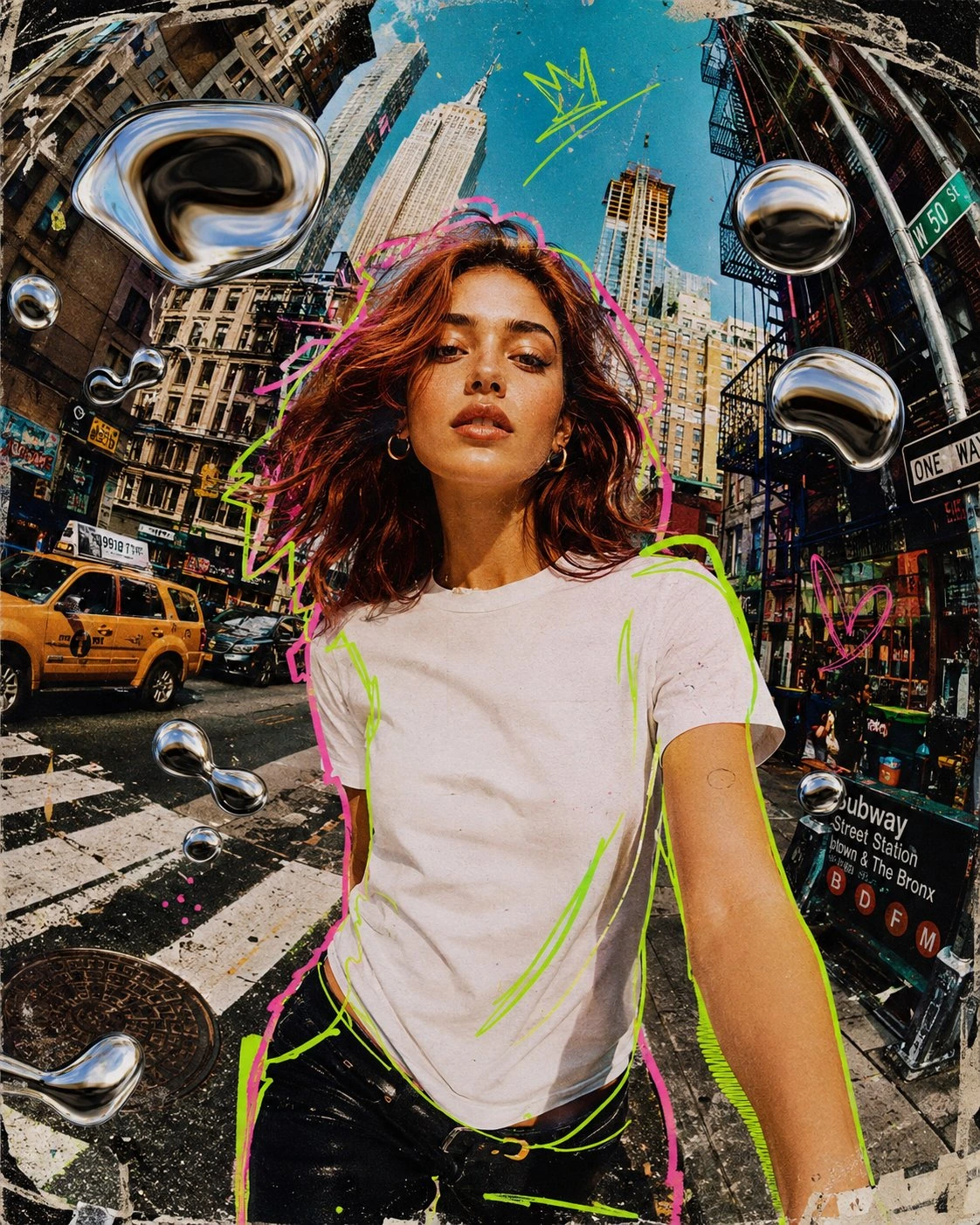
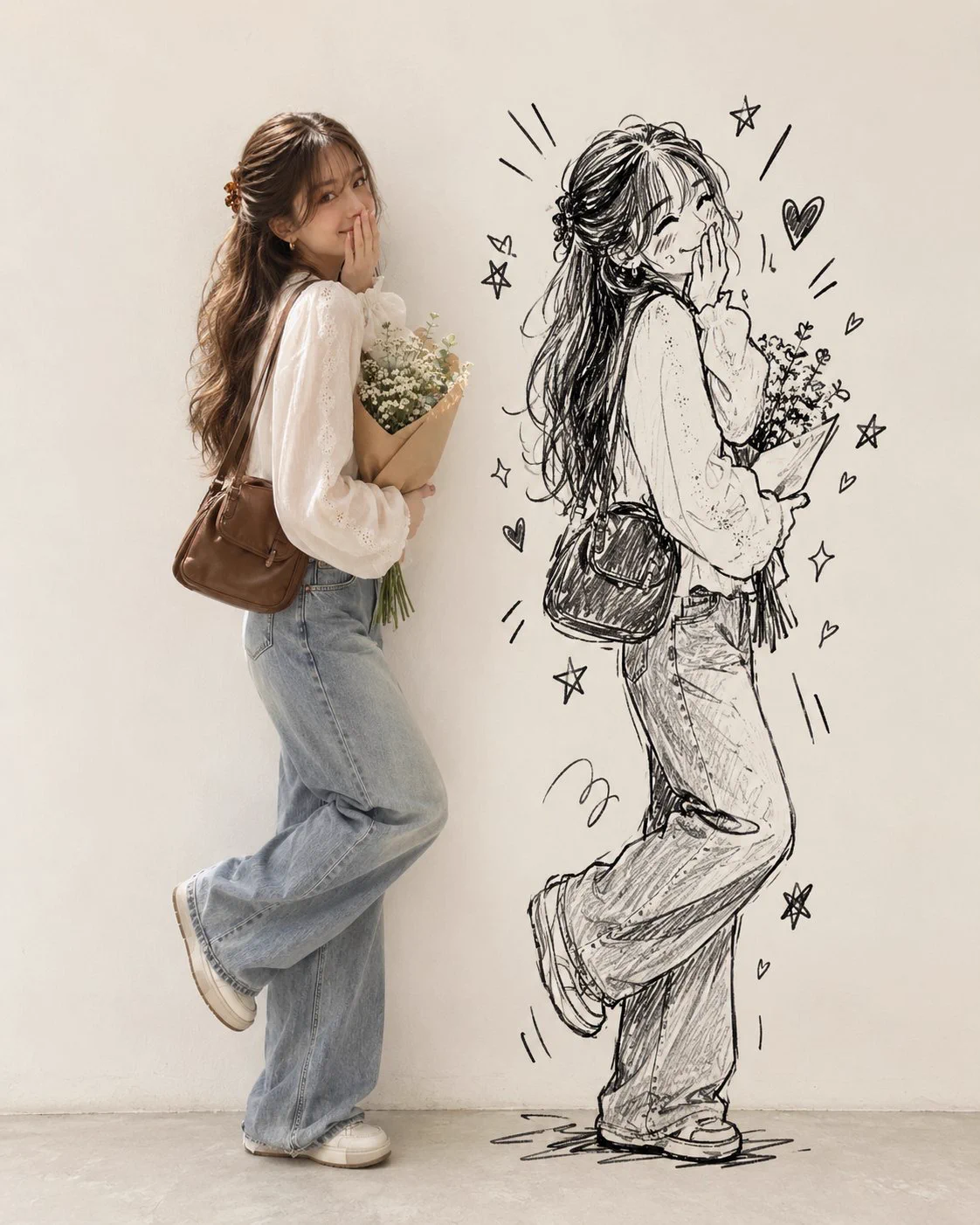
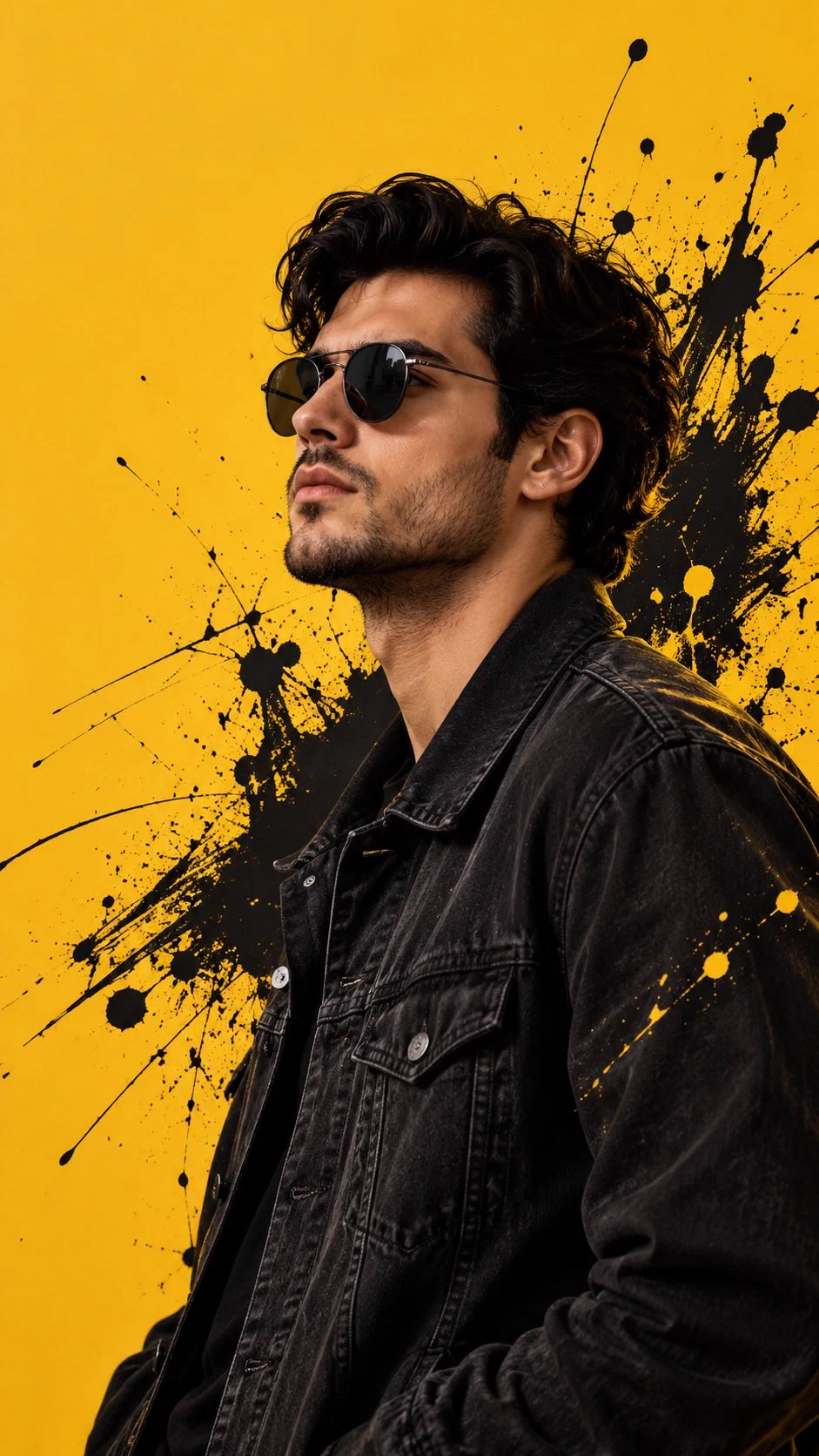
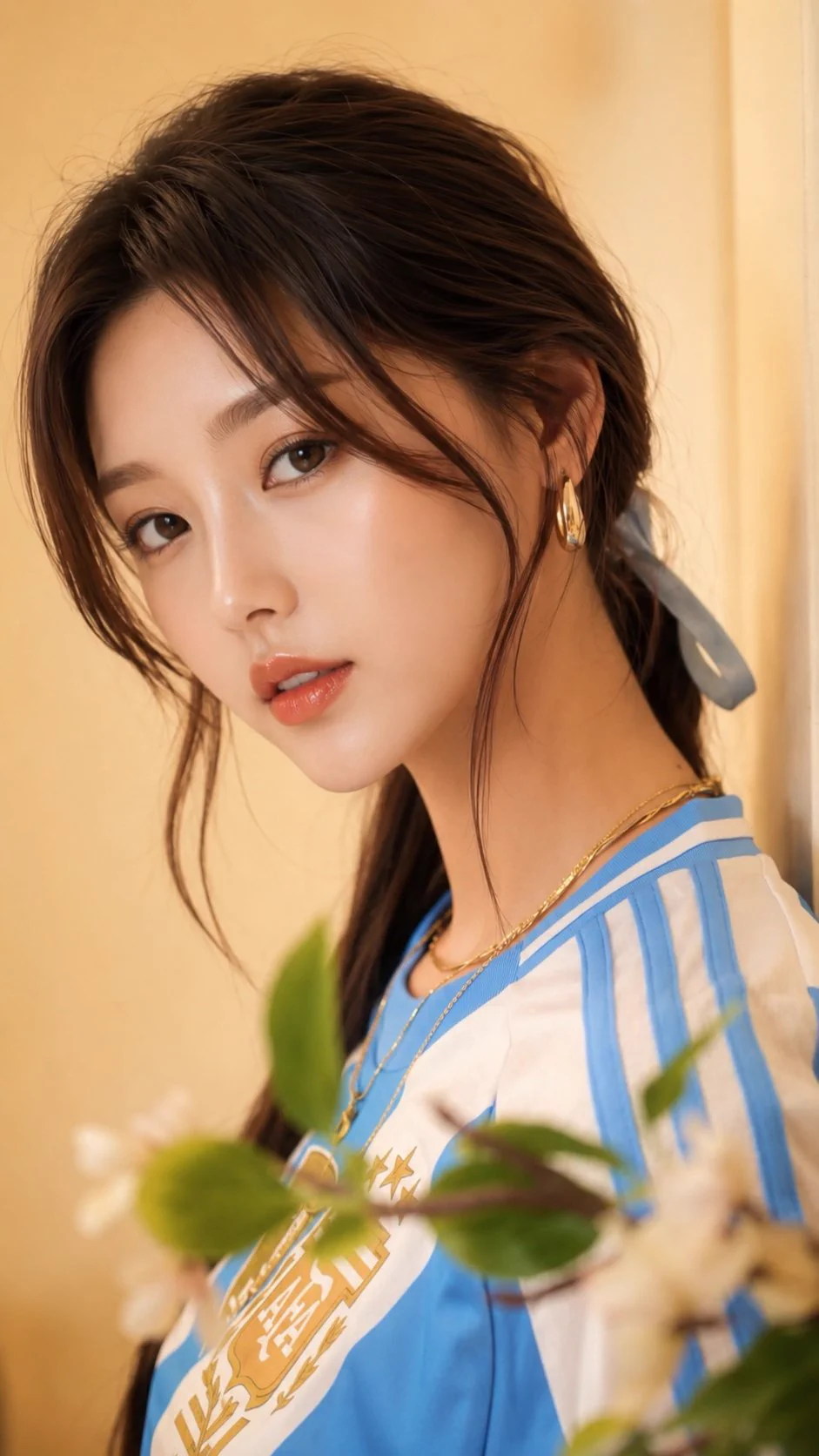
Two still images combine a photographic portrait, city fragments, fluorescent outlines and chrome shapes. Neon green and pink outlines separate the photographic portrait from layered city fragments. Chrome shapes add another material contrast, while the wide perspective emphasizes street depth and a strong forward-facing silhouette.
How to adapt the method
Keep the central face readable and arrange graphic elements around it. Animation describes the style here: the results are still images. Parameters at the end of the prompt remain source text; support depends on the model. Inspect the outline around hair and shoulders and keep chrome shapes from hiding the face. Animation and stop-motion wording in this image brief describes a look; the displayed outputs are still images.
How to use this prompt
1
Read the complete prompt alongside the result. Identify the subject, framing, lighting and visual style before changing the brief.
2
Open the selected recipe in Studio with its model and starting settings. Check the available version, frame and resolution before generating; a size written in the source prompt is not an output setting or a guarantee.
3
Use the customization fields below to rewrite the brief: composition. Keep the composition and other constraints that make this example useful. Check the current credit quote before submitting.
What to check in your result
Compare the result with the chosen example: subject position, light direction and the balance between foreground and background. Inspect hands, faces, product shapes and any text at full size. Change one variable at a time so you can judge what improved.
Variables to customize
composition
Two still images combine a photographic portrait, city fragments, fluorescent outlines and chrome shapes.
Source and attribution
This example is attributed to Harboris @harboriis.