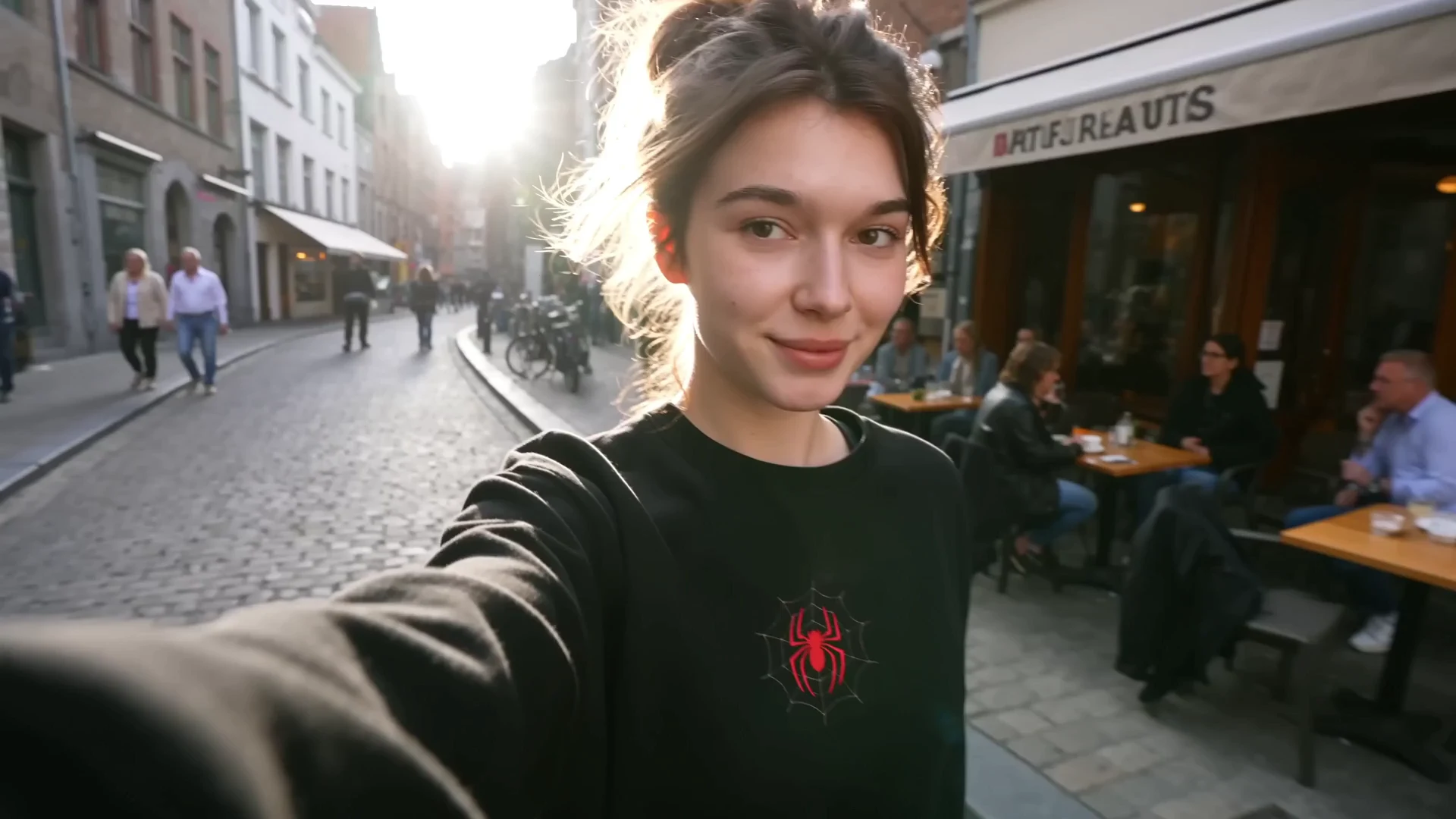
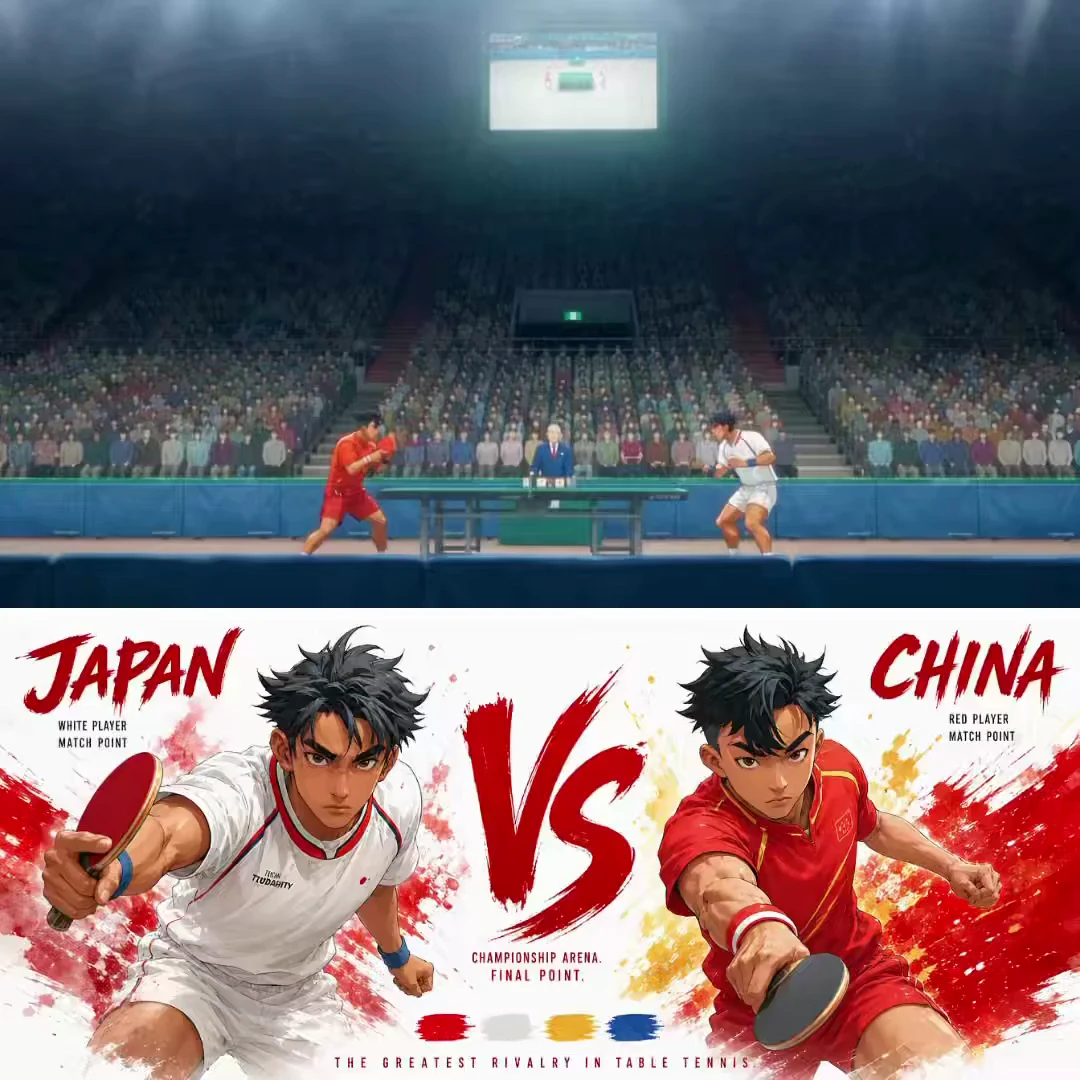
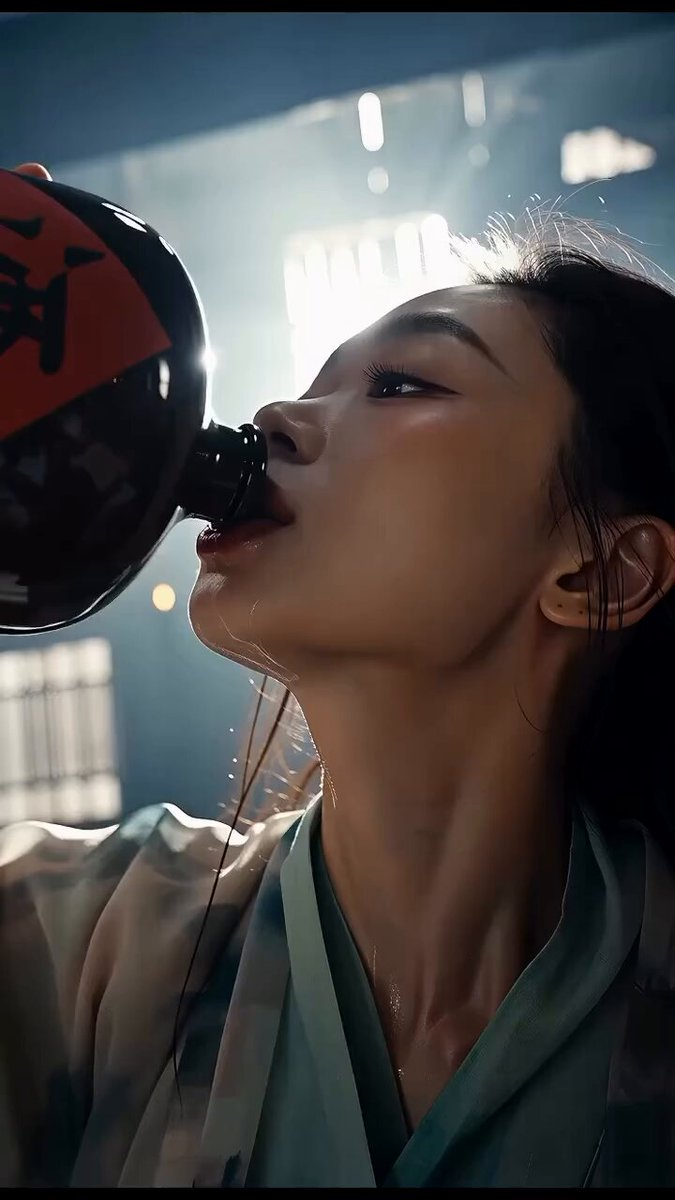
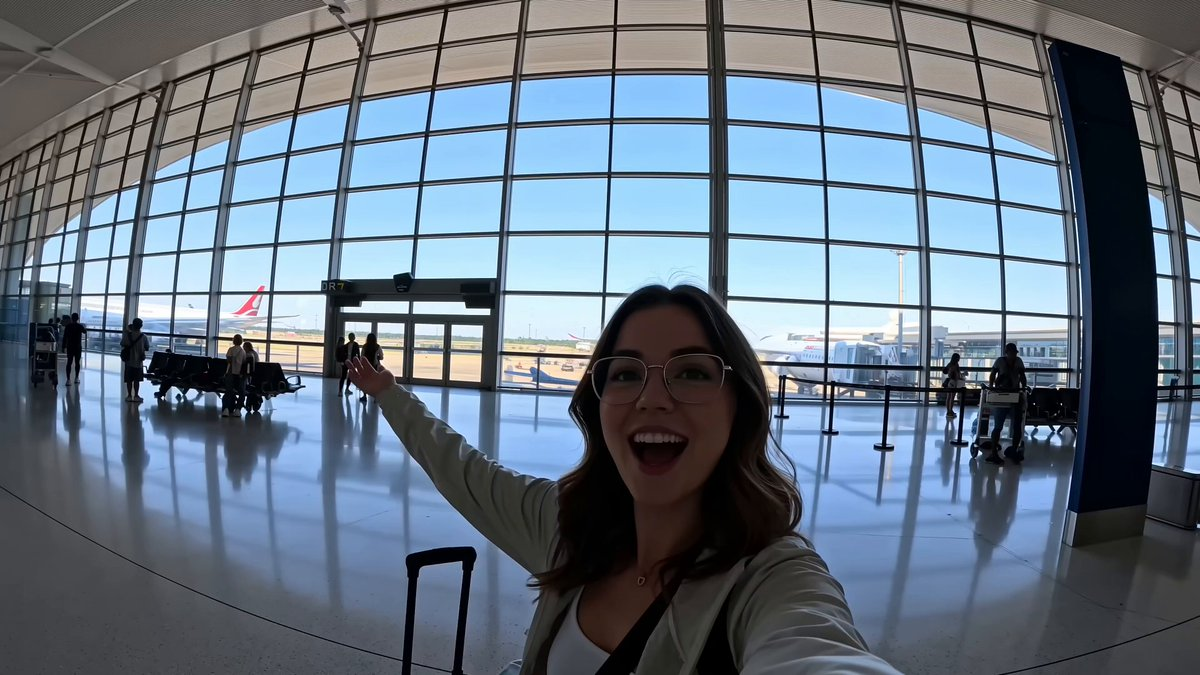
A direct FilmLune video recipe follows a fictional adult traveler through a continuous European journey and is ready to adapt in Video Studio. A recurring jacket, bag and face provide continuity through the railway, old-town lane, café, ferry and evening street. Motivated movement is intended to connect the moments, so location changes need to read as one stylized journey within a bounded clip.
How to adapt the method
Open the video prompt directly with no inherited reference asset, then add a user-owned reference only when the selected capability supports it. Review the five transitions for abrupt identity changes, weather jumps and duplicated bodies. The continuous-shot request is a creative target, not a guarantee that a generated clip can literally traverse all locations without an edit.
How to use this prompt
1
Read the complete prompt alongside the result. Identify the subject, framing, lighting and visual style before changing the brief.
2
Open the selected recipe in Studio with its model and starting settings. Check the available version, frame and resolution before generating; a size written in the source prompt is not an output setting or a guarantee.
3
Use the customization fields below to rewrite the brief: duration / structure. Keep the composition and other constraints that make this example useful. Check the current credit quote before submitting.
What to check in your result
Watch the entire clip. Compare the main action, camera movement and scene continuity with the brief, and check for changing faces, distorted hands or unexpected cuts. A similar prompt can give a different result; refine the motion rather than assuming an exact copy.