Why this example is useful
Turn a portrait into a short, continuous performance video for a social post. The scene keeps one recognizable adult, a visible wooden pier and a gentle camera push toward the face.
Prompt guide · AI video
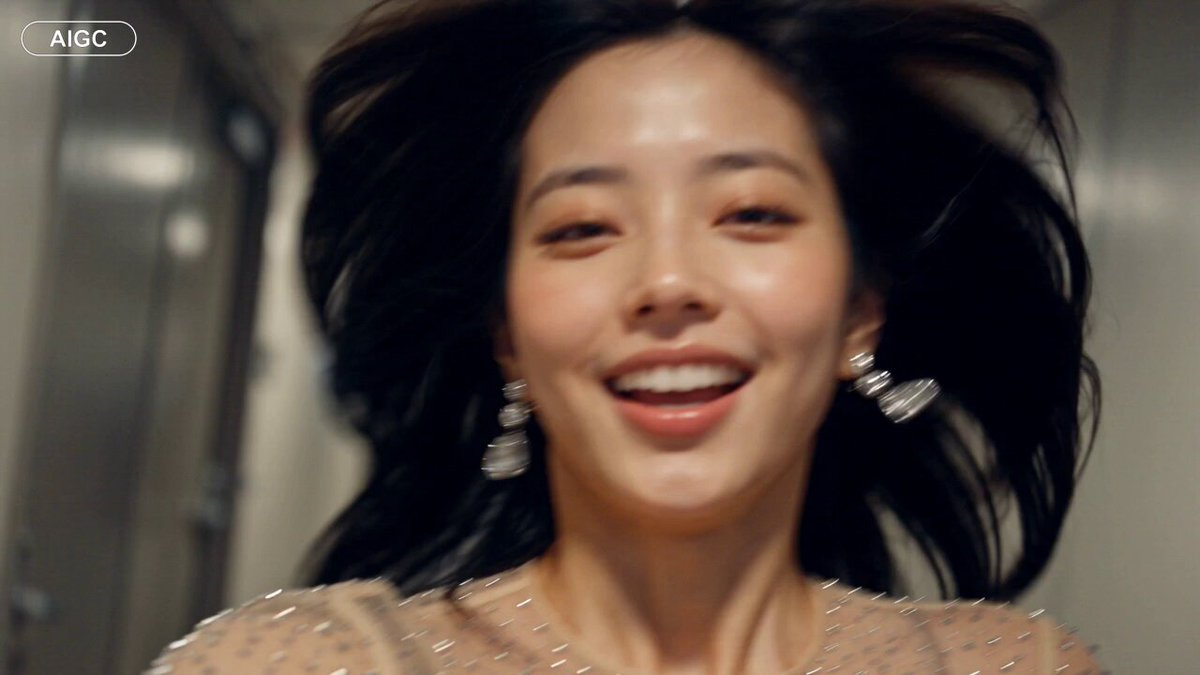
A fictional performer gestures toward the camera on a wooden pier as warm sunset light reflects across calm water.
Turn a portrait into a short, continuous performance video for a social post. The scene keeps one recognizable adult, a visible wooden pier and a gentle camera push toward the face.
Create the portrait with the image prompt, or choose an adult portrait you have permission to use. Upload it as the character reference for the video prompt. Model: Seedance 2.0 Mini. Settings: 720p, vertical video, eight seconds. Audio is generated. Each result will vary; the original Raindance song is not included. The portrait prompt below created the reference image. The video step requires a portrait; the video prompt alone does not recreate this exact person.
This is an image-to-video recipe. Create the opening image first, then use that output as the input to the video step. Keep the image prompt and motion prompt separate.
Open the selected recipe in Studio with its model and starting settings. Check the available version, frame and resolution before generating; a size written in the source prompt is not an output setting or a guarantee.
Use the customization fields below to rewrite the brief: Portrait reference / Resolution and format / Selected duration. Keep the composition and other constraints that make this example useful. Check the current credit quote before submitting.
Watch the entire clip. Compare the main action, camera movement and scene continuity with the brief, and check for changing faces, distorted hands or unexpected cuts. A similar prompt can give a different result; refine the motion rather than assuming an exact copy.