Up to 40% less per creditEligible accounts: 30 signup credits
  • Home
  • Agent
  • Videos
  • Images
  • Prompts
  • Assets
  • Plugins

Loading…

FilmLune

From real examples to AI image and video creation.

Models

Image models

  • GPT Image 2
  • GPT Image 2.5
  • Midjourney V8.1
  • Midjourney V8.2
  • Nano Banana Pro
  • FLUX 3 Image
  • Qwen Image 3.0 Pro
  • Seedream 5.0 Lite

Video models

  • MiniMax H3
  • Seedance 2.0
  • Seedance 2.0 Mini
  • Seedance 2.5
  • Dola AI alternative
  • Kling 4.0
  • Wan 3.0
  • Gemini Omni Flash 1.1
  • HappyHorse 1.1
  • FLUX 3 Video
  • MiniMax H3 Max

Create

  • Open Studio

Tools & Skills

  • Features
  • MCP server

Resources

  • All resources
  • Changelog

Prompts

  • Explore prompts
  • Image prompts
  • Video prompts

FilmLune

  • Contact
  • Pricing

Community

  • Follow FilmLune on X ↗
  • Join Discord ↗

Legal and privacy

  • Terms
  • Refunds
  • Privacy Policy
  • GDPR
  • CCPA
  • Cookie choices
  • Sharing rules

© FilmLuneKeep creative work and trustworthy information close at hand.

Home

Loading…

Prompts/AI image prompts/Architectural Archive Cards
1 / 3
esc
Architectural Archive Cards — Media item 11 / 3
simeon-sanai@Naiknelofar788
GPT Image logoGPT Image
PROMPT
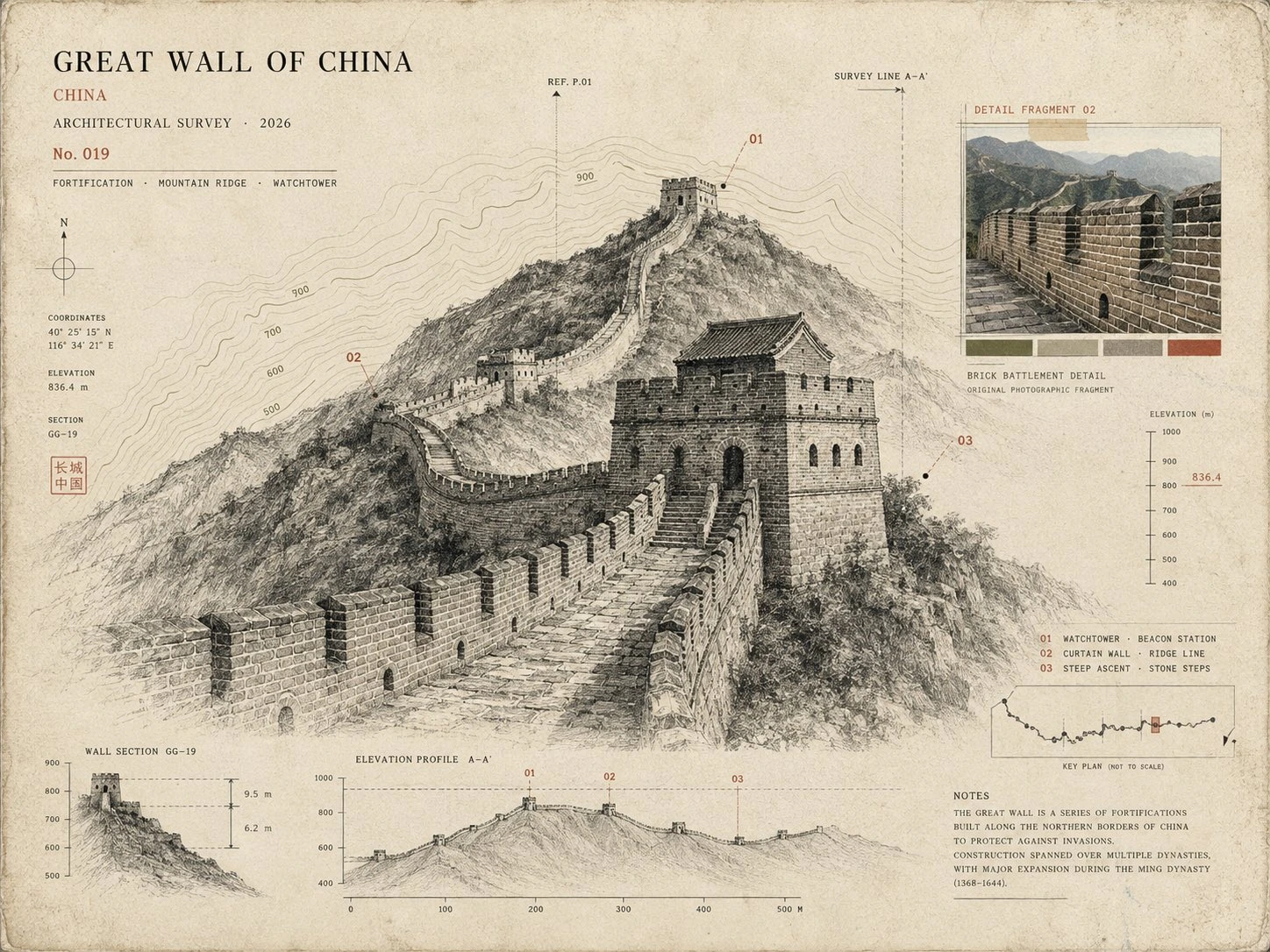
Use the uploaded photo as the primary reference. Create a sophisticated 4:3 landscape architectural specimen card inspired by museum archives, architectural surveys, and vintage scientific documentation. Keep the original location recognizable, but transform the presentation into a curated architectural study rather than a normal travel poster. * Place the main landmark as a large monochrome architectural cutout or finely detailed ink drawing. * Add a smaller original-color photographic fragment showing one distinctive detail of the location. * Include a simplified topographic contour map behind the architecture. * Add tiny numbered reference points, measurement marks, arrows, elevation lines, and architectural annotation symbols. * Use an aged cream paper background with subtle grain and imperfections. * Palette: black, warm beige, muted olive, and one restrained accent color extracted from the landmark. * Typography should be small, elegant, and archival: location name, country, year, No. 019, and 3 descriptive keywords. * Create subtle imperfections resembling screen printing, drafting ink, pencil marks, and old paper. * Keep generous negative space and a sophisticated museum-catalog aesthetic. Important: Avoid postcard layouts, circular stamps, tourist graphics, excessive text, cartoon styling, glossy effects, 3D rendering, and overly detailed illustrations. Overall mood: architectural archive × museum specimen × old survey document × contemporary editorial design.

Prompt guide · AI image

Architectural Archive Cards — AI Image Prompt

The Great Wall, Leaning Tower of Pisa and Sydney Opera House appear on cream paper with drawings, photographic fragments and annotations.

  • ModelGPT Image 2
  • Use caseArchitecture and interiors
  • StyleArchival ink and paper
  • CollectionArchitectural Archive Cards

Why this example is useful

The Great Wall, Leaning Tower of Pisa and Sydney Opera House appear on cream paper with drawings, photographic fragments and annotations. A large architectural cutout, a smaller color photograph and contour lines give the card an archive-like hierarchy. Cream paper and fine annotation marks connect the landmark to its detail study, with whitespace keeping the main structure recognizable.

How to adapt the method

Supply your own reference photograph, then arrange the landmark, a photographic detail and annotations. Check names, measurements and historical information: these are graphic compositions, not technical surveys. Keep location names consistent with the selected landmark and inspect drawing geometry. Generated measurements and reference numbers are decorative unless independently verified; this is not an architectural survey record.

How to use this prompt

  1. 1

    Read the complete prompt alongside the result. Identify the subject, framing, lighting and visual style before changing the brief.

  2. 2

    Open the selected recipe in Studio with its model and starting settings. Check the available version, frame and resolution before generating; a size written in the source prompt is not an output setting or a guarantee.

  3. 3

    Use the customization fields below to rewrite the brief: composition. Keep the composition and other constraints that make this example useful. Check the current credit quote before submitting.

What to check in your result

Compare the result with the chosen example: subject position, light direction and the balance between foreground and background. Inspect hands, faces, product shapes and any text at full size. Change one variable at a time so you can judge what improved.

Review the selected prompt and settings in Studio, then submit when you are ready.

Variables to customize

composition
The Great Wall, Leaning Tower of Pisa and Sydney Opera House appear on cream paper with drawings, photographic fragments and annotations.

Source and attribution

This example is attributed to simeon-sanai @Naiknelofar788.

View the source on X

The work remains attributed to its public source; the link preserves access to its original context.

Report a rights or attribution issue

More recipes to explore

View all AI image examples
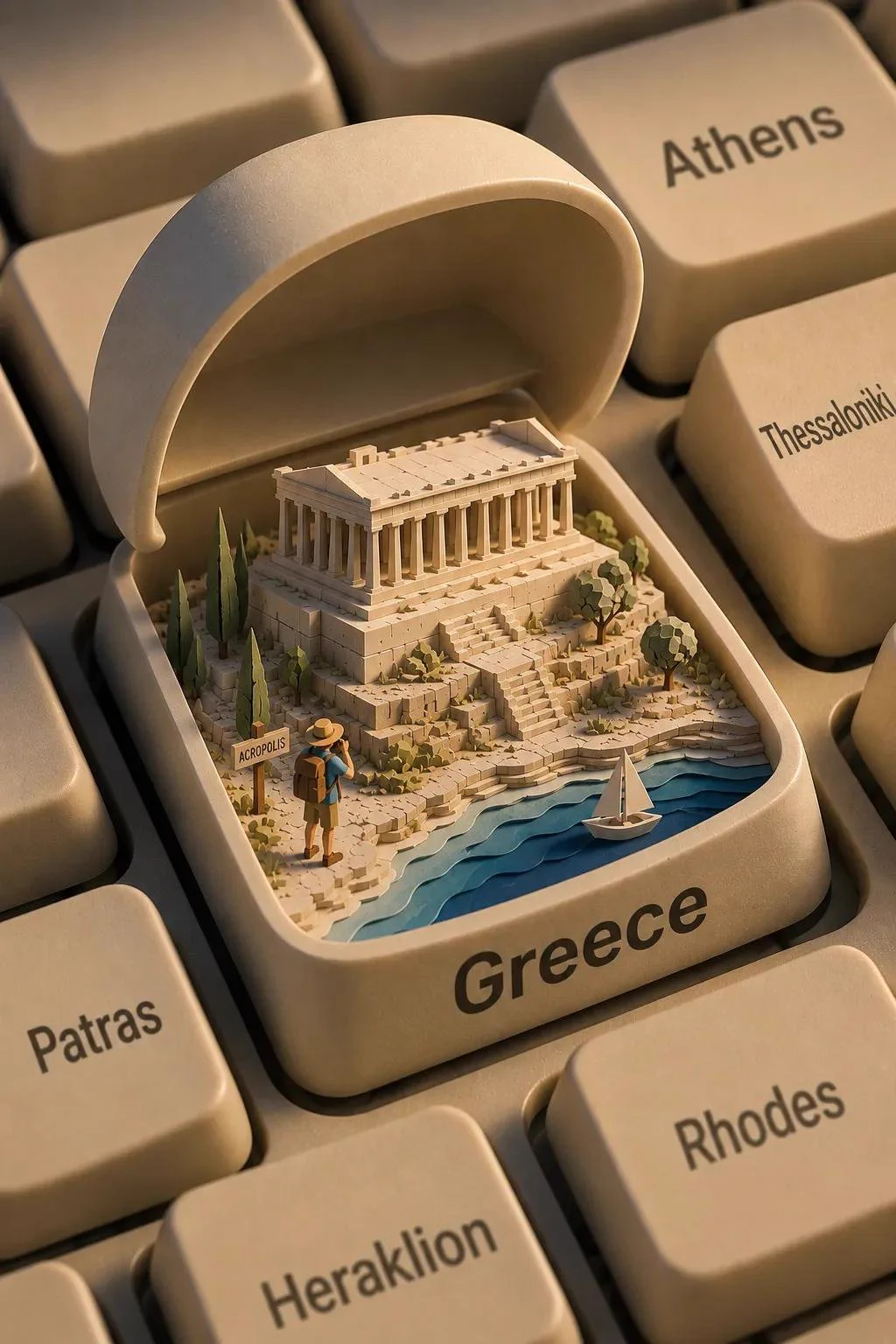
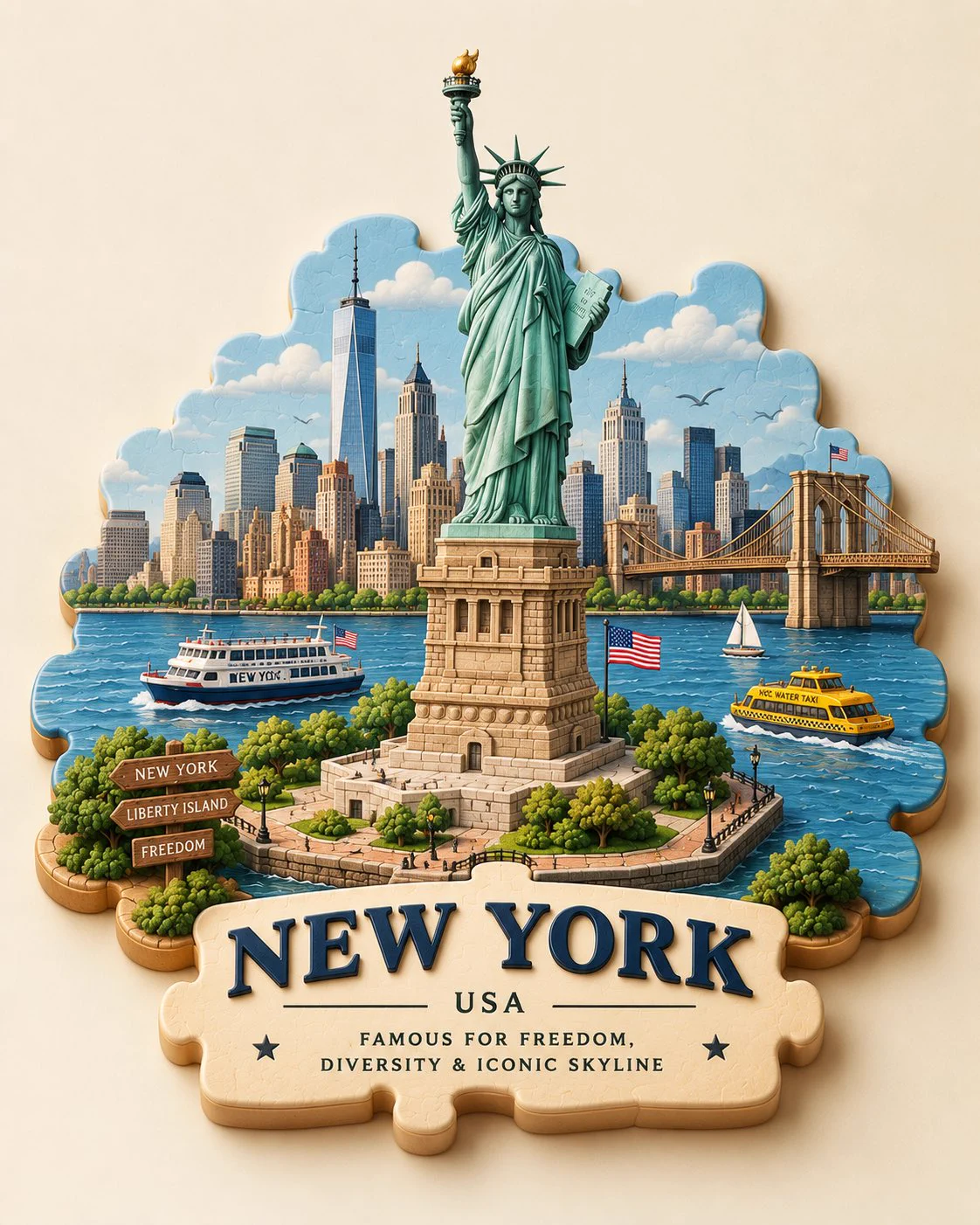
Keyboard-key travel dioramaKeyboard-key travel dioramaMiniature puzzle-piece travel dioramaMiniature puzzle-piece travel diorama