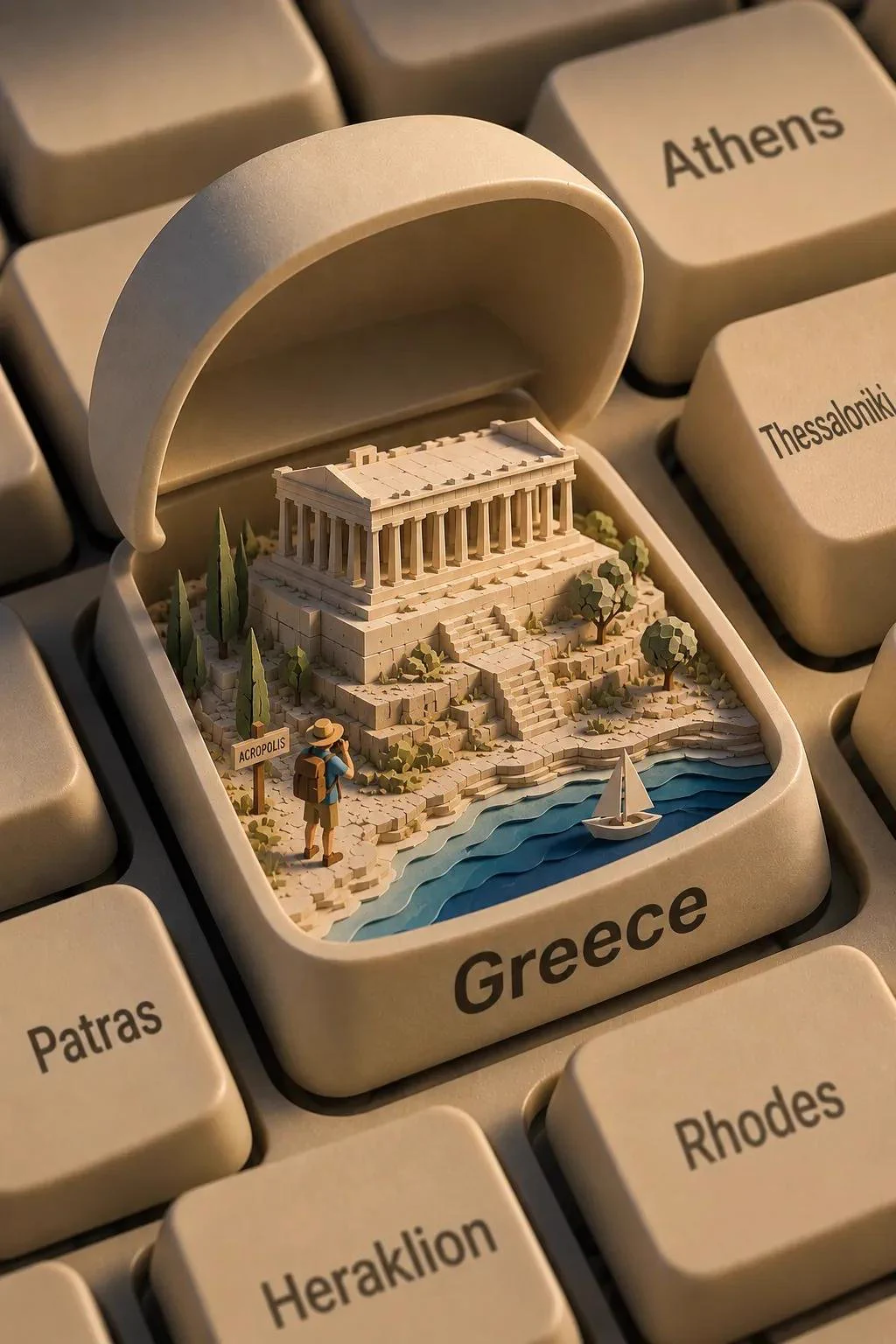
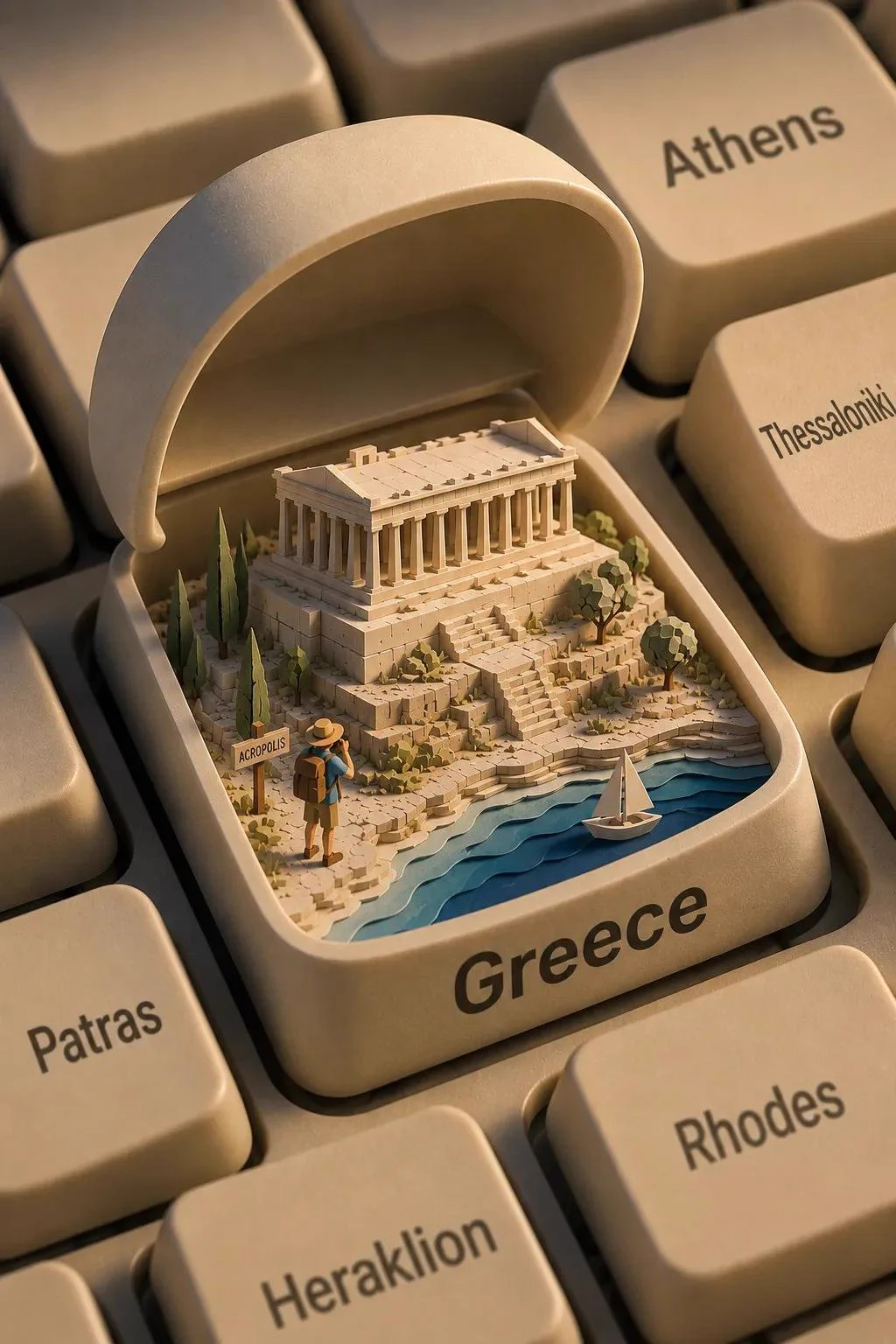
A keyboard key opens like a box to reveal a small location-specific travel scene with a landmark, flora, traveler and water when relevant. An opened keyboard key frames a location-specific miniature, creating contrast between the macro keyboard and tiny landmark. The traveler and sign establish scale; water and a boat only belong when the selected place has a relevant waterway.
How to adapt the method
Replace [LOCATION] with a country or region. The prompt requests 4:5; the three reviewed source images are approximately 2:3 at 1024×1536, 1024×1536 and 1080×1620. The landmarks and travel layout are present, but neighboring key labels do not guarantee four distinct cities: Sydney is repeated in the Australian example and the Algeria output lacks the small landmark sign. Verify the landmark and plants for the destination, then inspect the hinge, key walls and miniature perspective. Remove water for an inland scene rather than copying a coastal detail into every location.
How to use this prompt
1
Read the complete prompt alongside the result. Identify the subject, framing, lighting and visual style before changing the brief.
2
Open the selected recipe in Studio with its model and starting settings. Check the available version, frame and resolution before generating; a size written in the source prompt is not an output setting or a guarantee.
3
Use the customization fields below to rewrite the brief: Location. Keep the composition and other constraints that make this example useful. Check the current credit quote before submitting.
What to check in your result
Compare the result with the chosen example: subject position, light direction and the balance between foreground and background. Inspect hands, faces, product shapes and any text at full size. Change one variable at a time so you can judge what improved.
Variables to customize
Location
A country or region to turn into a miniature travel world.
Source and attribution
This example is attributed to Saul Goodman @Goodmanprotocol.