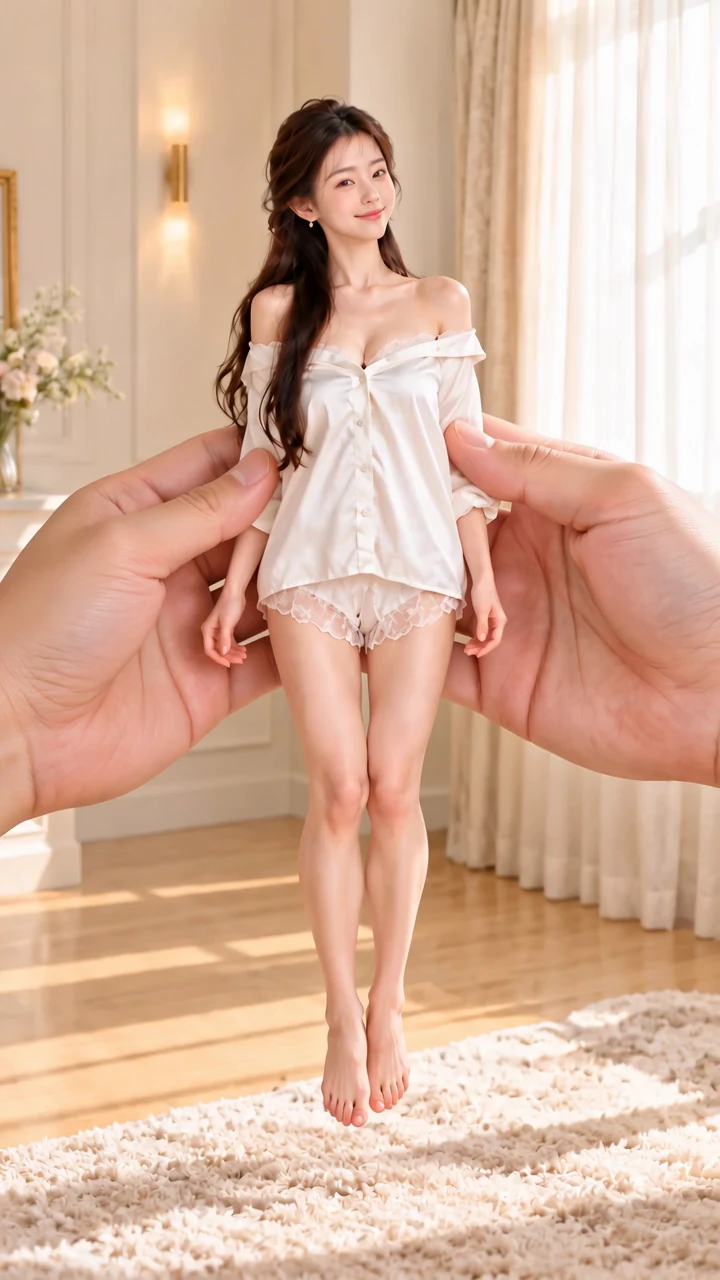
Giant hands dress a miniature woman — AI Video Prompt
Two giant hands take a white pajama blouse off a miniature adult woman, dress her in a pink floral dress and add socks, shoes and accessories in one 15-second clip.
One continuous outfit change from three ordered reference images
A giant hand lowers a miniature adult woman in white pajamas onto a rug. Two hands open and remove the white blouse, leaving an opaque white bra and shorts; there is no nudity. They bring in one pink floral dress, put it on her and smooth the skirt. After a close-up of white socks and cream Mary Jane shoes, the hands add a flower necklace, a hair clip and a cream handbag. The hands withdraw and she turns once in the finished outfit. Each reference image fixes one state of the same woman: the opening outfit, the base garments and the finished look. The prompt names each image's role and says they are references, not keyframes, so the model moves between them instead of jumping. Timed beats, a single dress and at most two hands reduce duplicated garments and sudden swaps.
How to adapt the method
Change the outfits in the three image prompts while keeping the same woman, room and lighting in all three images. Keep the intermediate image dressed in opaque base garments. Upload the images in the same order and update the clothing in the video prompt so each @Image reference still matches its role. For more or fewer steps, change the reference list and the timed beats together. Adapted image prompts with separate source images removed; the video prompt is the one used for this clip.
How to use this prompt
1
Generate the three reference images with their own prompts, then upload them to the video step in this order: image 1 (opening outfit), image 2 (blouse removed), image 3 (finished outfit). The video prompt calls them @Image 1, @Image 2 and @Image 3.
2
Open the selected recipe in Studio with its model and starting settings. Check the available version, frame and resolution before generating; a size written in the source prompt is not an output setting or a guarantee.
3
Use the customization fields below to rewrite the brief: Reference images / Delivered dimensions / Delivered duration. Keep the composition and other constraints that make this example useful. Check the current credit quote before submitting.
What to check in your result
Watch the entire clip. Compare the main action, camera movement and scene continuity with the brief, and check for changing faces, distorted hands or unexpected cuts. A similar prompt can give a different result; refine the motion rather than assuming an exact copy.
Variables to customize
Reference images
Three ordered images: opening outfit, blouse removed, finished outfit