A watercolor lighthouse at sunset made with MiniMax H3 Image — AI Image Prompt
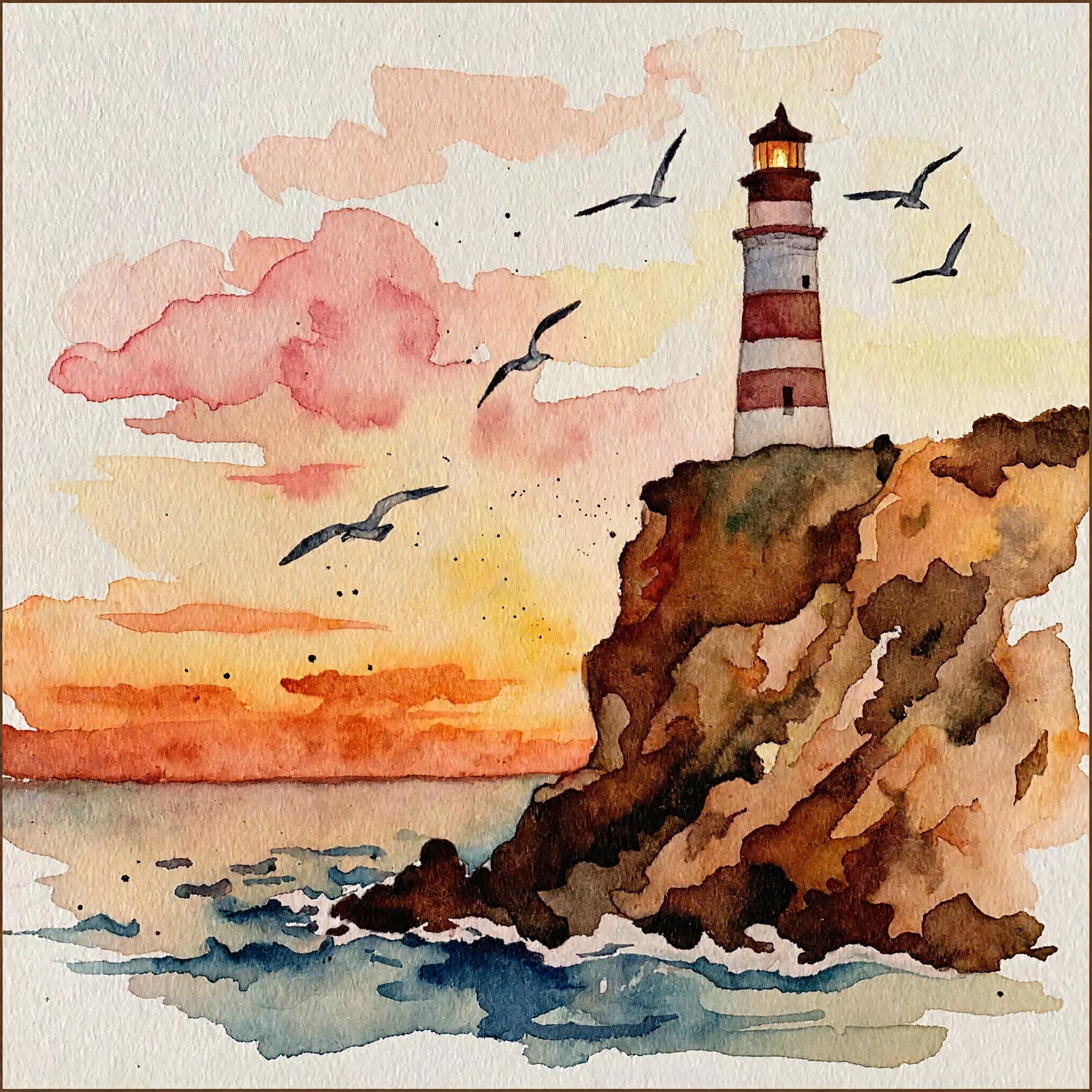
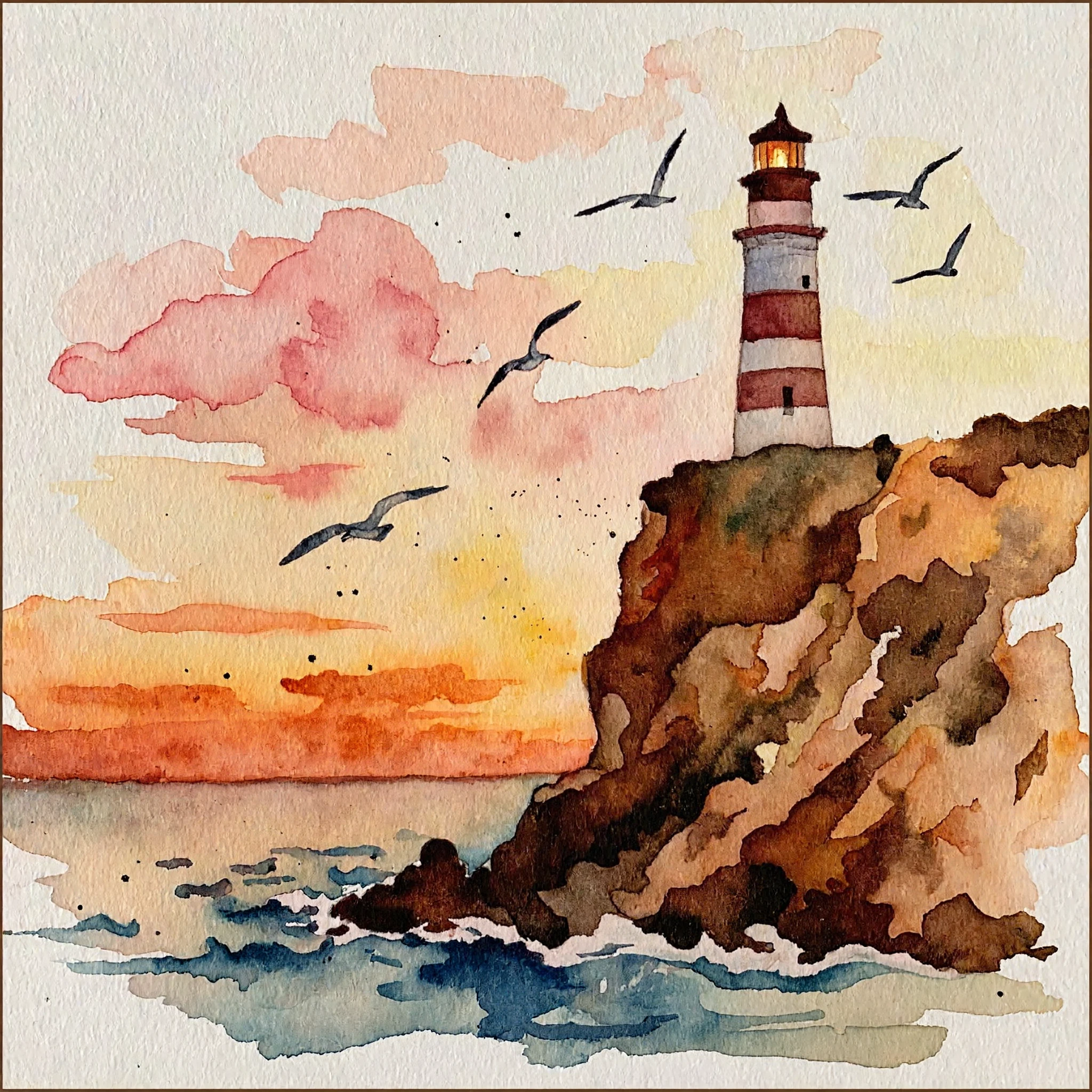
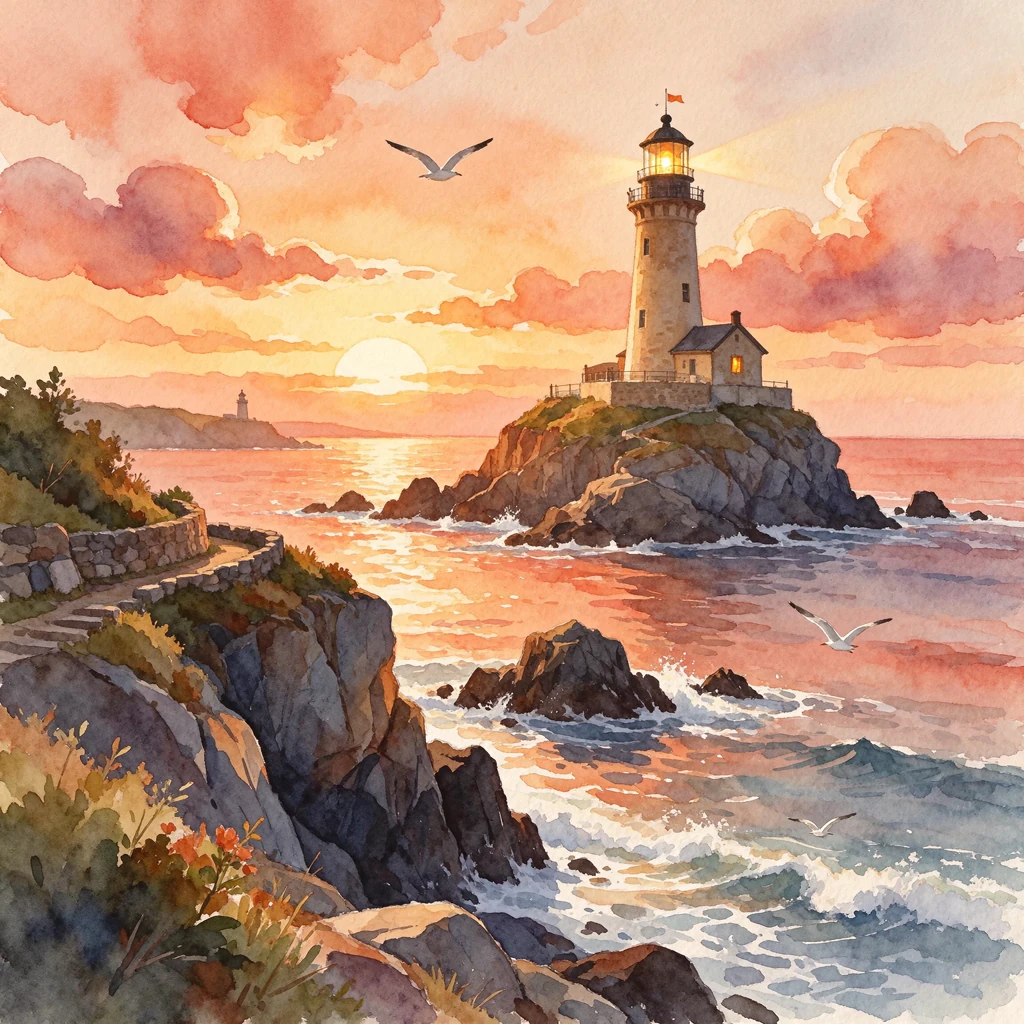
A watercolor lighthouse at sunset with seagulls, generated with MiniMax H3 Image from the same short prompt as its companion case, so you can compare how each model reads the same words.
What the image shows and how this model reads the prompt
A looser, more graphic watercolor on textured white paper: a red-and-white striped lighthouse with a lit lamp stands on top of a tall ochre and brown cliff on the right. Five seagulls fly across a sky of pink and yellow washes, the setting sun is a band of orange on the horizon, and blue strokes suggest water at the base of the cliff. Paint splatters and unpainted paper at the edges make it read like a scanned sketchbook page. The prompt leads with the medium (a watercolor illustration), then names one landmark (a lighthouse on a cliff), one time of day (sunset), one living detail (seagulls) and one palette (soft warm colors). Putting the medium first makes the model commit to washes and paper texture instead of a photo, and the short list of elements keeps the composition simple enough for the style to show.
How to adapt the method
Keep "a watercolor illustration of" at the start and swap the landmark (a windmill, a mountain cabin, a harbor town), the time of day or the palette (cool blues for dawn, greys for a storm). Run the same prompt with both models to choose the look you prefer: a detailed scenic painting or a looser, more graphic sketch. Owner-supplied prompt: the exact text used for this output, unchanged.
How to use this prompt
1
Read the complete prompt alongside the result. Identify the subject, framing, lighting and visual style before changing the brief.
2
Open the selected recipe in Studio with its model and starting settings. Check the available version, frame and resolution before generating; a size written in the source prompt is not an output setting or a guarantee.
3
Use the customization fields below to rewrite the brief: Subject / Delivered dimensions. Keep the composition and other constraints that make this example useful. Check the current credit quote before submitting.
What to check in your result
Compare the result with the chosen example: subject position, light direction and the balance between foreground and background. Inspect hands, faces, product shapes and any text at full size. Change one variable at a time so you can judge what improved.
Variables to customize
Subject
A lighthouse on a cliff at sunset with seagulls, in watercolor