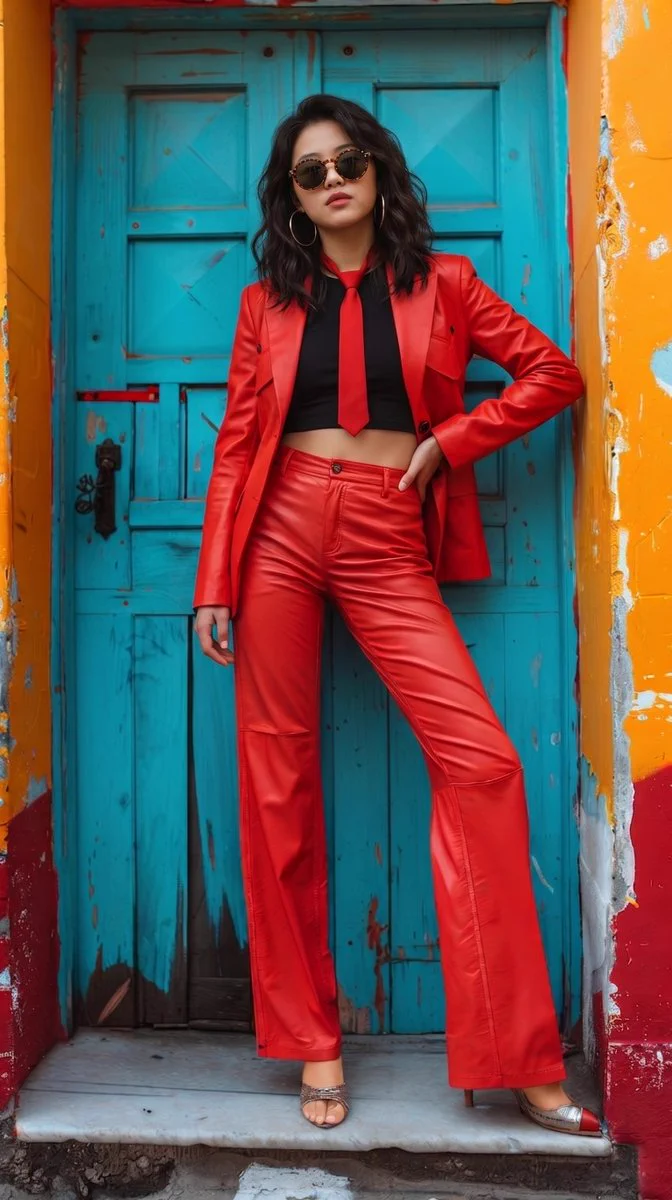
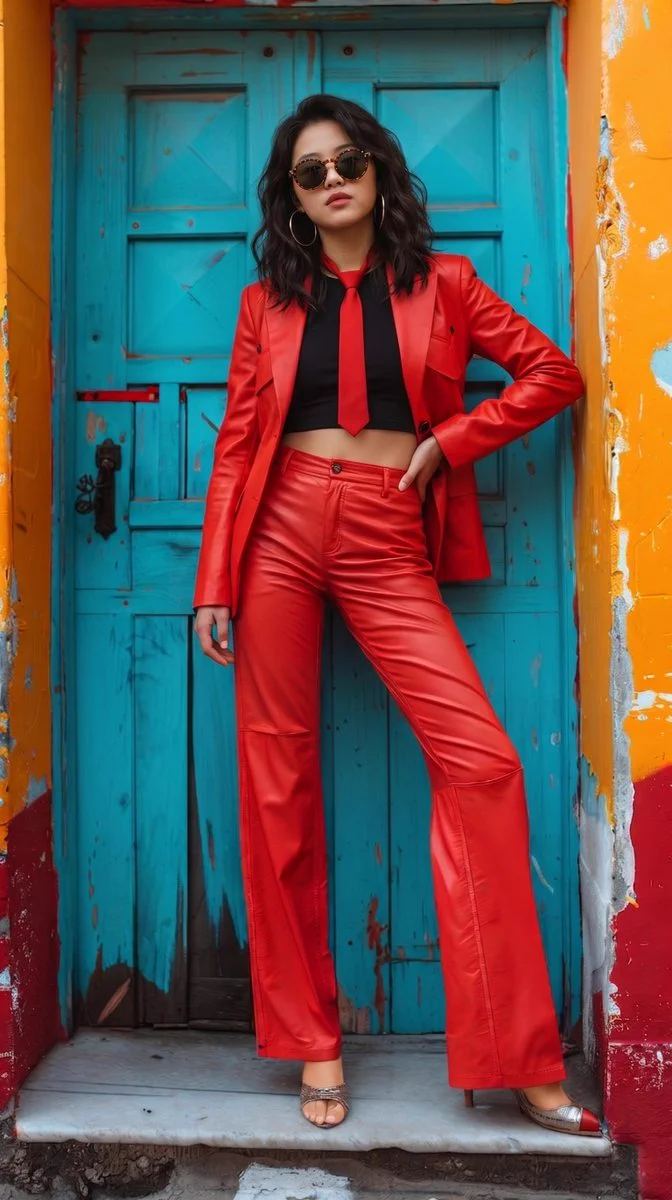
A head-to-toe fashion portrait pairs a red pantsuit with a weathered teal doorway framed by orange and red walls. Red tailoring stands out against the teal doorway, with peeling orange walls adding texture and a second warm colour. The hand-on-hip gesture opens the blazer shape and keeps a full-body fashion silhouette readable.
How to adapt the method
Use the self-contained prompt with Nano Banana Pro, explicitly named in the source post. Frame an adult from head to toe and place one hand on the hip to open the shape of the blazer and wide-leg trousers. Contrast red tailoring against teal wooden panels, then frame the door with peeling orange and red walls. A black crop top, narrow tie and round sunglasses structure the upper body; natural-looking light should separate garment sheen from worn matte surfaces without erasing the setting. No reference image is required.
Limitations: The retained file is 672 × 1200 pixels. The prompt requests full-body framing without a numeric ratio; suggested Studio 9:16 approximates the canvas and is not an attested source setting or proof of native resolution. The footwear does not exactly reproduce the requested matching gold/red pointed-toe heels: silver straps, an open-toe form and red details are visible. The hair is loosely wavy rather than strongly curled, and the threshold appears as a pale slab rather than cobblestones. Shadows are softer than the strong-sunlight wording. This generated image does not establish real leather, a specific historic location, a person's identity or an actual photo session. The current post names Nano Banana Pro. Seed, provider settings and generation-route acceptance are not documented. Reusing the prompt does not guarantee an identical reproduction. Inspect the hip hand, trouser seams and separation between footwear and the threshold. The selected footwear and shadows differ from the prompt; explain that difference instead of treating every material, heel shape or location as verified.
How to use this prompt
1
Read the complete prompt alongside the result. Identify the subject, framing, lighting and visual style before changing the brief.
2
Open the selected recipe in Studio with its model and starting settings. Check the available version, frame and resolution before generating; a size written in the source prompt is not an output setting or a guarantee.
3
Use the customization fields below to rewrite the brief: Silhouette and pose / Clothing-to-setting contrast / Accessories / Surfaces and light. Keep the composition and other constraints that make this example useful. Check the current credit quote before submitting.
What to check in your result
Compare the result with the chosen example: subject position, light direction and the balance between foreground and background. Inspect hands, faces, product shapes and any text at full size. Change one variable at a time so you can judge what improved.
Variables to customize
Silhouette and pose
An adult head-to-toe figure, tailored blazer, wide-leg trousers, one hand at the hip and a slight lean against the door.
Clothing-to-setting contrast
Red clothing, teal door panels and orange/red wall planes; keep garment edges clear against the surrounding colour blocks.
Accessories
Black crop top, slim red tie, round sunglasses and large hoops; check the two shoes for consistency separately.
Surfaces and light
Weathered wood, peeling stucco and a worn threshold, lit to distinguish glossy clothing from matte architectural texture.