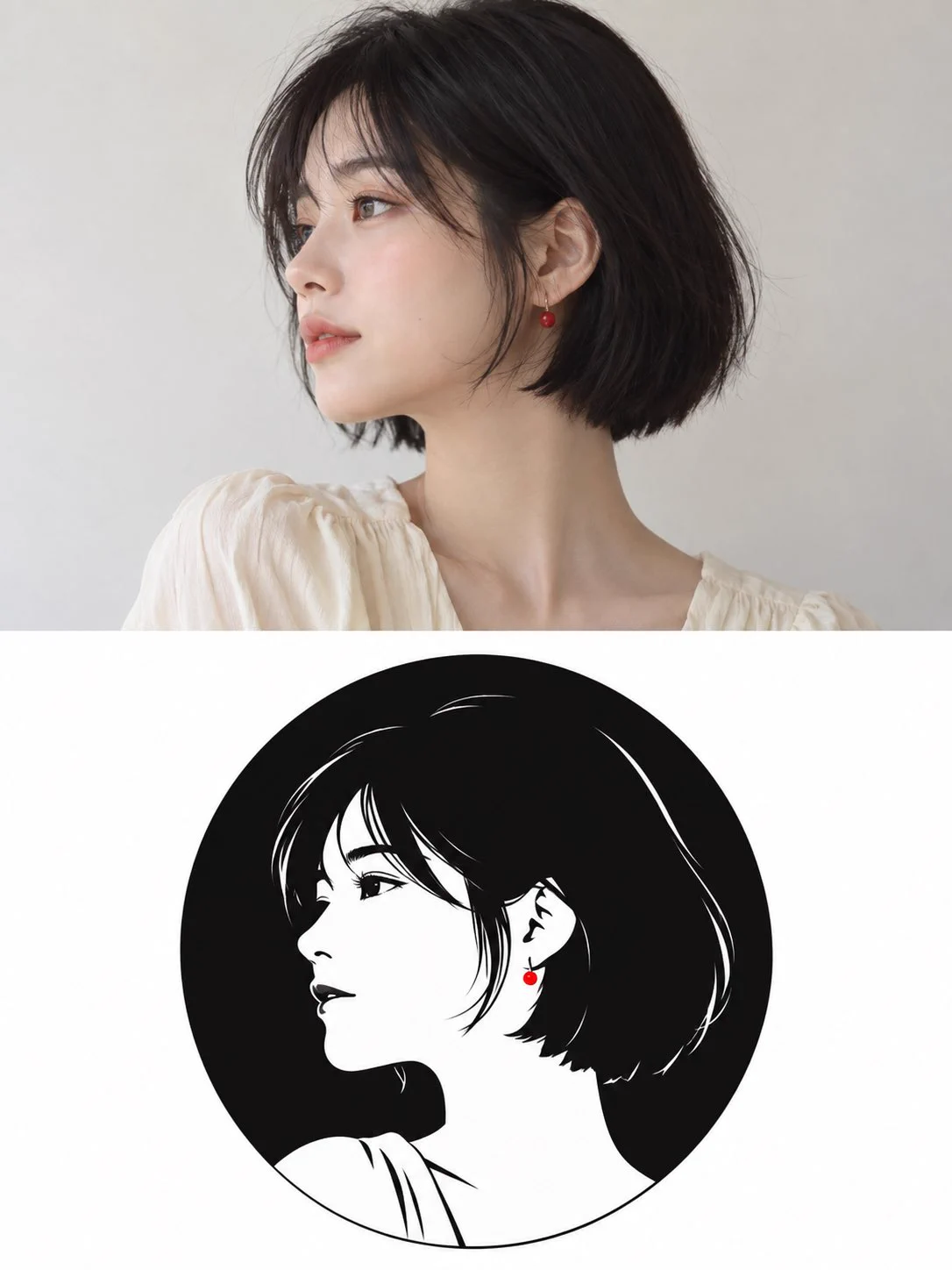
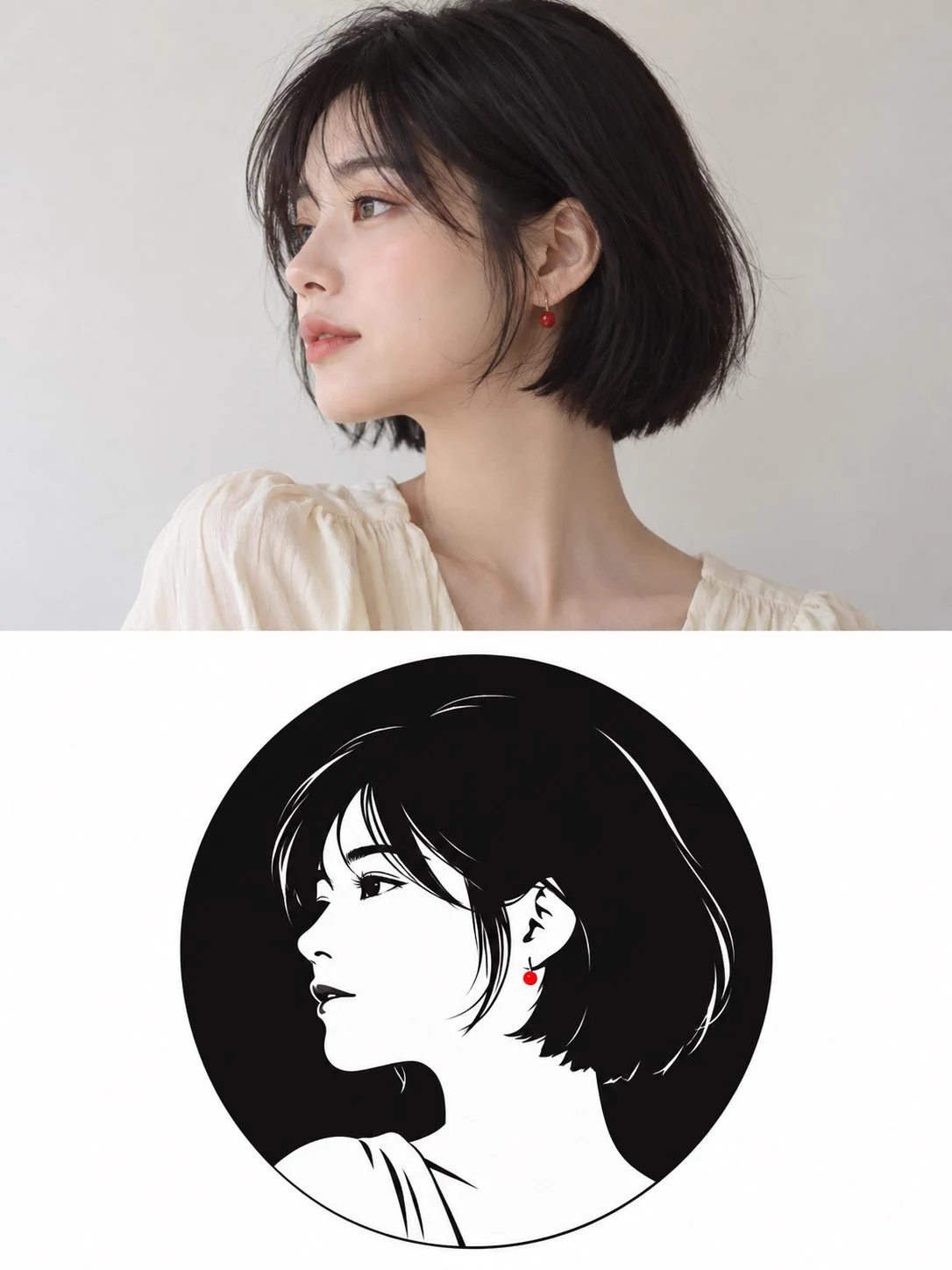
Two examples pair a person or cat photograph with a matching minimalist black-and-white circular logo. The split layout makes it possible to compare a photograph with a simplified circular identity mark. Recognition depends on a few strong traits, such as the hair contour or a pet’s ears and muzzle, rather than copying every photographic detail.
How to adapt the method
Upload your own person or pet photo, then use the reviewed English translation for a 3:4 split image with the photo above and a circular logo below. Source example images are not attached automatically. Check that the upper photo and lower logo refer to the same subject and that no lettering appears. The result is a raster composition; a clean vector-like outline does not by itself deliver SVG paths or an editable logo master.
How to use this prompt
1
Read the complete prompt alongside the result. Identify the subject, framing, lighting and visual style before changing the brief.
2
Open the selected recipe in Studio with its model and starting settings. Check the available version, frame and resolution before generating; a size written in the source prompt is not an output setting or a guarantee.
3
Use the customization fields below to rewrite the brief: Reference photo / Composition. Keep the composition and other constraints that make this example useful. Check the current credit quote before submitting.
What to check in your result
Compare the result with the chosen example: subject position, light direction and the balance between foreground and background. Inspect hands, faces, product shapes and any text at full size. Change one variable at a time so you can judge what improved.
Variables to customize
Reference photo
Your own person or pet photo, uploaded manually.
Composition
Portrait 3:4 split with the photo above and monochrome circular logo below.