Up to 40% less per creditEligible accounts: 30 signup credits
  • Home
  • Agent
  • Images
  • Videos
  • Prompts
  • Assets
  • Plugins

Loading…

FilmLune

From real examples to AI image and video creation.

Models

Image models

  • GPT Image
  • Nano Banana
  • Seedream
  • Midjourney
Show moreShow less
  • Grok Imagine Image
  • Recraft
  • FLUX Image
  • Qwen Image

Video models

  • Seedance
  • Veo
  • MiniMax
  • Grok Video
Show moreShow less
  • Kling
  • Wan
  • Gemini Omni Flash
  • HappyHorse
  • FLUX Video

Create

  • Open Studio

Tools & Skills

  • Features
  • MCP server

Resources

  • All resources
  • Changelog

Prompts

  • Explore prompts
  • Image prompts
  • Video prompts

FilmLune

  • Contact
  • Pricing

Community

  • Follow FilmLune on X ↗
  • Join Discord ↗

Legal and privacy

  • Terms
  • Refunds
  • Privacy Policy
  • GDPR
  • CCPA
  • Cookie choices
  • Sharing rules

© FilmLuneKeep creative work and trustworthy information close at hand.

Home

Loading…

Prompts/AI image prompts/1980s vintage photo transformation
esc
1980s vintage photo transformation
Ai Bella@zahra4sure
GPT Image logoGPT Image
PROMPT
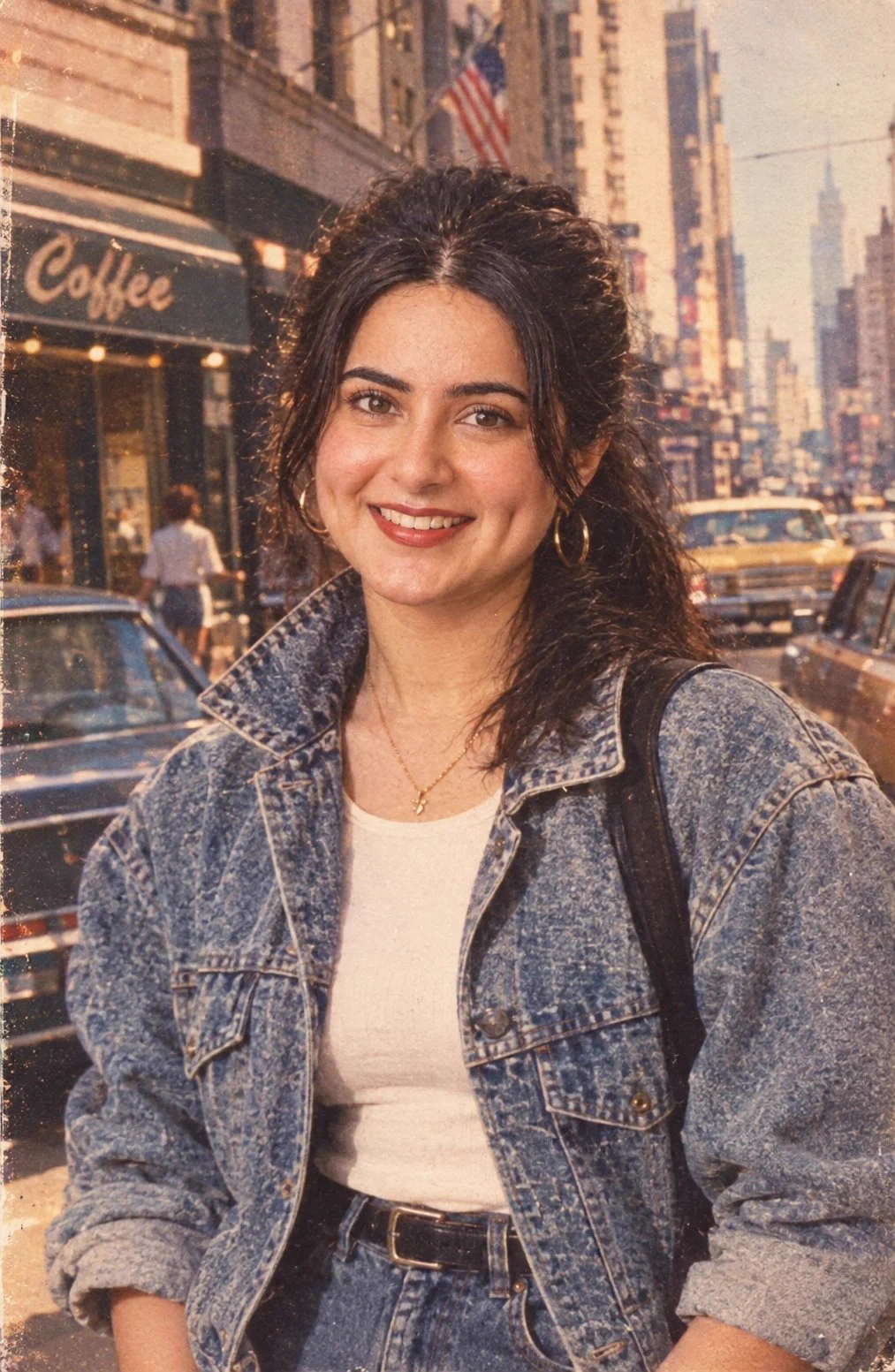
Transform my uploaded photo into a realistic authentic 1980s photograph. Keep my exact face, facial features, identity, skin tone, body proportions, and natural expression unchanged.

Style me like a fashionable young woman from the United States in the mid to late 1980s. Give me authentic 80s American fashion: high-waisted denim, oversized vintage jacket, fitted top, classic sneakers or ankle boots, simple gold accessories, and natural 80s-inspired hair with soft volume.

Place me in a stylish American setting from the 1980s, such as a classic American street, retro diner, vintage shopping area, or suburban neighborhood. Include period-accurate cars, storefronts, signage, architecture, and subtle background details that genuinely look like 1980s America.

Make the photograph look like it was actually taken in the 1980s on a Kodak film camera. Use realistic analog film grain, soft flash photography, slightly warm faded colors, natural shadows, subtle lens imperfections, authentic film texture, and a nostalgic editorial photography feel.

The result must look like a genuine scanned photograph from an old American photo album, NOT an AI-generated image and NOT a modern photo with a vintage filter.

No modern clothing, no modern cars, no smartphones, no contemporary buildings, no text, no logos, no watermark. Preserve my face and identity perfectly.

Prompt guide · AI image

1980s vintage photo transformation — AI Image Prompt

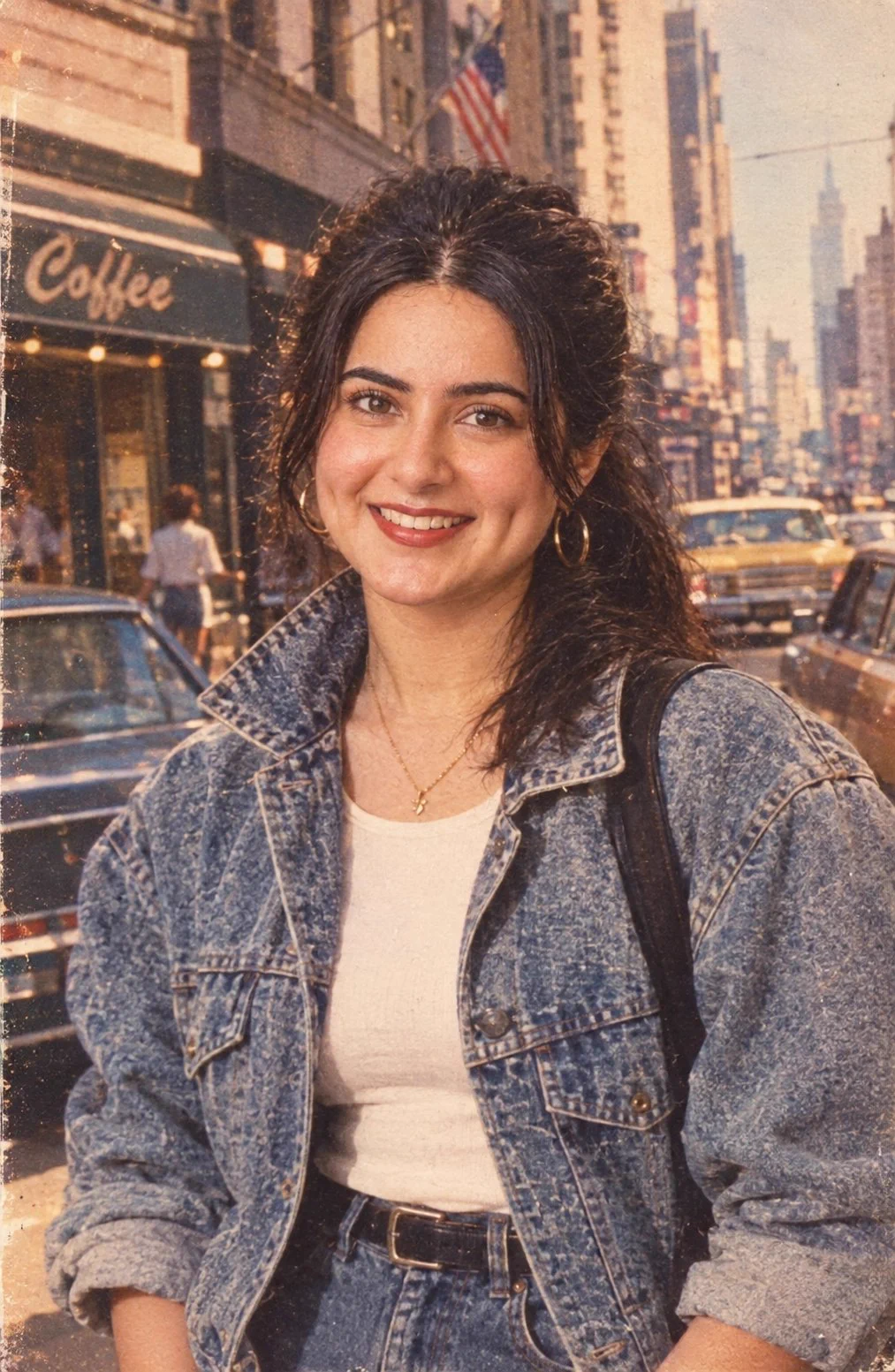
A user-supplied portrait becomes a warm, scanned-looking 1980s American street photo with denim styling and period cars.

  • ModelGPT Image 2.5
  • Use casePortraits & characters
  • Style1980s analog street portrait
  • CollectionVintage 1980s photo transformations

Why this example is useful

A user-supplied portrait becomes a warm, scanned-looking 1980s American street photo with denim styling and period cars. Denim styling, period-looking streets and warm scanned-film texture extend the nostalgic direction beyond a color filter. The reference face remains the continuity target while clothes, cars, shops and the setting change around it.

How to adapt the method

Use the exact source prompt with your own uploaded reference photo. Preserve the identity while setting period clothing, an American street and analog film texture; the source output is external media and is not an input. The source is 1013 × 1553 pixels; 2:3 is the closest Studio preset. The prompt asks for period signage while also saying “no text”; the example includes a Coffee sign, but no overlaid headline. This example does not verify the original face match or the absence of all lettering. Review the face against the authorized input and inspect background objects for modern details. Despite the source request for an authentic album look, the output is a newly generated transformation, not historical evidence.

How to use this prompt

  1. 1

    Read the complete prompt alongside the result. Identify the subject, framing, lighting and visual style before changing the brief.

  2. 2

    Open the selected recipe in Studio with its model and starting settings. Check the available version, frame and resolution before generating; a size written in the source prompt is not an output setting or a guarantee.

  3. 3

    Use the customization fields below to rewrite the brief: Reference / Composition. Keep the composition and other constraints that make this example useful. Check the current credit quote before submitting.

What to check in your result

Compare the result with the chosen example: subject position, light direction and the balance between foreground and background. Inspect hands, faces, product shapes and any text at full size. Change one variable at a time so you can judge what improved.

Review the selected prompt and settings in Studio, then submit when you are ready.

Variables to customize

Reference
Upload your own photo; the source prompt explicitly requires it to preserve identity.
Composition
Vertical vintage street portrait with a sharp subject, period cars and warm analog texture.

Source and attribution

This example is attributed to Ai Bella @zahra4sure.

View the source on X

The work remains attributed to its public source; the link preserves access to its original context.

Report a rights or attribution issue

More recipes to explore

View all AI image examples
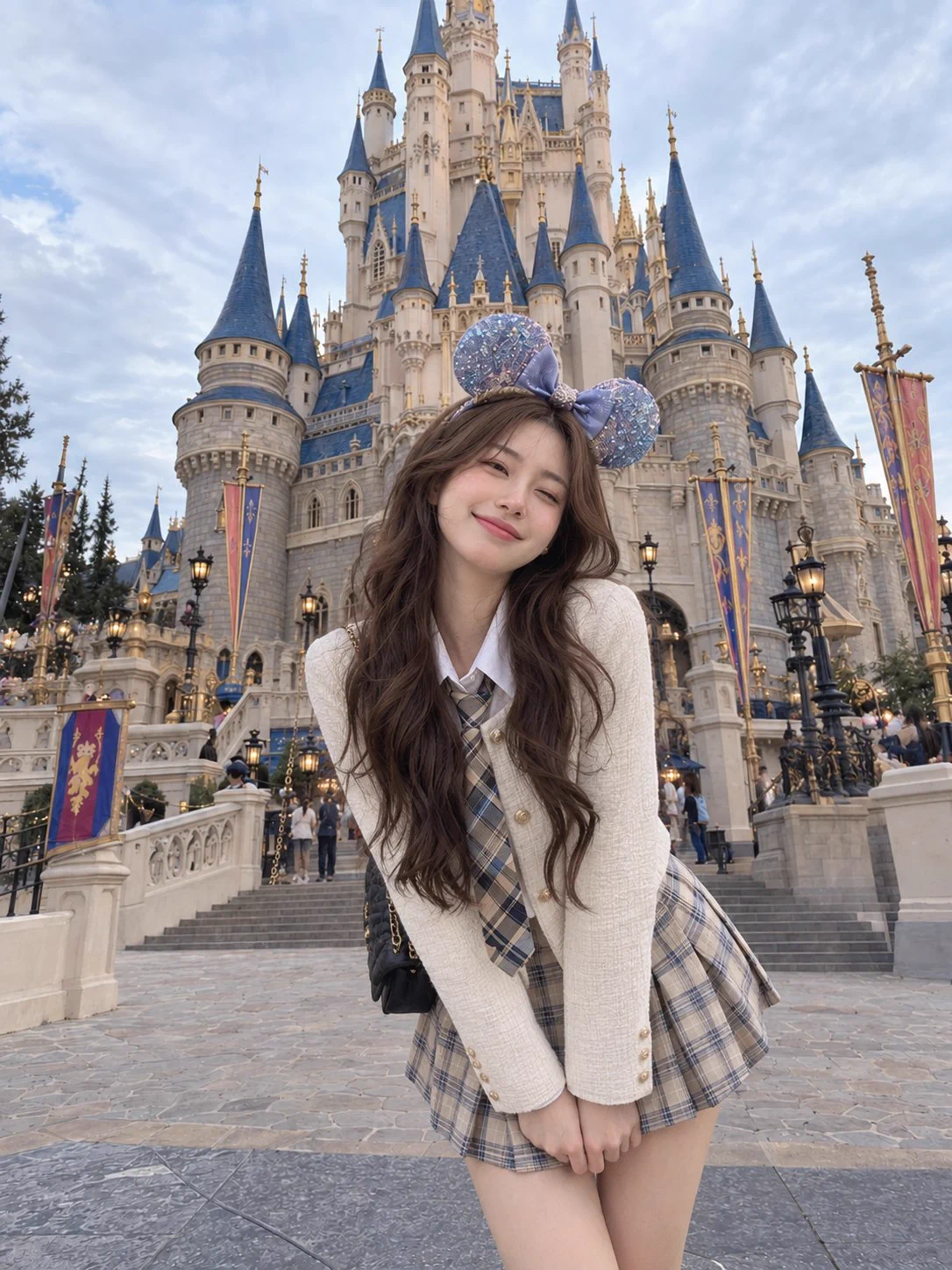
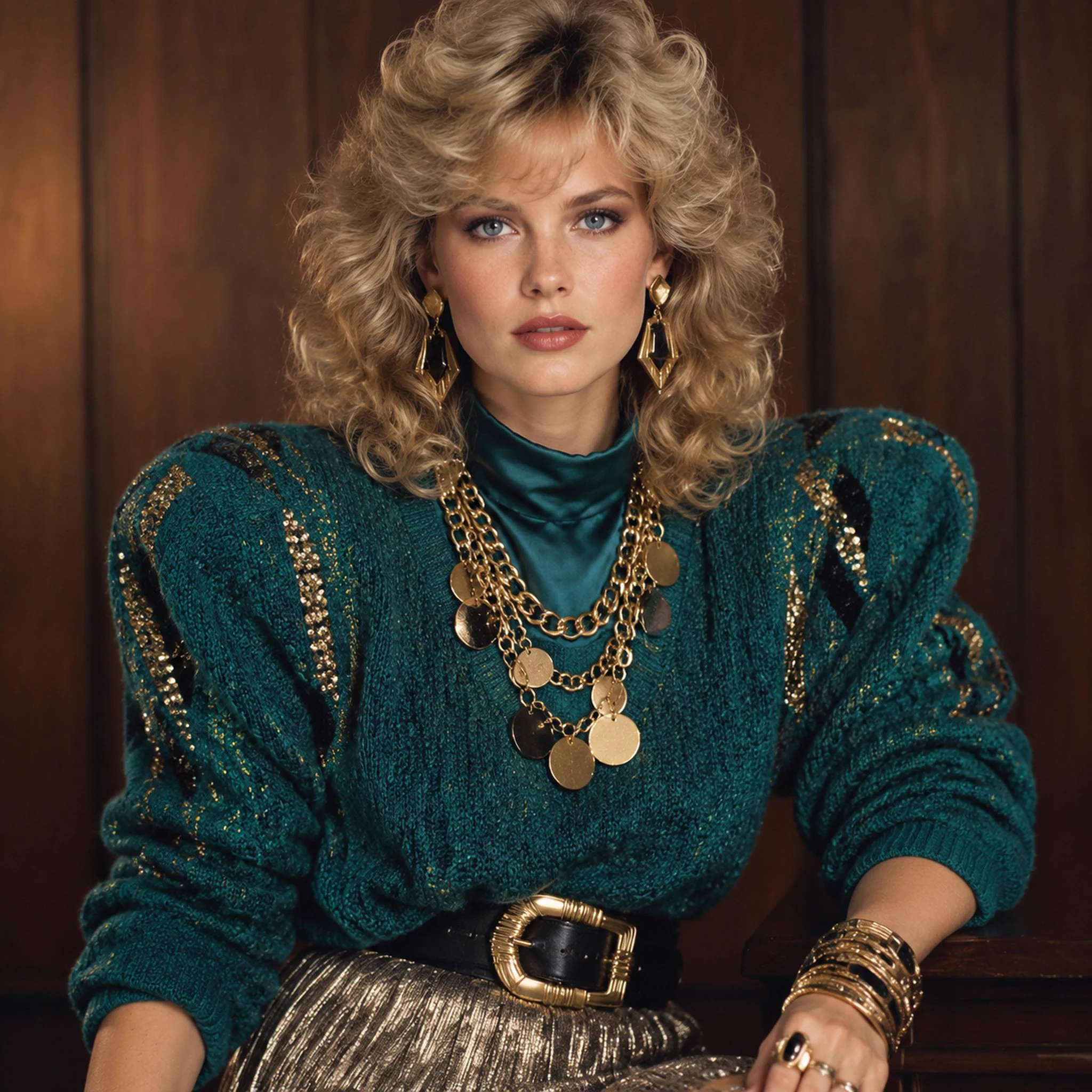
Fairytale castle travel portraitFairytale castle travel portrait1980s editorial studio fashion portrait1980s editorial studio fashion portraitWhite Satin Portrait by a Train WindowWhite Satin Portrait by a Train WindowMixed-media portrait with a doodle shadow on a white studio wallMixed-media portrait with a doodle shadow on a white studio wall