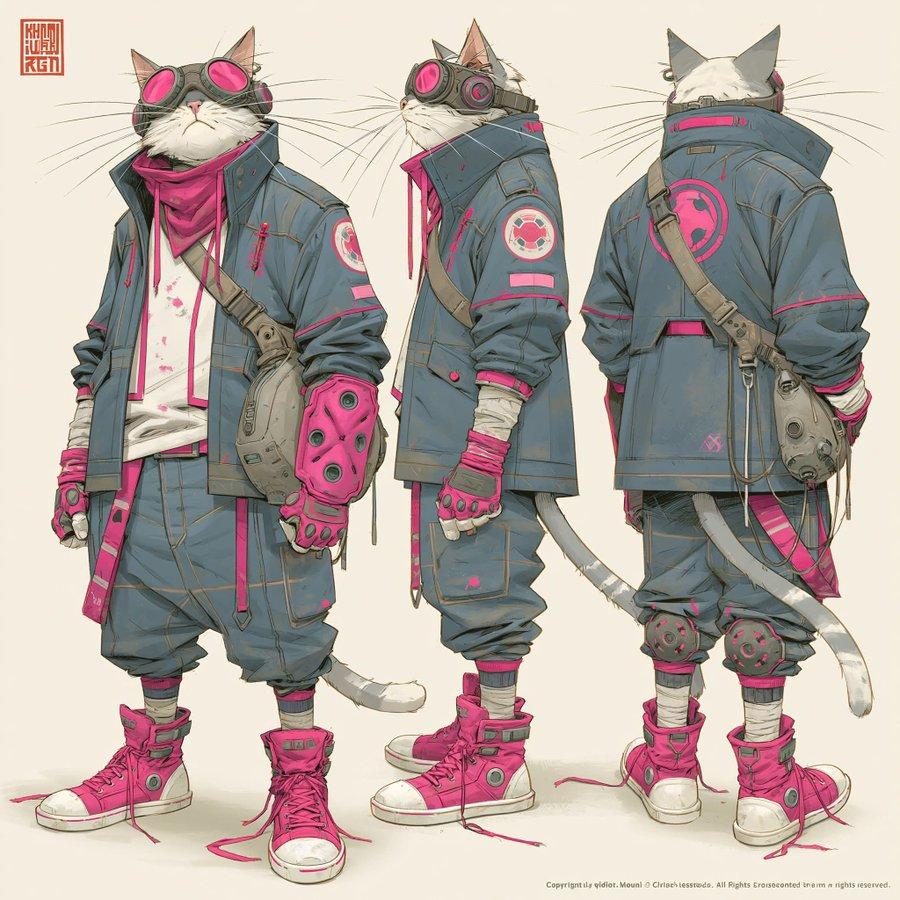
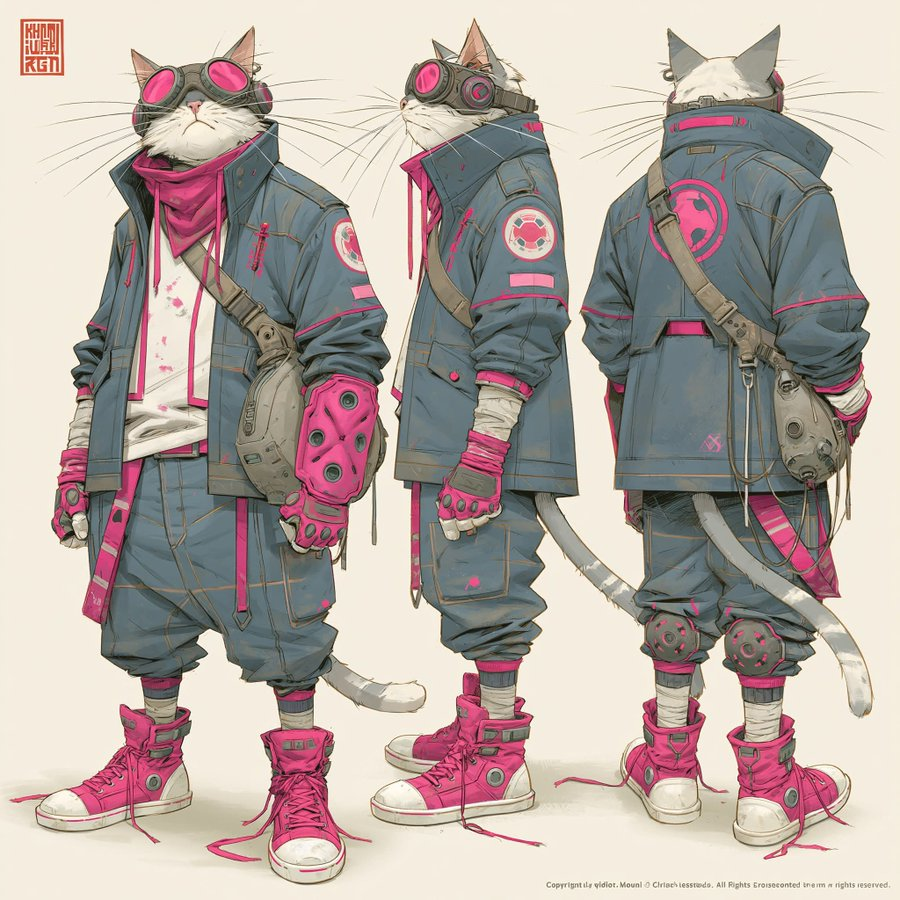
One square sheet presents the same cat character from the front, side and back. Front, side and back views make the character silhouette easier to compare than a single hero portrait. The compact source brief leaves many costume and material details unspecified, so the displayed cat design is an example rather than a complete written specification.
How to adapt the method
Replace the animal or character and garment color palette as needed, then check that the front, side and back views remain consistent. Use Midjourney V8.1 in 2K and keep the exact source flags --stylize 900 --hd --v 8.1. State the desired body shape, colors and accessories explicitly when adapting this short prompt. Inspect ear, tail and outfit continuity between views; a turnaround sheet is not a rigged 3D asset or an animation.
How to use this prompt
1
Read the complete prompt alongside the result. Identify the subject, framing, lighting and visual style before changing the brief.
2
Open the selected recipe in Studio with its model and starting settings. Check the available version, frame and resolution before generating; a size written in the source prompt is not an output setting or a guarantee.
3
Use the customization fields below to rewrite the brief: Character / Outfit and palette. Keep the composition and other constraints that make this example useful. Check the current credit quote before submitting.
What to check in your result
Compare the result with the chosen example: subject position, light direction and the balance between foreground and background. Inspect hands, faces, product shapes and any text at full size. Change one variable at a time so you can judge what improved.
Variables to customize
Character
Replace the cat with your chosen animal or character while retaining three views.
Outfit and palette
Keep clothing and accessories consistent across front, side and back views.