Up to 40% less per creditEligible accounts: 30 signup credits
  • Home
  • Agent
  • Images
  • Videos
  • Prompts
  • Assets
  • Plugins

Loading…

FilmLune

From real examples to AI image and video creation.

Models

Image models

  • GPT Image
  • Nano Banana
  • Seedream
  • Midjourney
Show moreShow less
  • Grok Imagine Image
  • Recraft
  • FLUX Image
  • Qwen Image

Video models

  • Seedance
  • Veo
  • MiniMax
  • Grok Video
Show moreShow less
  • Kling
  • Wan
  • Gemini Omni Flash
  • HappyHorse
  • FLUX Video

Create

  • Open Studio

Tools & Skills

  • Features
  • MCP server

Resources

  • All resources
  • Changelog

Prompts

  • Explore prompts
  • Image prompts
  • Video prompts

FilmLune

  • Contact
  • Pricing

Community

  • Follow FilmLune on X ↗
  • Join Discord ↗

Legal and privacy

  • Terms
  • Refunds
  • Privacy Policy
  • GDPR
  • CCPA
  • Cookie choices
  • Sharing rules

© FilmLuneKeep creative work and trustworthy information close at hand.

Home

Loading…

Prompts/AI video prompts/A bird pulls a parasite from a lynx's eye
1 / 2
esc
1 / 2
FilmLune
Seedance logoSeedance

PROMPT

Award-winning extreme macro photography of a wild lynx eye and tear duct. Extreme close-up filling the frame: the lynx's eye is squinted shut with visible tension, dense fur textures and dark tear-line visible. Emerging prominently from under the inner eyelid is a large, glistening, plump, segmented pale botfly larva parasite, with visible wet texture and ribbed segments. The sharp tip of a small songbird's dark beak is firmly clamped onto the head of the protruding parasite. Intense macro depth of field, 8k resolution, photorealistic visceral wildlife shot. --ar 16:9
Extreme macro wildlife video shot with a microscopic probe lens. The camera holds an intense close-up on the lynx's eye. The large, plump, segmented pale parasite squirts and crawls slowly out from behind the eyelid, its fleshy body squirming and stretching as the bird's beak steadily extracts it. Visceral, oddly satisfying motion with wet reflections and skin tension. Once the giant larva is completely pulled free from the tear duct, the eyelid relaxes and the lynx slowly opens a stunning, crystal-clear golden eye that fills the frame. Ultra-realistic fluid dynamics, steady cinematic macro lighting, 4k 30fps.

Prompt guide · AI video

A bird pulls a parasite from a lynx's eye — AI Video Prompt

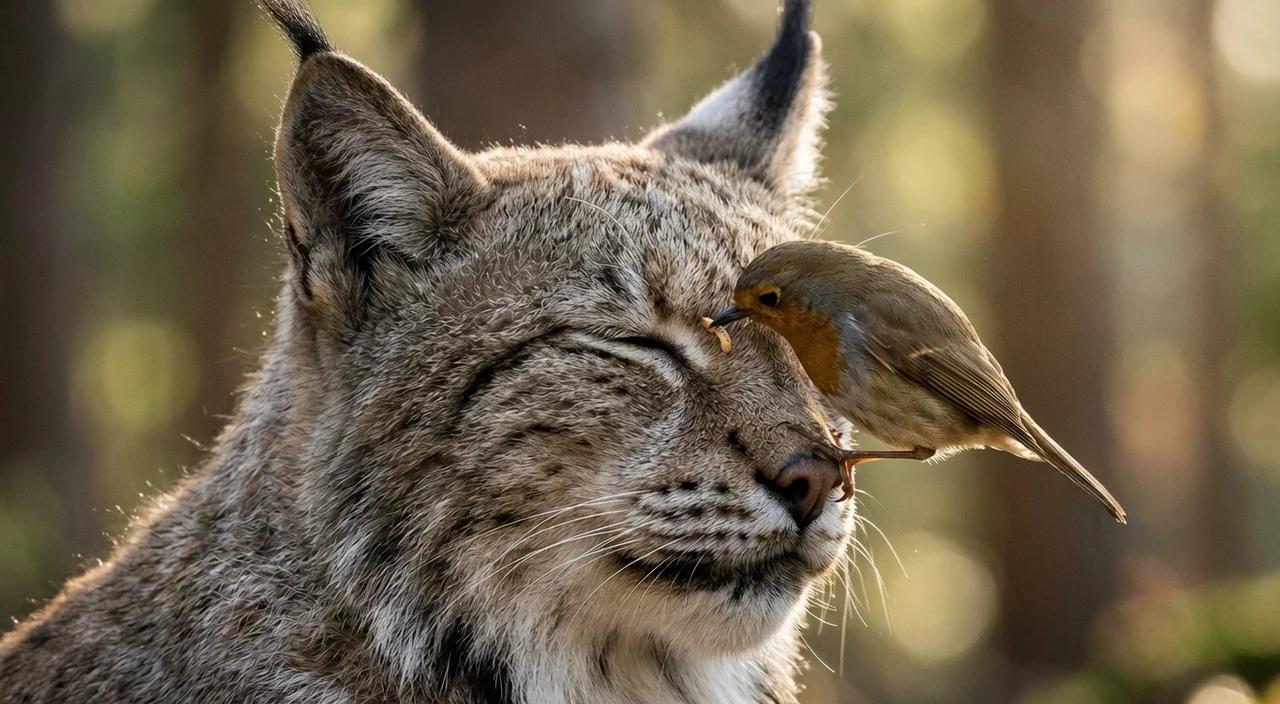
A small robin perches on a lynx's face and tugs at the corner of its closed eye; once the bird is done, the lynx opens clear golden eyes.

  • ModelSeedance 2.5
  • Use caseStoryboards, video & motion
  • StyleGolden-hour wildlife close-up
  • CollectionWildlife close-up videos

A wildlife close-up that came out gentler than its prompt

In a sunlit forest, a lynx sits with its eyes closed while a small robin perches against its face. The bird works its beak at the inner corner of one eye, shifting its grip. Then the bird pulls back, the lynx's eyelids relax and it opens clear golden eyes toward the camera, with the robin still beside its cheek. The opening image sets the whole scene: the lynx, the bird, the forest light and the eye the beak is working on. The video prompt then gives one clear arc, from extraction to the lynx opening its eyes, so the short clip has a beginning and an end. Here the model kept the framing of the image rather than the extreme macro the prompts ask for, which made the result far less graphic.

How to adapt the method

Change the animal, the helper bird or the setting in the first-frame prompt, and keep one simple action with a clear ending in the video prompt. If you want a closer or gentler view, describe the framing you want in both prompts, since the model follows the opening image closely. Owner-supplied prompts: the English sections of the first-frame and video prompt files used for this clip, with one brand name removed.

How to use this prompt

  1. 1

    This is an image-to-video recipe. Create the opening image first, then use that output as the input to the video step. Keep the image prompt and motion prompt separate.

  2. 2

    Open the selected recipe in Studio with its model and starting settings. Check the available version, frame and resolution before generating; a size written in the source prompt is not an output setting or a guarantee.

  3. 3

    Use the customization fields below to rewrite the brief: Opening frame / Delivered dimensions / Delivered duration. Keep the composition and other constraints that make this example useful. Check the current credit quote before submitting.

What to check in your result

Watch the entire clip. Compare the main action, camera movement and scene continuity with the brief, and check for changing faces, distorted hands or unexpected cuts. A similar prompt can give a different result; refine the motion rather than assuming an exact copy.

Review the selected prompt and settings in Studio, then submit when you are ready.

Variables to customize

Opening frame
A lynx with closed eyes and a robin at the corner of its eye in forest light
Delivered dimensions
1280 × 704
Delivered duration
6.041667s

Source and attribution

This example is attributed to FilmLune.

View the source on the public source

Report a rights or attribution issue

More recipes to explore

View all AI video examples
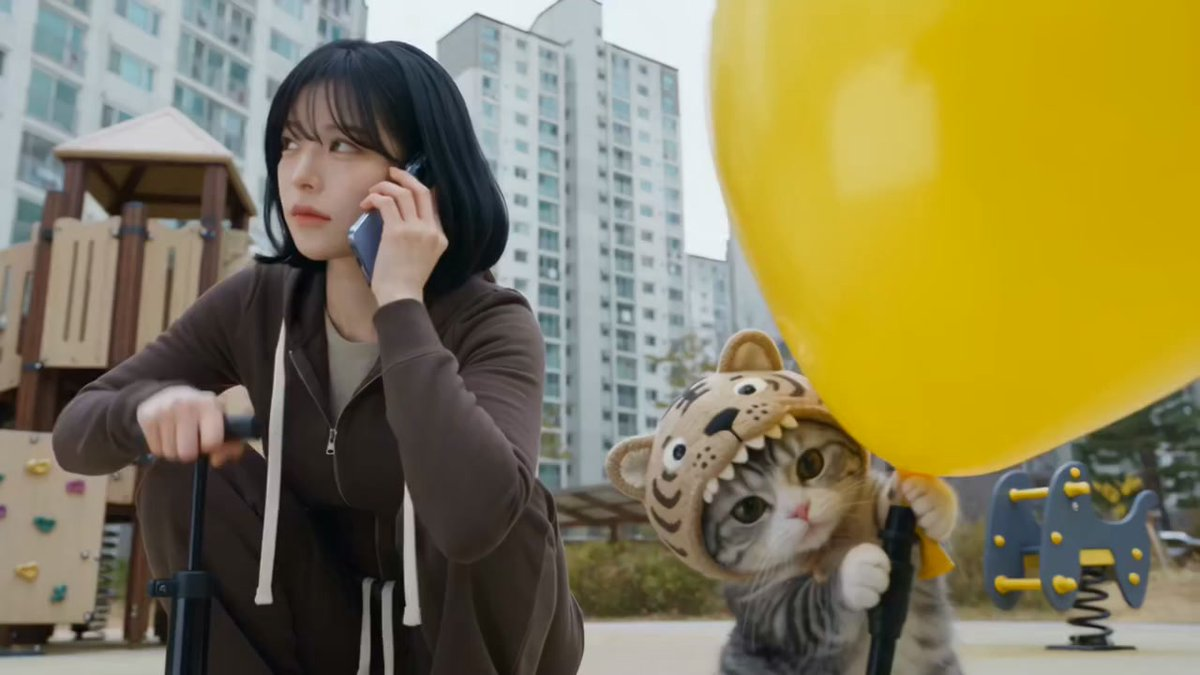
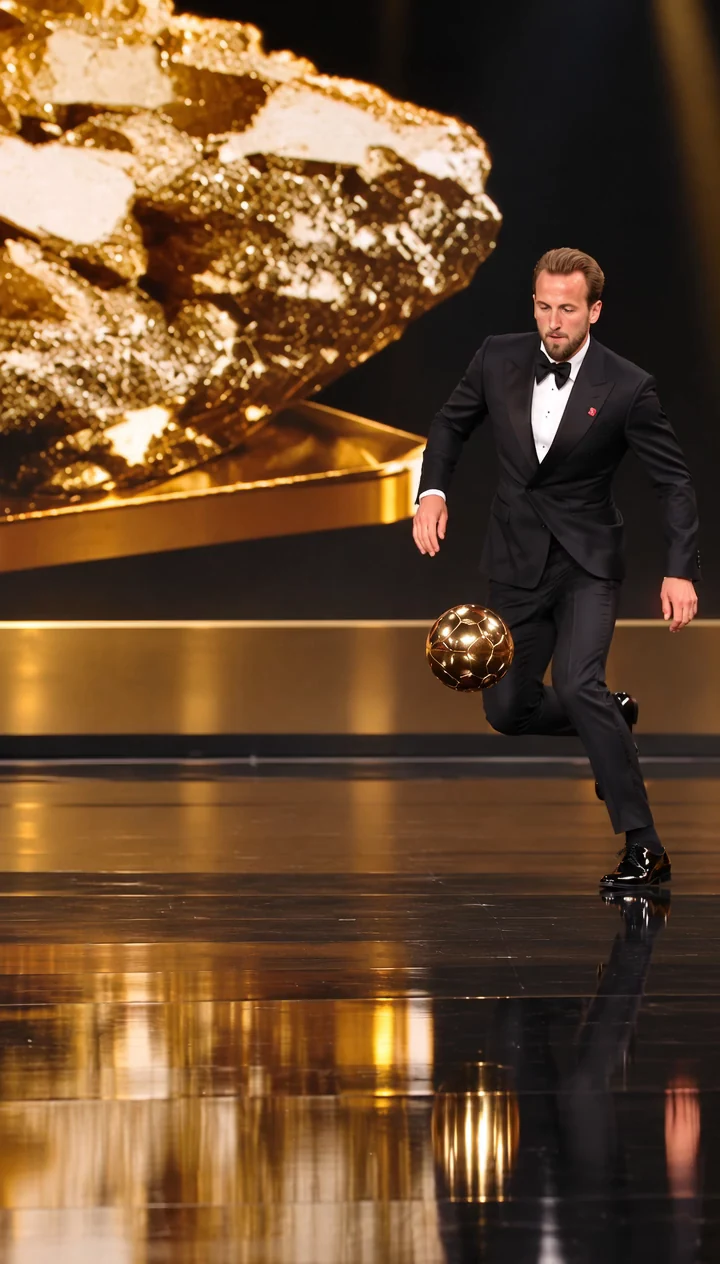
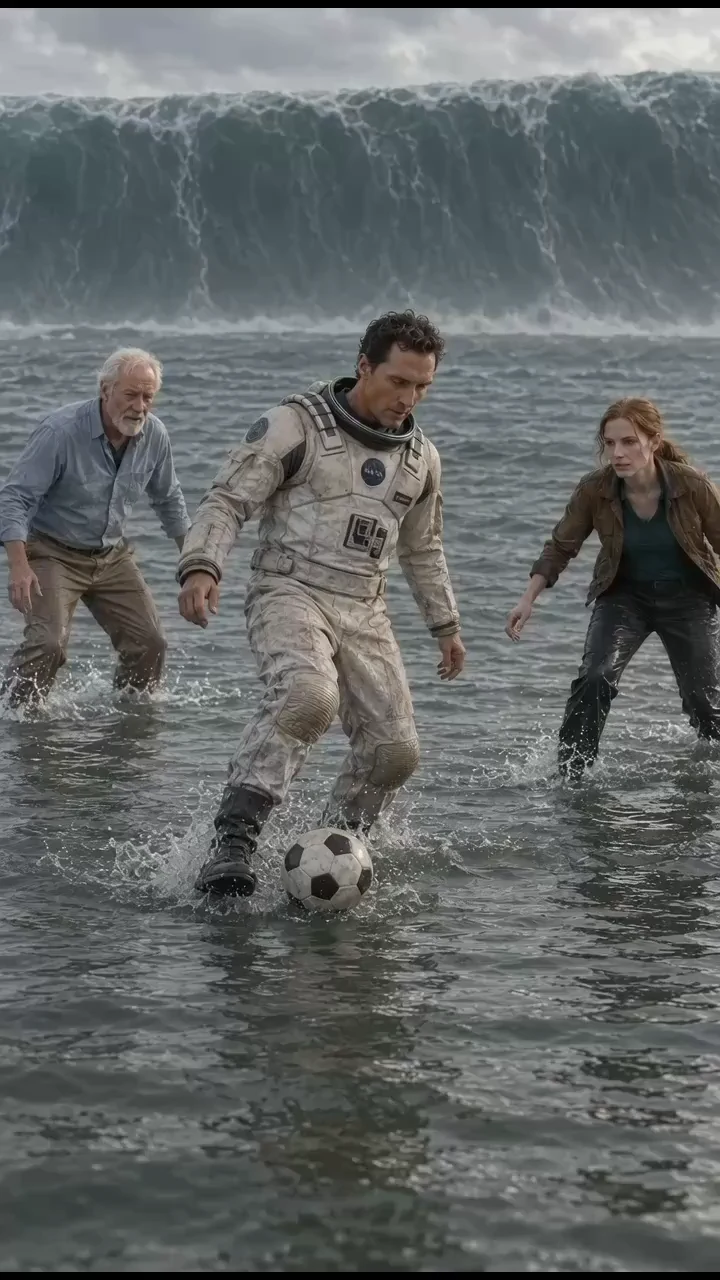
Tiger-Hat Kitten and Yellow Balloon: A 30-Second Prompt AdaptationTiger-Hat Kitten and Yellow Balloon: A 30-Second Prompt AdaptationGold-ball football on an awards stageGold-ball football on an awards stageFootball chase on a water planetFootball chase on a water planetOne-Take European Travel DiaryOne-Take European Travel Diary