

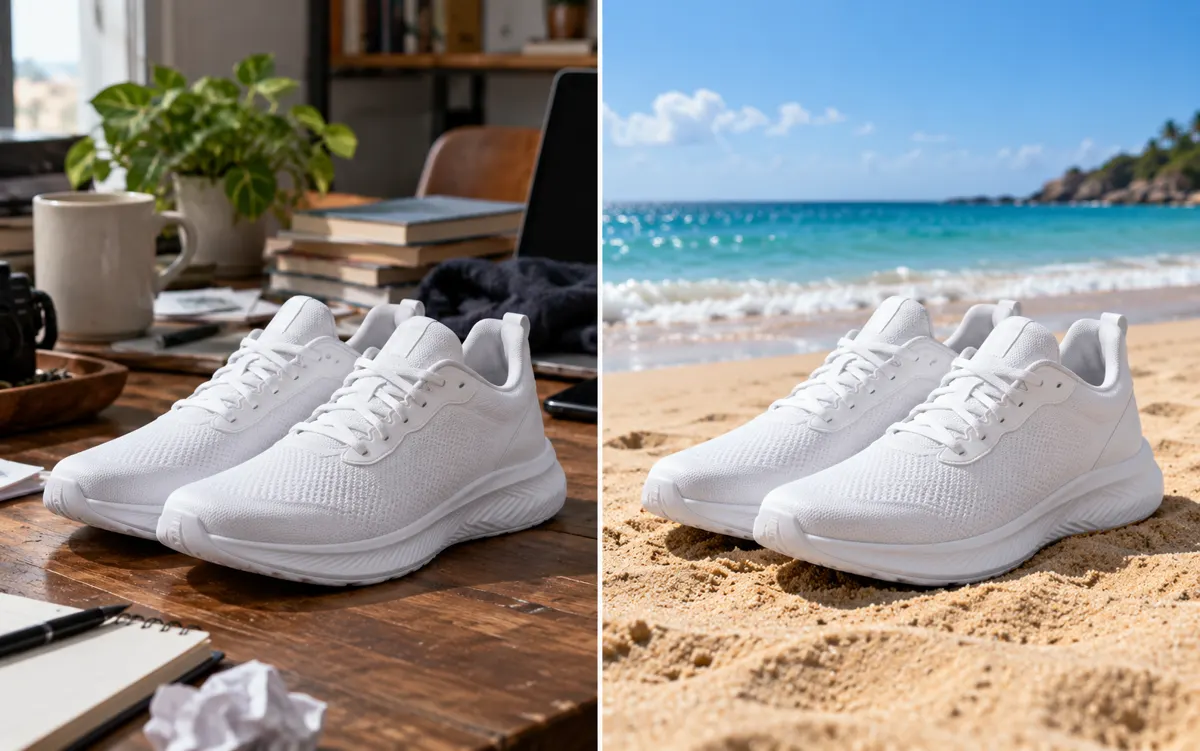
About this tool: AI background changer
Give a product or portrait a new setting while keeping the subject in focus.
Describe the setting, color and lighting you want. This creates a new background, not a transparent cutout.
Select a white studio background, a setting suggested for the subject, or a custom background description. Product photos benefit from clear surfaces and matching contact shadows; portraits need a backdrop whose light and perspective agree with the person. Describe those relationships when requesting a custom scene.
A clear, well-lit original gives the editor more information. Describe one main change and what must stay unchanged. Choose an output ratio suited to your intended use.
What you can do
AI may change fine details. Check the result before using it.
Compare the product’s shape, labels and colours, or the person’s face and hair, with the original. AI may alter fine details even when the instructions ask it to keep them unchanged. This tool generates a replacement background scene. Use background removal instead when you need an isolated subject on transparency.
Uses the same credits as Image Studio. The price is shown before you start. Results are saved in History → Tool creations.
AI output is private and appears in History → Tool creations. Review it, download it, or reuse it in your next image or video task.
Frequently asked questions
Does this tool cost credits?
AI generation requires sign-in. The selected size and quality determine the credit quote shown before submission; a free page visit does not mean free generation.
Where is my result saved?
AI output is private and appears in History → Tool creations. Review it, download it, or reuse it in your next image or video task.
What should I check before using the result?
Compare the original and output at full size. Check faces, edges, text and product details. AI can change small details or estimate information missing from the source.