

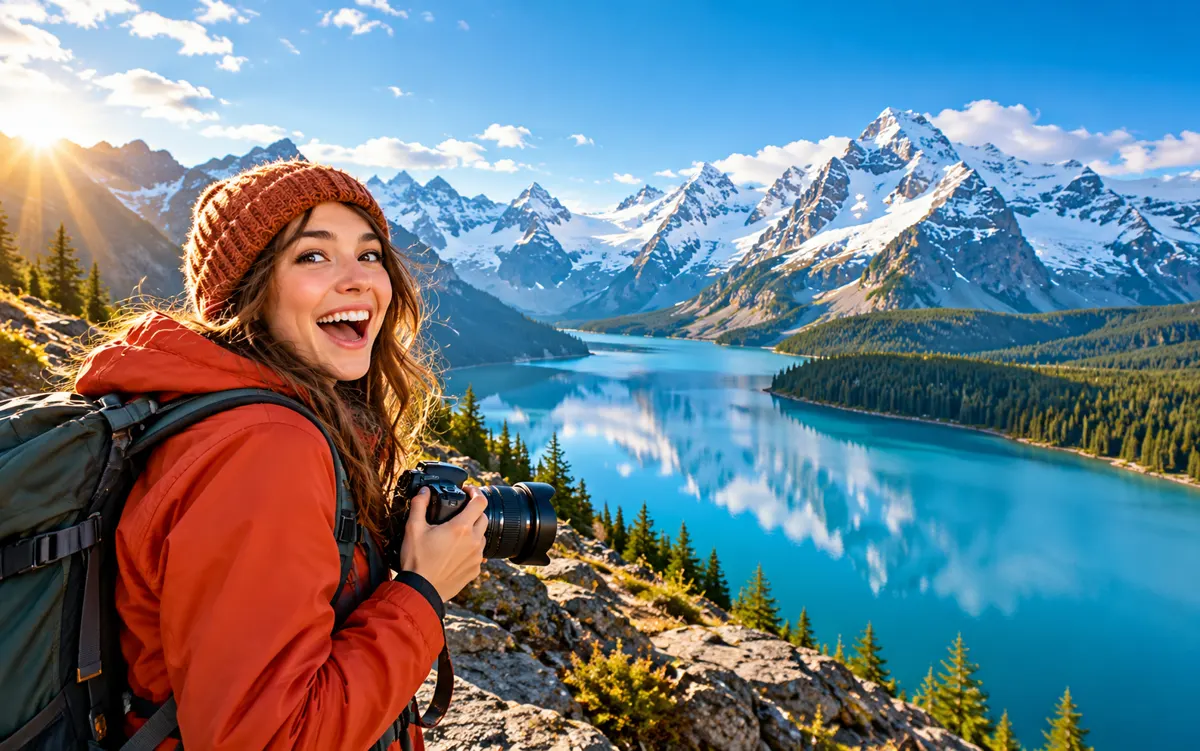
About this tool: AI thumbnails and covers
Turn one reference image and your topic into a landscape or portrait cover.
A short title is optional. AI can misspell text or alter faces and products; check the result at a small size before publishing.
Describe the video topic and choose one focal subject instead of packing several scenes into the cover. Use the separate title field for the exact wording you want to display. A strong foreground-background contrast and some clear space around the title help the design remain legible at a small size.
A clear, well-lit original gives the editor more information. Describe one main change and what must stay unchanged. Choose an output ratio suited to your intended use.
What you can do
AI may change fine details. Check the result before using it.
The title field accepts up to 80 characters, but a shorter title can be easier to read. Check every generated letter, the reference subject’s likeness and the edges where a platform may overlay buttons or duration labels. This creates an image; it does not upload the cover to YouTube or predict its click-through rate.
Uses the same credits as Image Studio. The price is shown before you start. Results are saved in History → Tool creations.
AI output is private and appears in History → Tool creations. Review it, download it, or reuse it in your next image or video task.