

About this tool: AI image expander
Turn a portrait into a landscape or make room around your subject with AI.
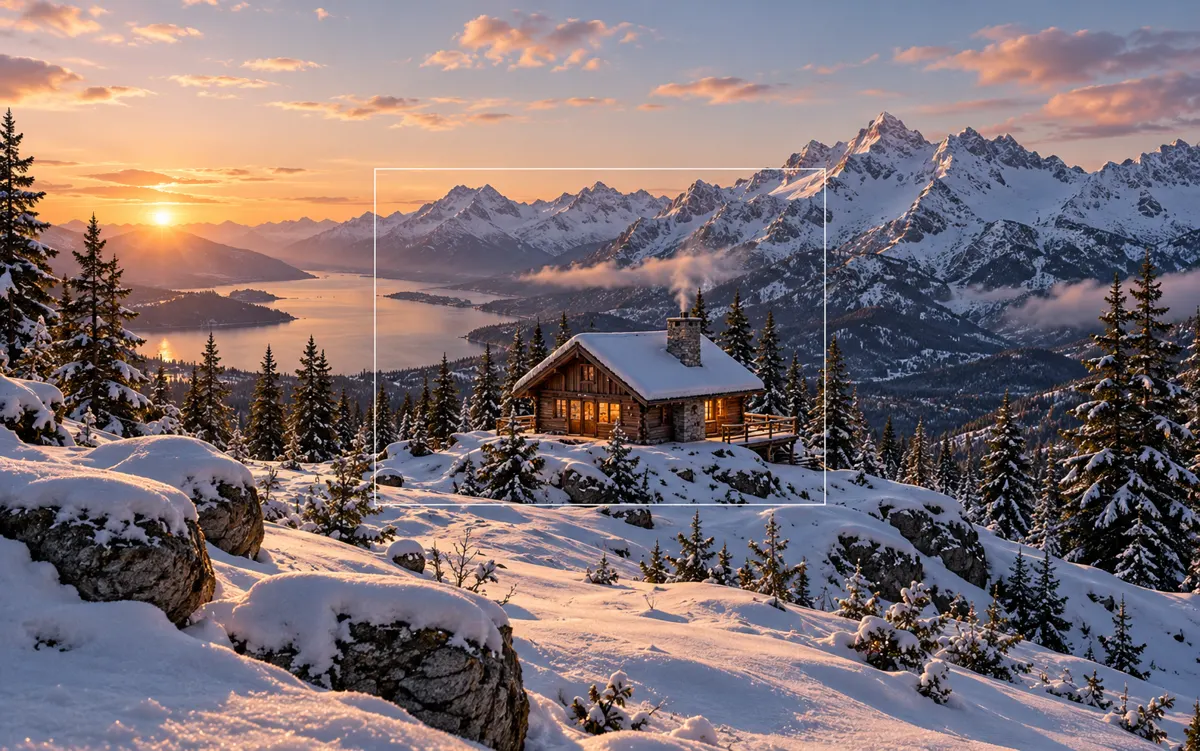
Choose a wider or taller output ratio. AI fills the added space while keeping the original scene visible.
Choose a wider or taller canvas when you need extra space for a cover, banner or different image proportion. Describe how the existing environment should continue around the subject, such as extending sky or a wall. The intended task adds surrounding content while keeping the original scene visible.
A clear, well-lit original gives the editor more information. Describe one main change and what must stay unchanged. Choose an output ratio suited to your intended use.
What you can do
AI may change fine details. Check the result before using it.
Check horizon lines, repeating textures and object edges where the original meets generated surroundings. Newly filled regions are inferred by AI. Image expansion changes the canvas content; local resizing changes pixel dimensions, and cropping removes source pixels instead.
Uses the same credits as Image Studio. The price is shown before you start. Results are saved in History → Tool creations.
AI output is private and appears in History → Tool creations. Review it, download it, or reuse it in your next image or video task.
Frequently asked questions
Does this tool cost credits?
AI generation requires sign-in. The selected size and quality determine the credit quote shown before submission; a free page visit does not mean free generation.
Where is my result saved?
AI output is private and appears in History → Tool creations. Review it, download it, or reuse it in your next image or video task.
What should I check before using the result?
Compare the original and output at full size. Check faces, edges, text and product details. AI can change small details or estimate information missing from the source.