

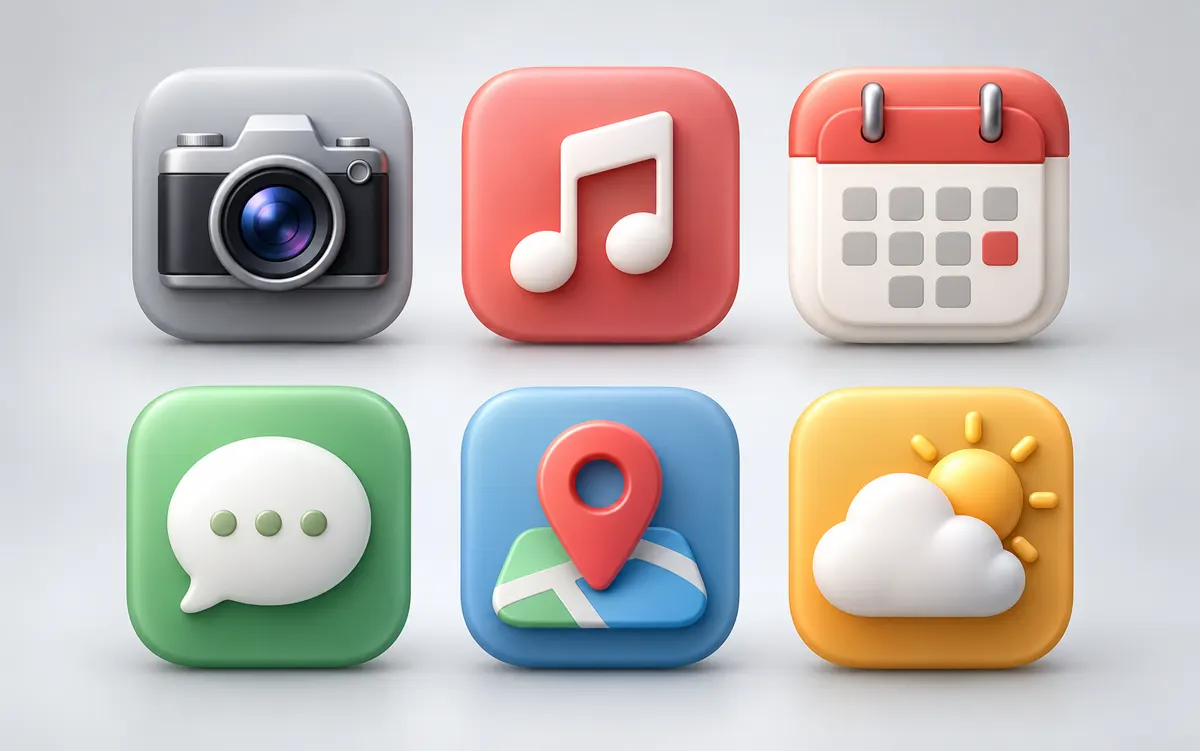
About this tool: AI icon generator
Create one raster icon on a transparent background, from a topic or optional reference.
One PNG icon, not an SVG or icon pack. Preview 16, 32 and 64 pixels before downloading; very small details may disappear.
Describe one symbol, its silhouette and a short colour palette. For an app icon concept, remove details that disappear at small sizes: a leaf outline or simple geometric mark is usually easier to recognize than a full scene. An optional reference can guide the subject; each generation creates one raster icon rather than an icon pack.
A clear, well-lit original gives the editor more information. Describe one main change and what must stay unchanged. Choose an output ratio suited to your intended use.
What you can do
AI may change fine details. Check the result before using it.
Preview the result at 16, 32 and 64 pixels. Check the transparent background, clear space around the symbol and edge contrast. Local PNG resizing creates additional copies of the completed icon without another generation task. The tool does not produce SVG paths or prepare every app-icon format required by an operating system.
Uses the same credits as Image Studio. The price is shown before you start. Results are saved in History → Tool creations.
AI output is private and appears in History → Tool creations. Review it, download it, or reuse it in your next image or video task.
Frequently asked questions
Does this tool cost credits?
AI generation requires sign-in. The selected size and quality determine the credit quote shown before submission; a free page visit does not mean free generation.
Where is my result saved?
AI output is private and appears in History → Tool creations. Review it, download it, or reuse it in your next image or video task.
What should I check before using the result?
Compare the original and output at full size. Check faces, edges, text and product details. AI can change small details or estimate information missing from the source.