

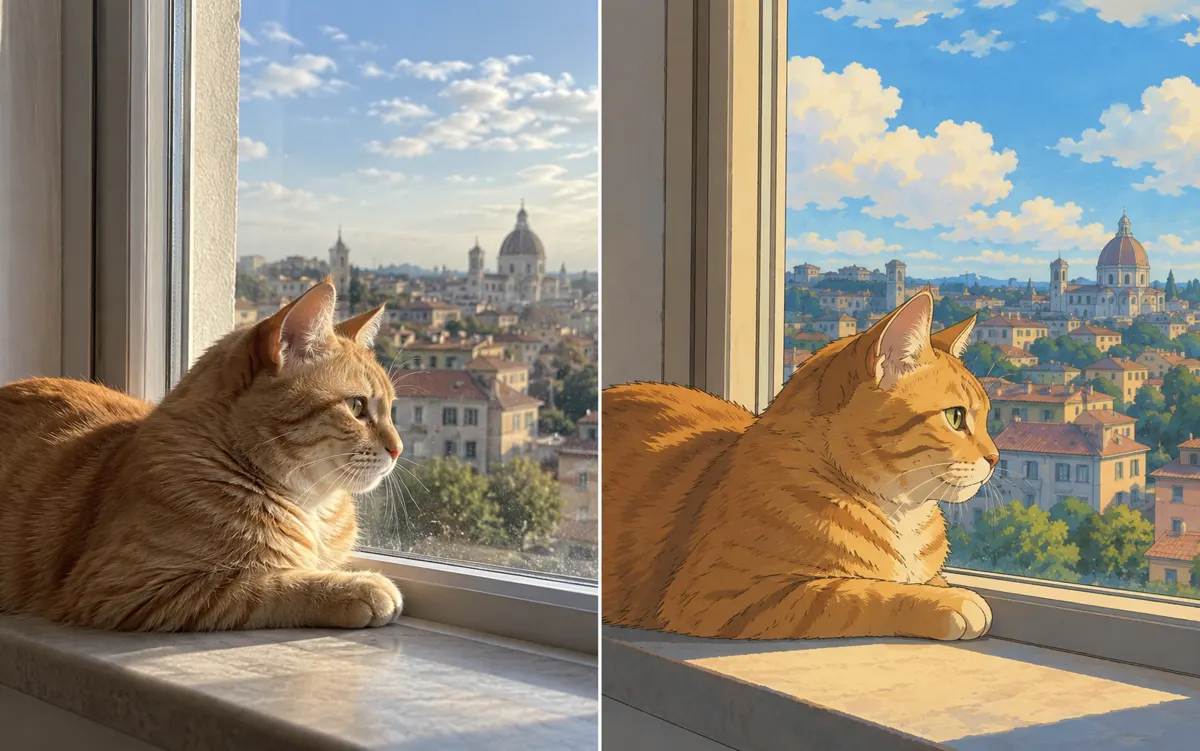
Photo edits you can describe in one brief
This image-to-image workflow starts from one uploaded image and creates one new version. Separate the requested change from the details to preserve; check the result against the original before downloading.
Portrait lighting and clothing
Describe the light direction or one garment color, then name the face, pose and setting to retain. Keep the request narrow so you can see whether the intended edit worked without overlooking changes to identity or hands.
Product scenes and backgrounds
Describe the surface, backdrop and shadows while specifying the product shape, label and logo. Check contact shadows and perspective alongside packaging details; a convincing scene is not enough if the product itself changes.
Sketches and visual reinterpretations
Explain which outlines, proportions and important objects from the input should remain, then describe materials, color or style. Turning a sketch into a polished image still needs a review of structure, edges and any text.
Write what to change and what to keep
- Change
- Make the blue jacket forest green and use soft side daylight.
- Keep
- Keep the face, pose, existing background and all visible label text.
Use a focused tool for a focused task
Relight a photo with AI
For lighting style, direction, strength and warmth controls, use photo relighting. The general editor is useful when several changes belong in one brief.
AI background changer
For a background replacement with a subject to retain, use the background changer. It creates a new setting; it does not export a transparent cutout.
AI Photo Enhancer
For clarity or compression noise while keeping the scene, use the photo enhancer. New colors, clothing and scenes belong to editing, not enhancement.